On Event
Listens for one named event on this object and runs its action list, including a screen's own "open" event.
About 2 minutes
On Event listens for one named event and runs its own actions list, top to bottom, with this object as Self. It's the general "when X happens, do Y".
Settings
| Setting | What it does |
|---|---|
| on event | The event name to listen for. Pick one from the list or type a new name. |
| actions | What runs when the event is sent. Click + action to add a row. |
Where events come from
- A Send an event action in any action list, anywhere in the project. This is the usual way.
- Event fields on some components, like a Tappable's on release and if blocked.
- Events the engine sends for you:
| Event | Sent when |
|---|---|
open | A screen opens. |
close | A screen closes. |
OnEnter | A World screen is entered. |
settled | Everything that was moving on a World screen has stopped. |
<name>_loaded / <name>_failed | A data source finished loading, or failed (Apps). |
push_received / push_token | A push notification arrived, or the device got a new push token (when push is set up). |
Good to know
- One object can carry several On Event components, one per event.
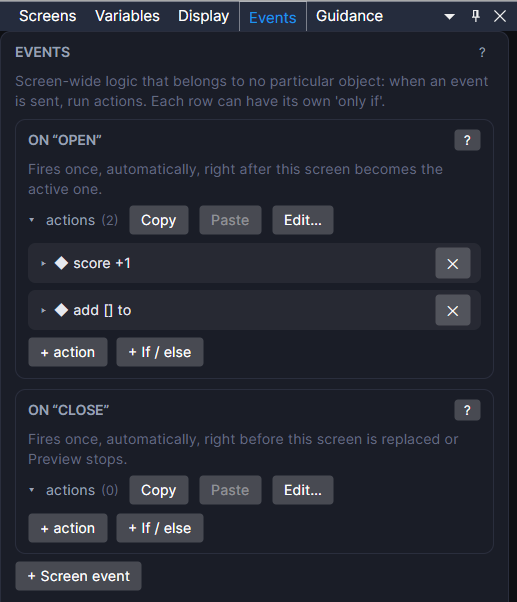
openis the place to set things up the moment a screen loads, with no tap needed. See Keeping visuals in sync when a screen opens.- Logic that belongs to no particular object goes in the Events panel, which is the same thing on the screen itself.
- See Targeting Self, Other and Named for what Self means in the actions.
- Works in Game and App projects on both watches. Not offered on watch faces.