Watch face editor. Closed beta running now.
Design the watch face you actually pictured.
WristForge is a free, visual editor for Wear OS watch faces. Layers, a real keyframe Timeline, live watch data and wearer-picked colours, built straight to Google's Watch Face Format. No code, no expressions to type.
Join the list for a beta invite and the download on launch day.
The editor
Everything a face needs. None of the trigonometry.
Layers, an Inspector and a Timeline, like the design tools you already know, aimed at a screen the size of a coin.
A real Timeline for the whole day
One row per layer across 24 hours. Drag bars to show and hide layers, crossfade between them, swap art per time window, and keyframe opacity, position, scale, rotation and tint with easing. No expressions typed into an opacity field.
Live data, no math
Up to eight complication slots, each with a sensible starting source. Battery, heart rate, steps, weather and forecasts, moon phase and unread count as ready-made readouts or gauges. Show any layer only when a condition is true.
Colours the wearer picks
Color Styles let the wearer choose a palette on their watch, and one style can recolour a whole group at once. Flavors bundle styles into named presets like Midnight or Sport.
Motion and depth
Layers that tilt with the wrist for parallax, masks that crop a photo into any shape, frame animations from a sprite sheet, and one-click spin, pulse, blink and bob.
Ambient mode, one dot per layer
Every layer has an ambient dot: filled stays on in always-on mode, hollow hides. Dim what stays on, and the build handles the rest.
The finishing details
Real text outlines in one click instead of eight stacked copies. Soft drop shadows baked for you at build time. Your own fonts, flipped and nine-sliced art, all handled on the way to the watch.
Test without a watch
The Simulate tab sets the time, battery, heart rate, steps, weather and wrist tilt, so you can see the face at 5 percent battery in the rain at 3am before it ever leaves your desk.
Bring your Watch Face Studio work
Open your own .wfs project and keep going: layers, groups, art, GIFs, fonts, complications and Conditional Lines come across as you built them, with a plain report of anything that needs a touch-up.
Made in WristForge
Real faces, built in the editor.
Every face here was designed in WristForge and runs on real watches today.
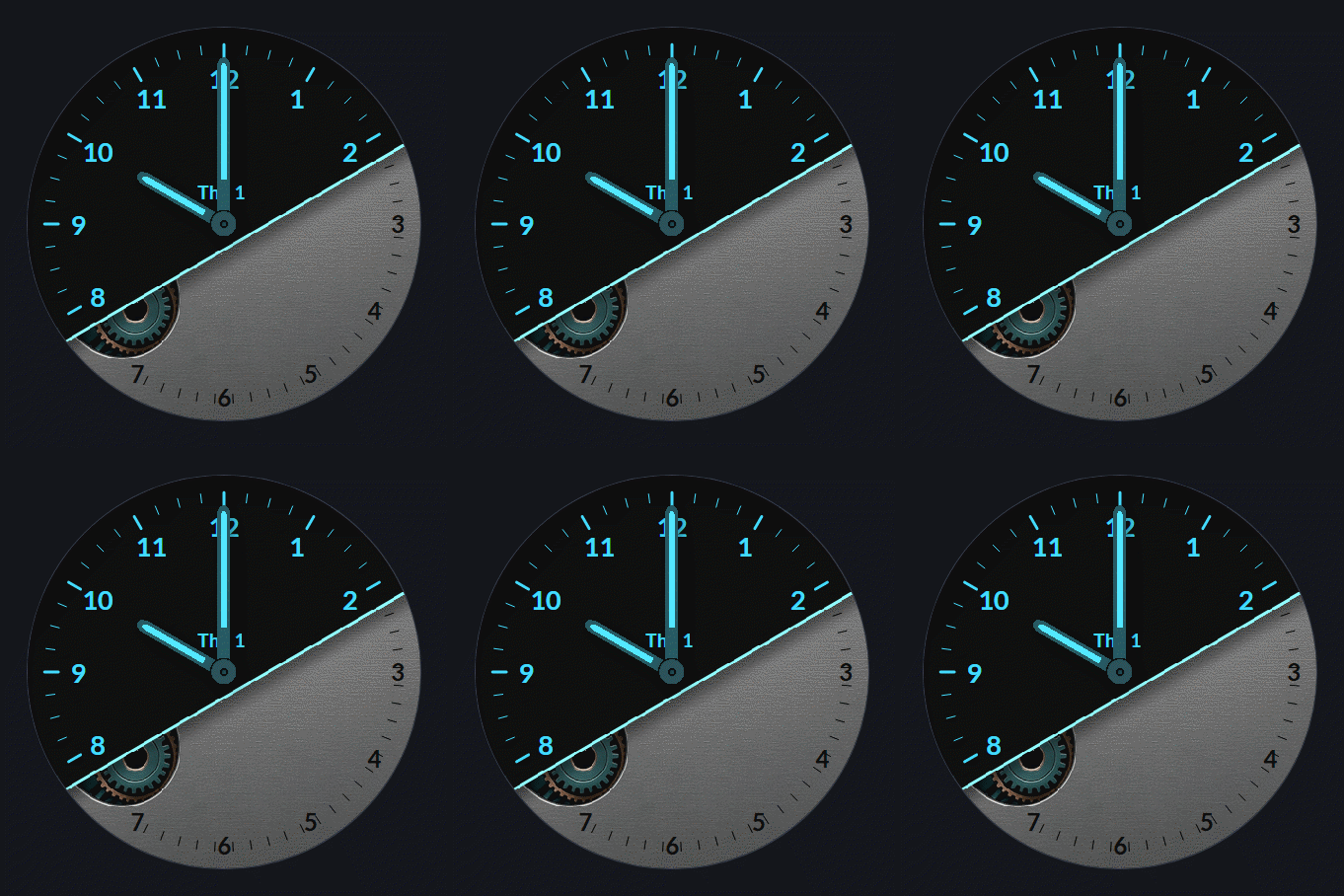
Industry
by WristForge
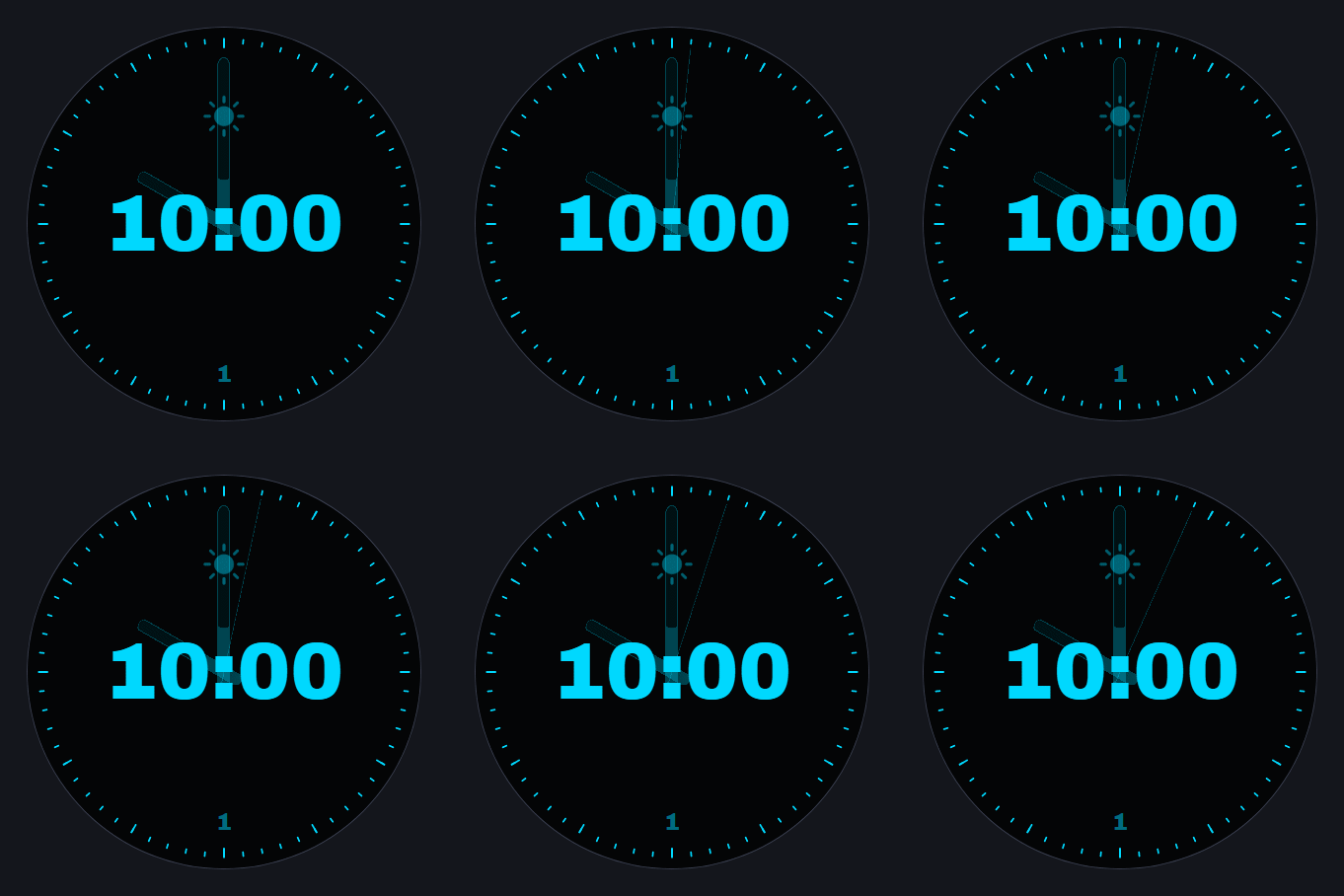
Hybrid 10:08
by WristForge
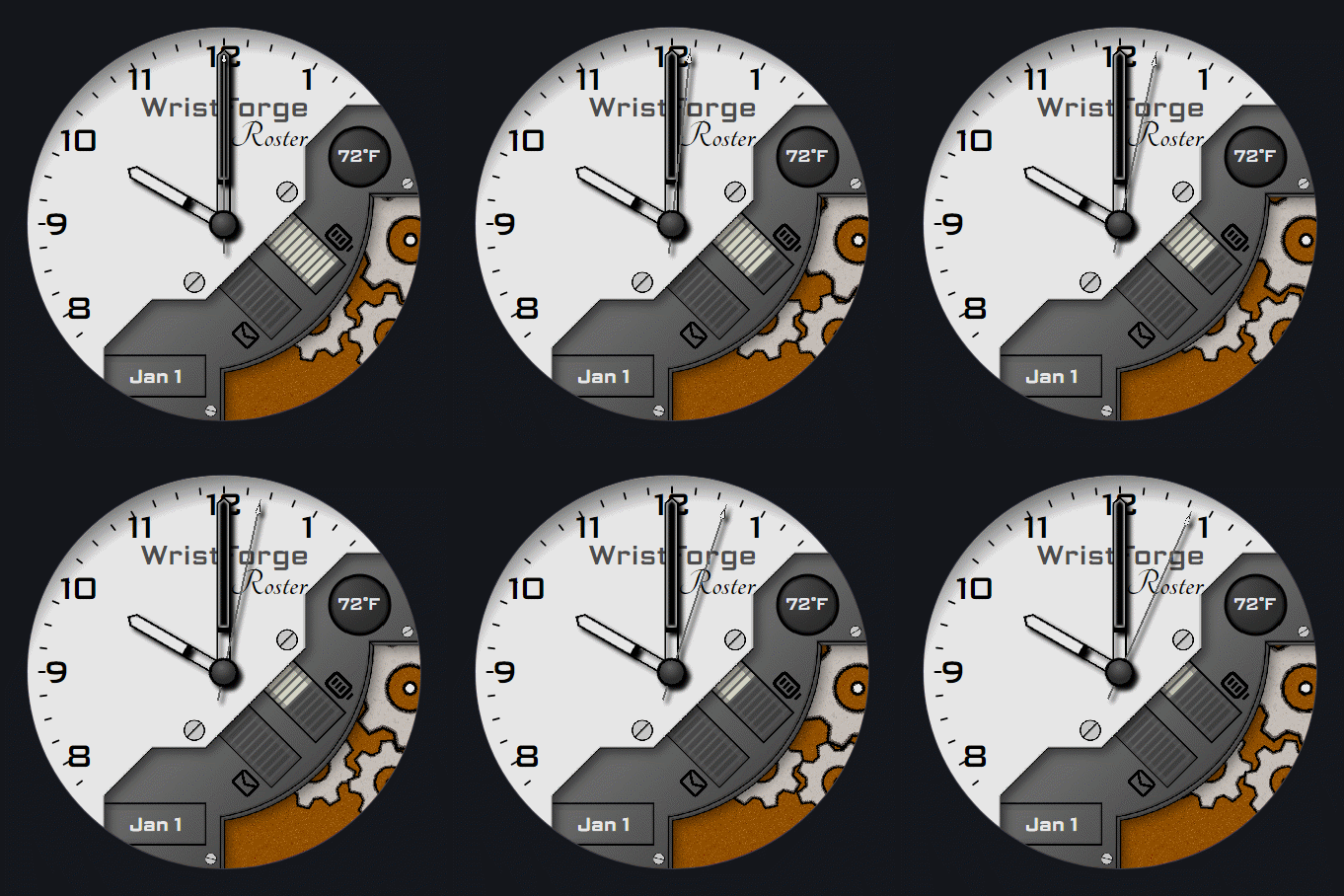
Roster Lite
by WristForge
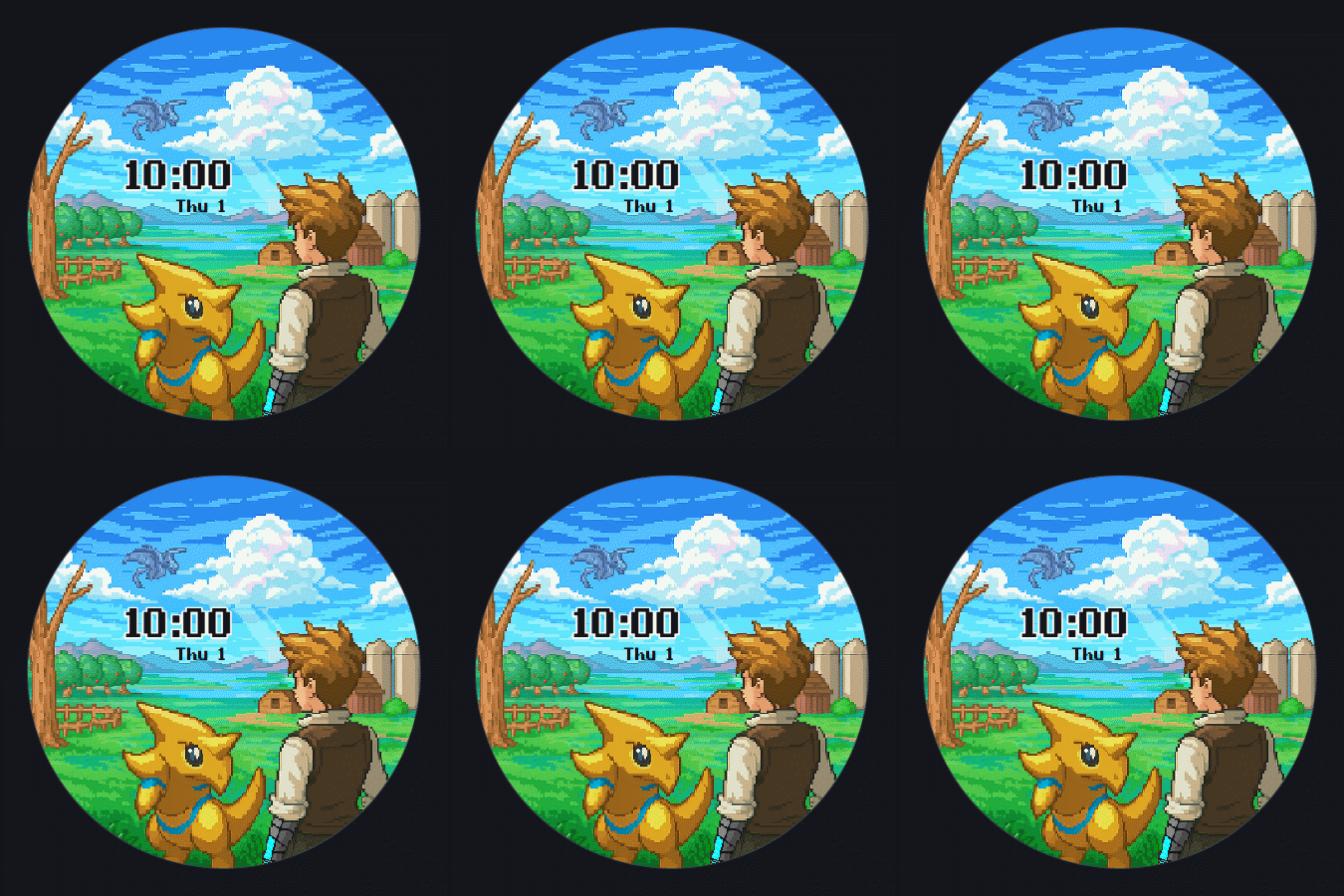
Chronomon Farm Life
by Epicwolffe
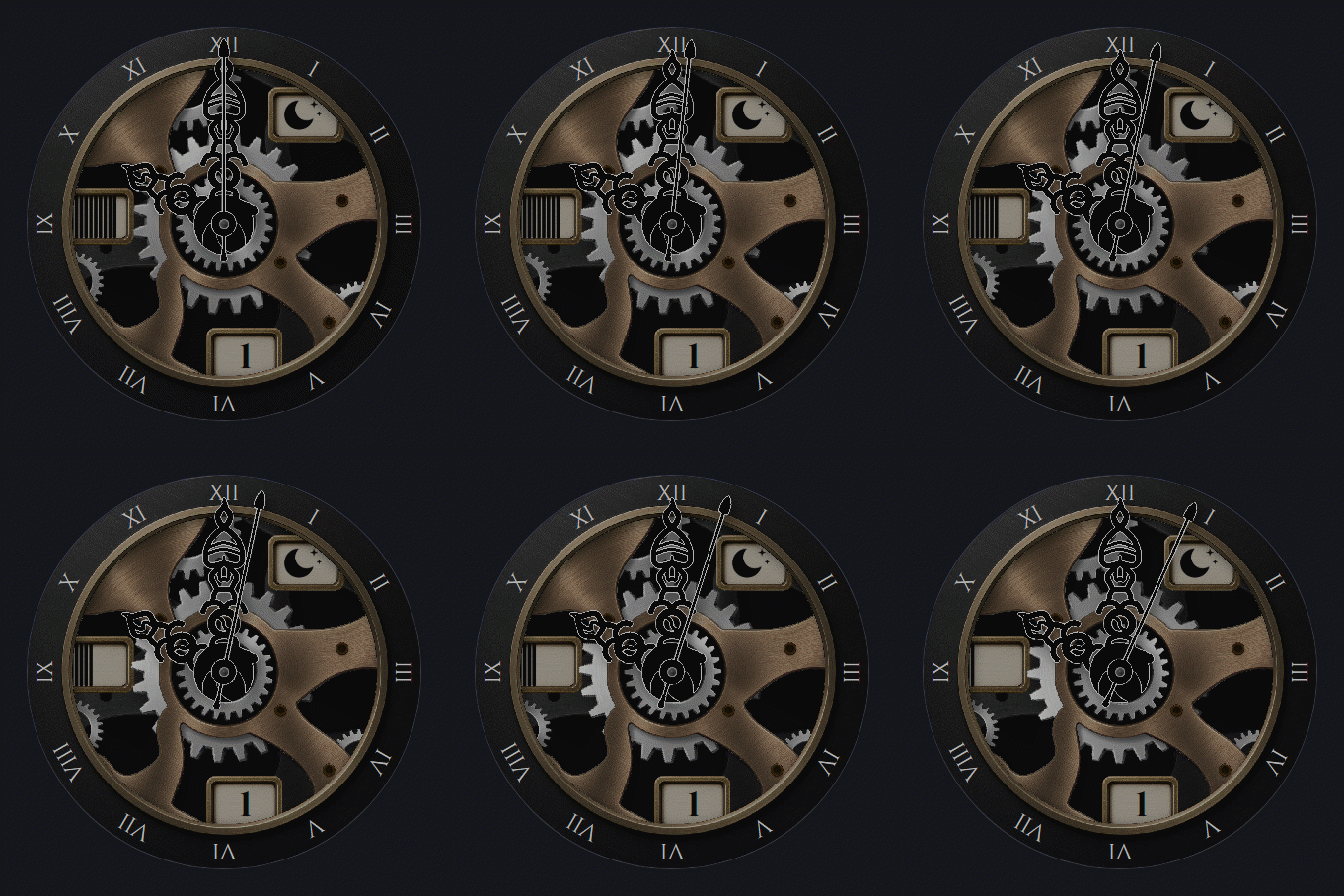
Reliquary Fancy
by WristForge
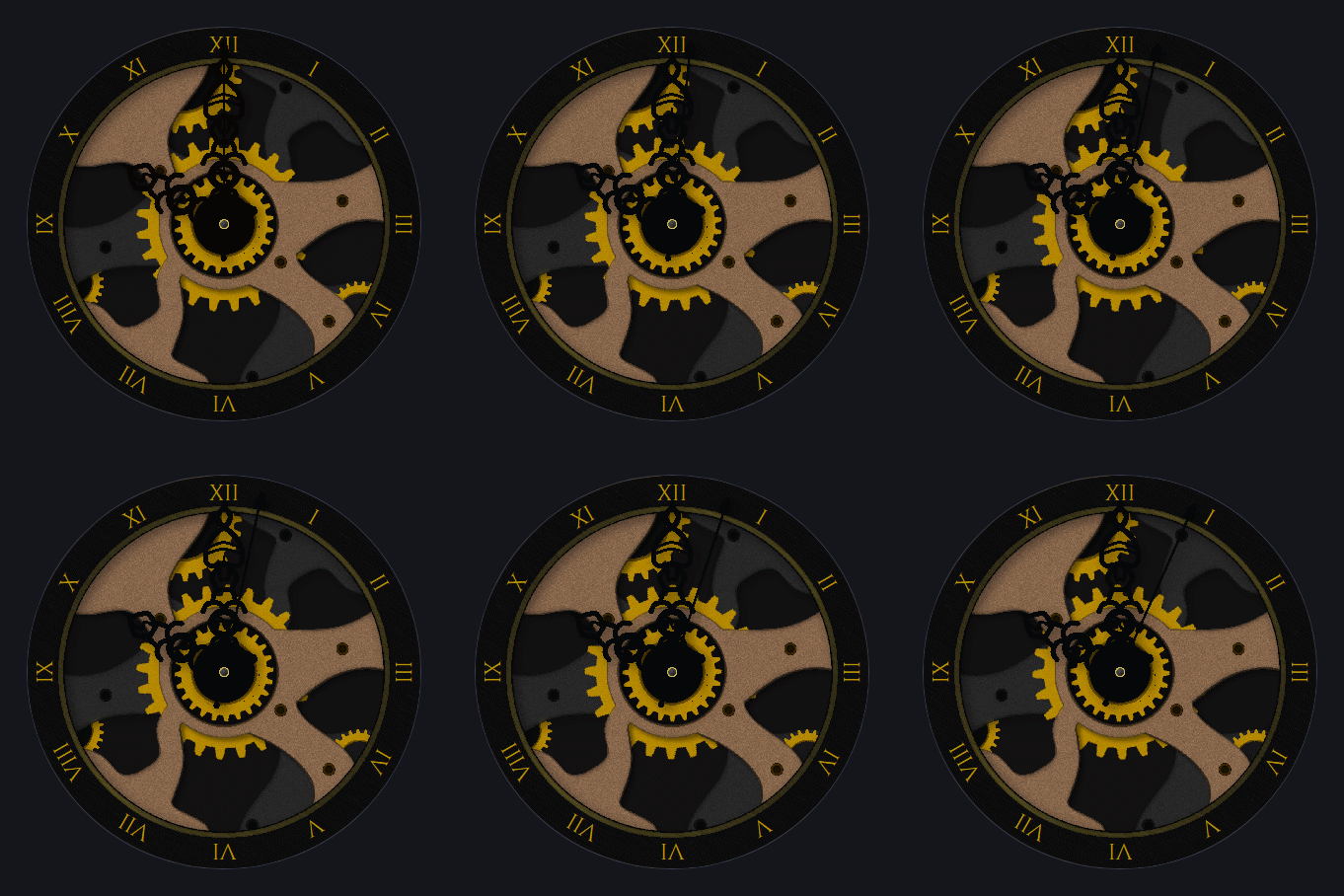
Reliquary Basic
by WristForge
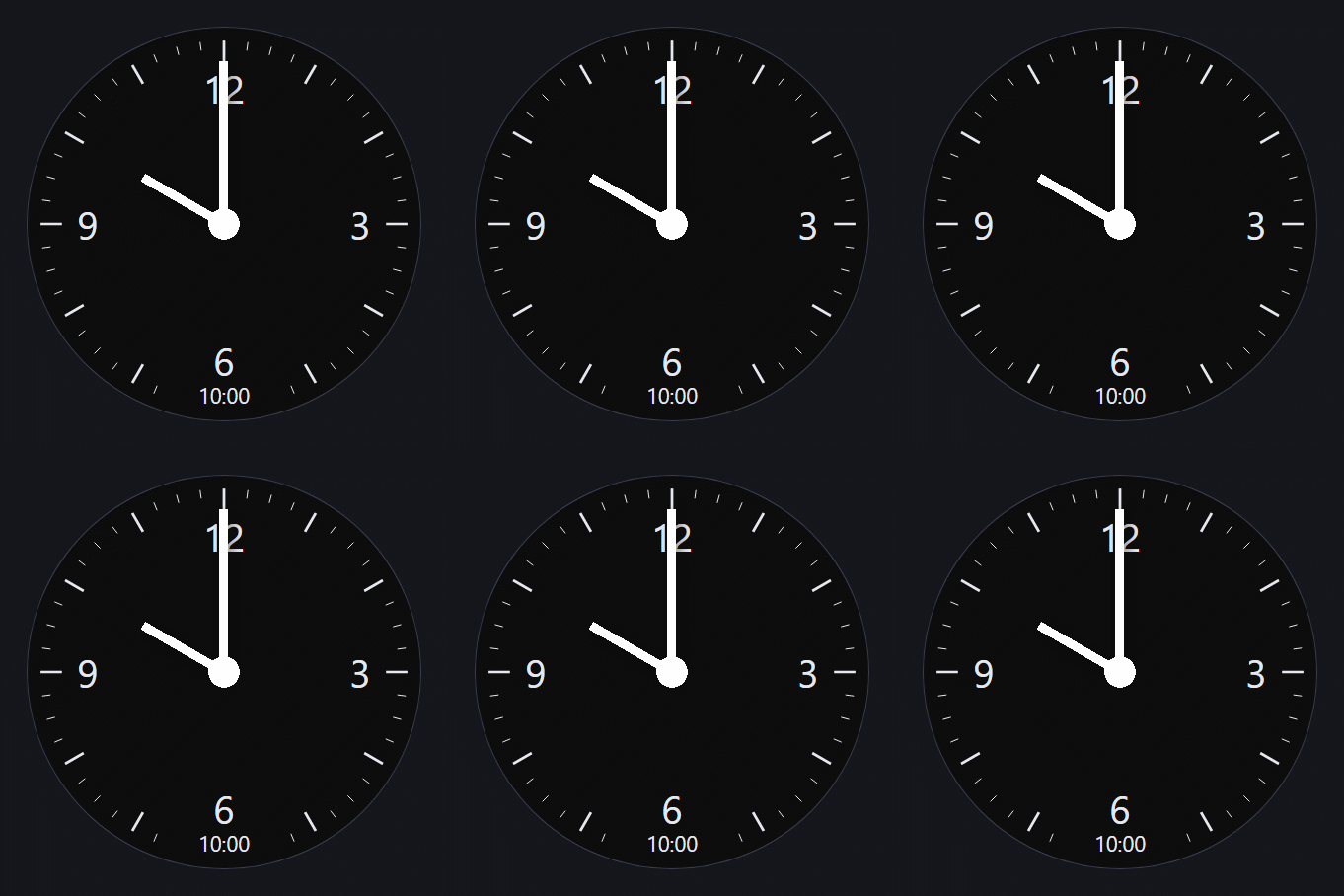
Twin
by WristForge
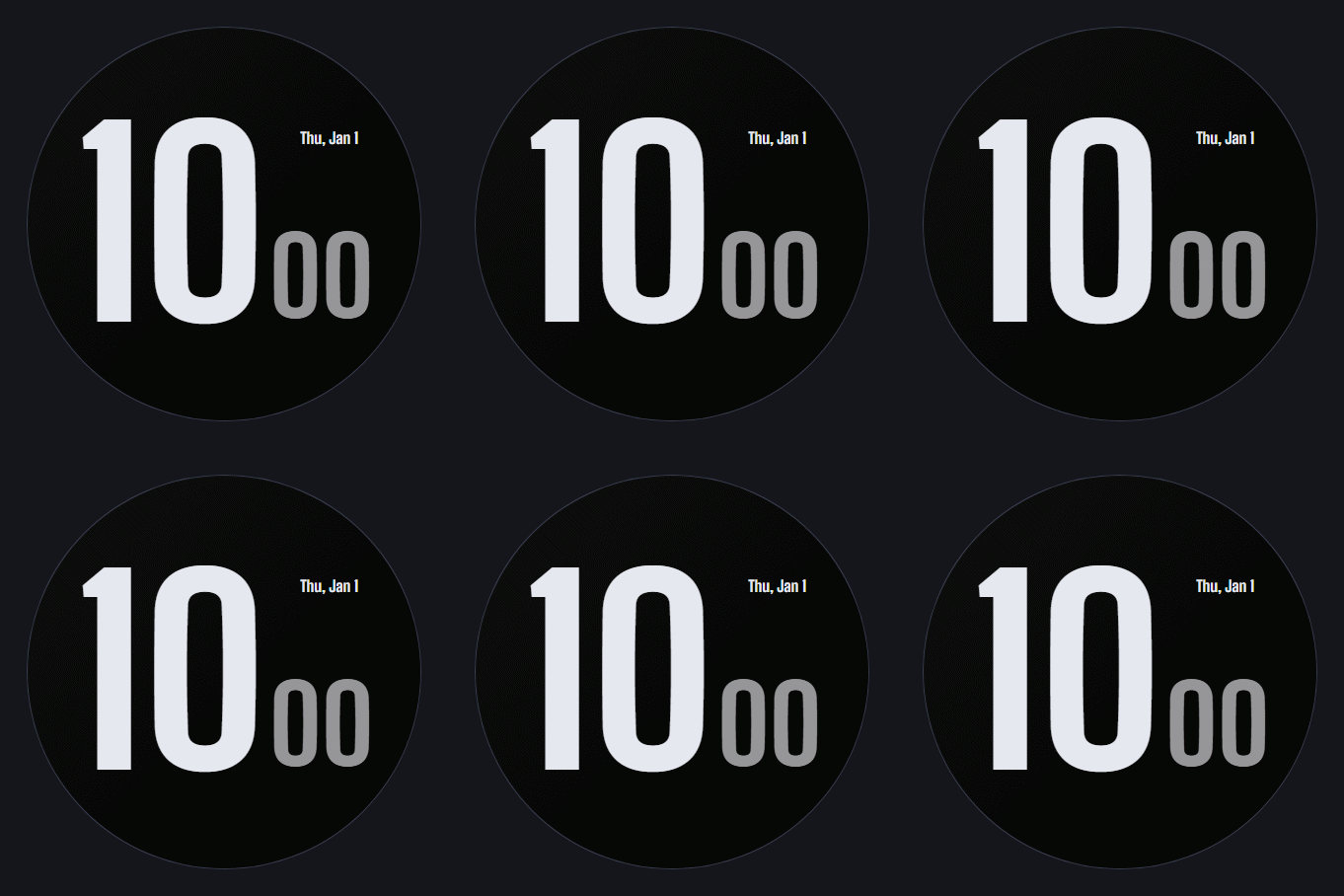
Block
by WristForge
How it works
From blank canvas to your wrist in an afternoon.
- 01
Design
Drop in images, text, clocks, gauges and complications. Arrange layers, set ambient, add a Timeline.
- 02
Simulate
Scrub the time of day, drain the battery, change the weather and tilt the wrist, right in the editor.
- 03
Put it on your wrist
Install straight onto your own watch through the Face Hub app, with no Google Play account involved. Or build a signed APK and sideload it.
- 04
Ship it
Ready for the world? Build a Google Play bundle with Pro and publish under your own name, on your own listing.
Face Hub
The app where WristForge faces live.
Face Hub is our watch face app for Wear OS. It is also how you test your own work: send a face from the editor and it is on your watch a moment later.
- A standalone watch app. Browse and install right on the wrist, or from your phone.
- No ads, anywhere.
- New faces added regularly, every one made in WristForge.
Pricing
The editor is free. All of it.
Every component, unlimited projects, installs on your own watch. Pro is $4.99 a month when you want to ship a Google Play bundle under your own name.
Read moreFor creators
Coming from Facer or Watch Face Studio?
See what changes when you switch, and how publishing to Face Hub works.
Read more
Coming next
Games, from the same editor.
The same canvas builds watch games too: tap, idle, puzzle and more, with logic wired visually and one project that builds for both Wear OS and Apple Watch. It is in development now, and yearly Pro subscribers keep their price when it lands.
- Tap and reflex
- Idle and incremental
- Puzzle
- Virtual pet
- RPG
- Endless runner
FAQ
Questions, answered.
Is the editor really free?
Yes. Every component, every window and unlimited projects, with no watermark and no time limit. You can build a signed APK or put a face on your own watch through Face Hub for free. Pro is for publishing a Google Play bundle under your own name.
Do I need to know how to code?
No. You arrange layers on a canvas, set things in the Inspector and drag bars on a Timeline. There is no scripting and no expressions to type.
When can I get it?
WristForge is in a closed beta with a small group of designers right now. Join the list and you will hear first, including when the next wave of beta invites goes out.
Which watches does it support?
Wear OS watches that run Google's Watch Face Format, which means Wear OS 4 and newer. Apple does not allow third-party watch faces, so faces are Wear OS only. The game side, when it ships, will build for both Wear OS and Apple Watch.
Can I bring my Watch Face Studio projects?
Yes. Open your own .wfs project and WristForge rebuilds it layer by layer, with a report of anything that needs a touch-up. It only imports your own project files, never APKs.
Do I own what I make?
Completely. Projects live on your own disk in an open format, and anything you publish on Google Play sits on your own developer account under your own name.
What computer do I need?
Windows or Linux today, with Mac planned. The editor sets up the Android build tools for you in one click.