Project Panel
Every asset in your project, folder by folder. Images, Tables, Level Sets, dialogue, and more.
About 5 minutes
A file browser scoped to your project's own assets: images, audio, Tables, Level Sets, dialogue trees, tile palettes, prefabs. Anything that isn't a screen. Its header toggles between Assets (your project's own files) and Packages (ready-made content you can install, like a starter Button or Dialogue Box).
Creating an asset
New ▸ opens a menu of every asset type you can create from here: a Table, a Level Set, a dialogue tree, and so on. Selecting most existing assets opens their own dedicated editor rather than showing fields in the Inspector (a Table, a Level Set, and a dialogue tree each have one).
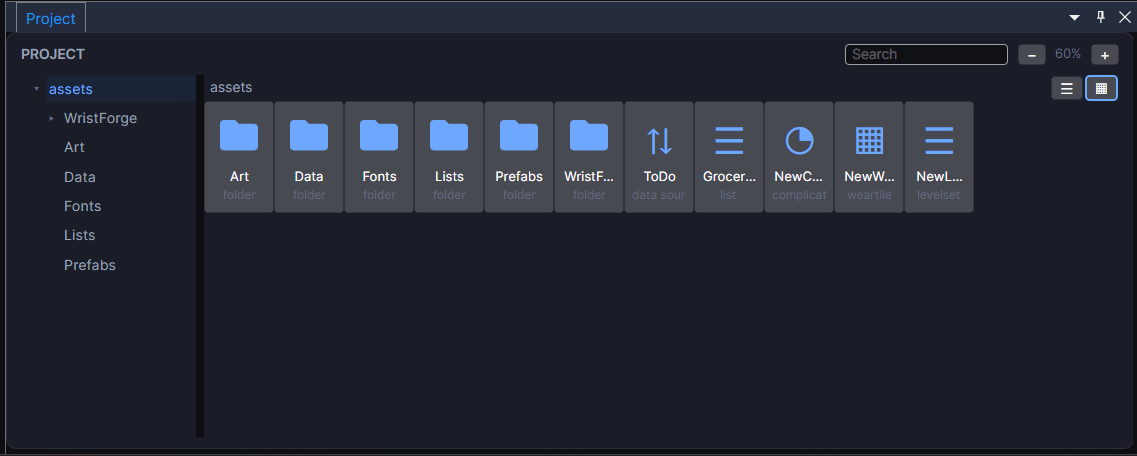
Rename, move, duplicate, and Open file location (reveals the real file in your OS file browser) are all on an asset's right-click menu, the same as most file browsers.