Preview
Play your game right inside the editor. Press F5, tap around, stop, nothing is saved.
About 5 minutes
Press F5 (or the toolbar's Preview button) to start actually RUNNING the current screen (actions fire, variables change, animations play) right there in the editor, no export or device needed. Press it again to stop.
What Preview is for
Fast iteration: change a field in the Inspector, hit F5, see the real behavior immediately. It's a sandbox: every variable change, every spawned object, every bit of runtime state made while playing is thrown away the moment you stop.
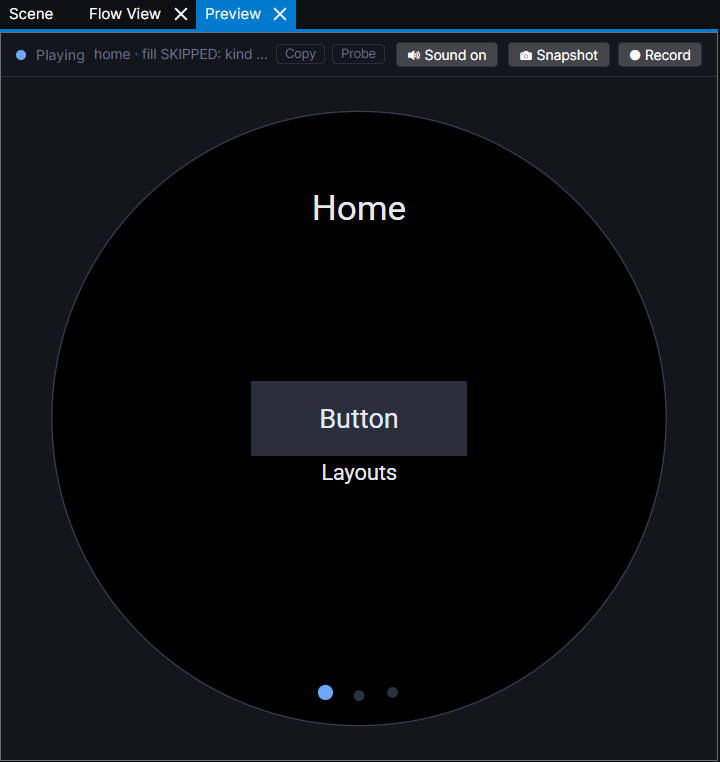
Beyond the docked Preview panel, a standalone Preview window can be popped out. Useful for keeping a live view open on a second monitor while you keep editing.
Some newer components and actions are marked "Preview only" (a badge on the component card, or called out in this site's own docs). They run correctly here but haven't been wired into the real Kotlin/Swift build output yet. Check for that badge before relying on something for a real device build.