Showing Data
Put variables on screen with Bind Text, format numbers, money, times and dates, show or hide things, and fill lists.
About 8 minutes
Most of what a watch screen does is "show a number or a word, and keep it up to date": a score, a timer, a step count, a status from your server. In WristForge that's one component, Bind Text, plus a few helpers for hiding, locking and filling things.
Bind Text
Add Bind Text to any text object (Add Component, then Bind Text; it shows as a Bindings card with a Text row) and write a format with variable names in curly brackets:
{score}shows the value ofscore.{done} of {total} donemixes text and values.- Text variables (a player name, a status line from your server) show as their text.
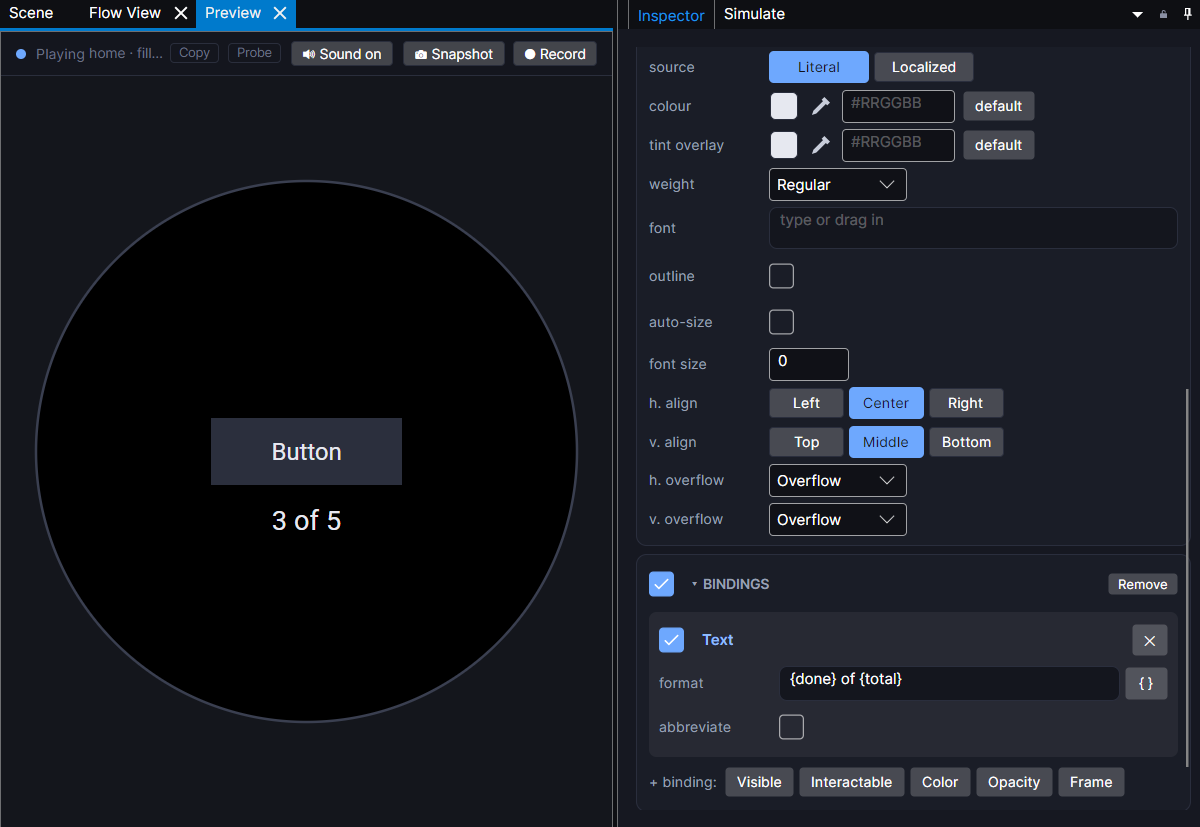
Don't remember a name? Click the { } button next to the format. It lists every variable, grouped (this object, this screen, project, lists, data objects), plus the Watch readings: steps, heart rate, weather and the time. Picking a watch reading also sets up what reads it.
The text updates on its own whenever a variable changes. You never need a "refresh the label" action.
Formats
Add a colon and a format after the name:
| Format | Shows | Example |
|---|---|---|
{n:00} | two digits | 7 shows 07 |
{n:.00} | always two decimals (money) | 12.5 shows 12.50 |
{n:.##} | up to two decimals | 12.5 shows 12.5 |
{n:hm} | seconds as hours and minutes | 3900 shows 1 |
{n:12h} and {n:ampm} | 12 hour clock | 15 shows 3 and PM |
{n:weekday} / {n:wkd} | weekday name | 6 shows Saturday / Sat |
{n:month} / {n:mon} | month name | 10 shows October / Oct |
{n:F} | Celsius shown in Fahrenheit | 20 shows 68 |
Weekdays count from 0 for Sunday. Use more zeros for more decimals: {n:.000}. Big numbers in an idle game can be shortened (1.2k, 3.4M, then G, T and up) by ticking abbreviate on the binding.
A Number variable holds whole numbers unless you mark it decimal in its variable row. Turn that on for money, distances and anything with a point in it, or values will round on the watch.
The time and date
Get local time of day reads the watch clock into variables: hour, minute, day of the month, weekday and month. Run it from an On Event set to open, then show it with a format like {hour}:{minute:00} and {weekday:weekday} {day} {month:month}. To keep a clock ticking, run it from a Ticker every few seconds.
Set to current time stores the time right now as one number, which is handy for "last updated" stamps, daily rewards and measuring how long something took.
Show, hide and lock things
- Bind Visible shows an object only when a condition holds, such as
coins >= 100. Use it for badges, "You win" banners, empty states and "PRO" labels. - Interactable greys out a button and ignores taps until its condition holds, like a shop button the player can't afford yet.
- Enable / Disable (an action) turns a whole group on or off. Two groups switched this way is a clean way to build a screen with two modes, like "running" and "stopped".
Bars, rings and charts
Progress Bar, Progress Arc, Progress Circle and Segmented Arc fill from a variable toward a goal: health, a timer, a daily target. Radar Chart shows a spread of stats. Each has its own page in Components.
Lists of things
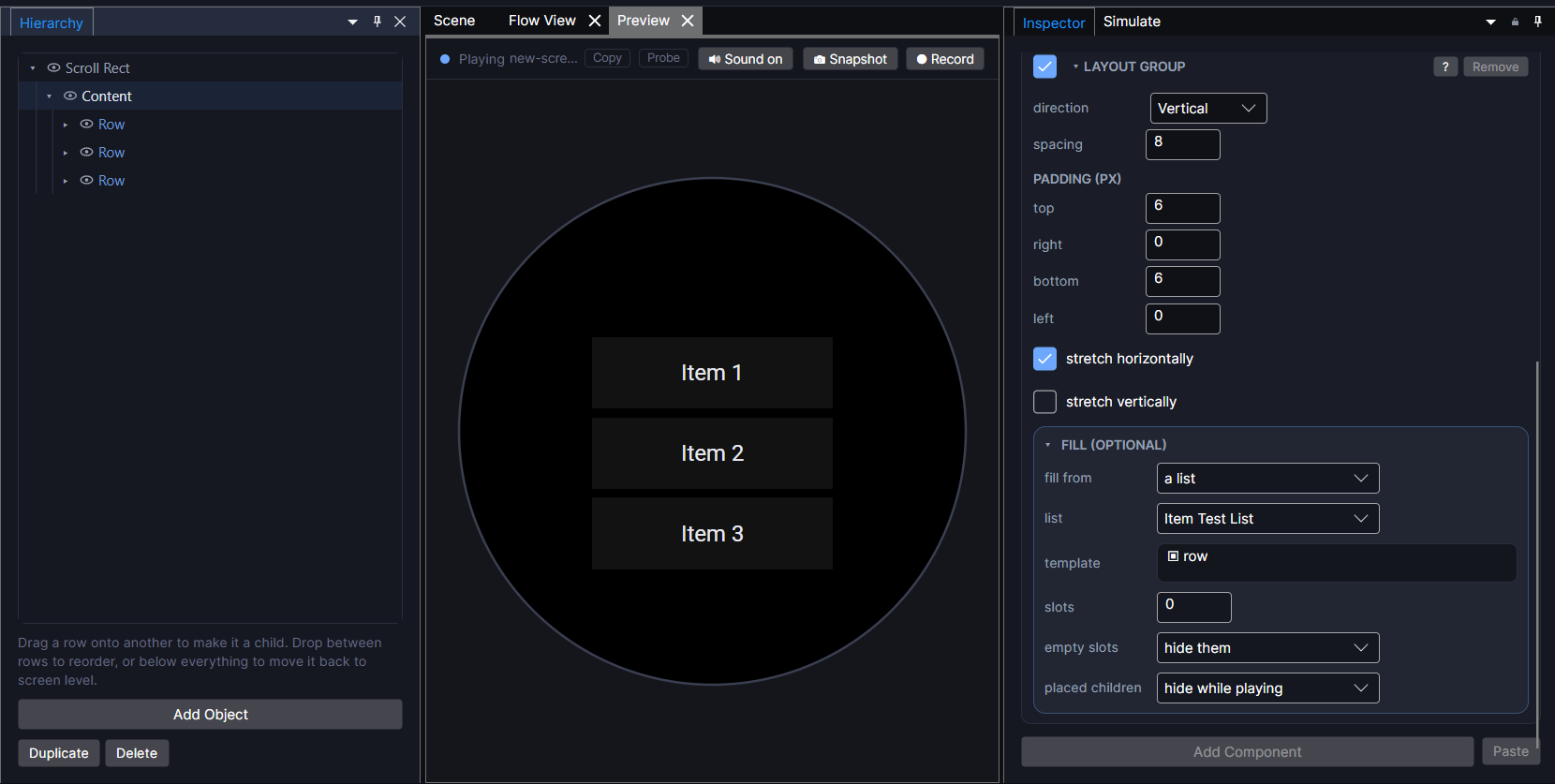
To show a list (a shopping list, an inventory, results from your server, a leaderboard), put a Layout inside a Scroll, point it at a List, and build one row as its template. List Entry on the row says what each part of it shows.
Showing a List walks through it step by step. The pieces each have their own page: Layout, List Entry and Scroll. Fetching Data from the Internet shows how to fill a list straight from your server.