GuideNovember 19, 2026 · 6 min read
Watch Face Studio Alternative: One Tool for Wear OS, Amazfit and Apple Watch Apps
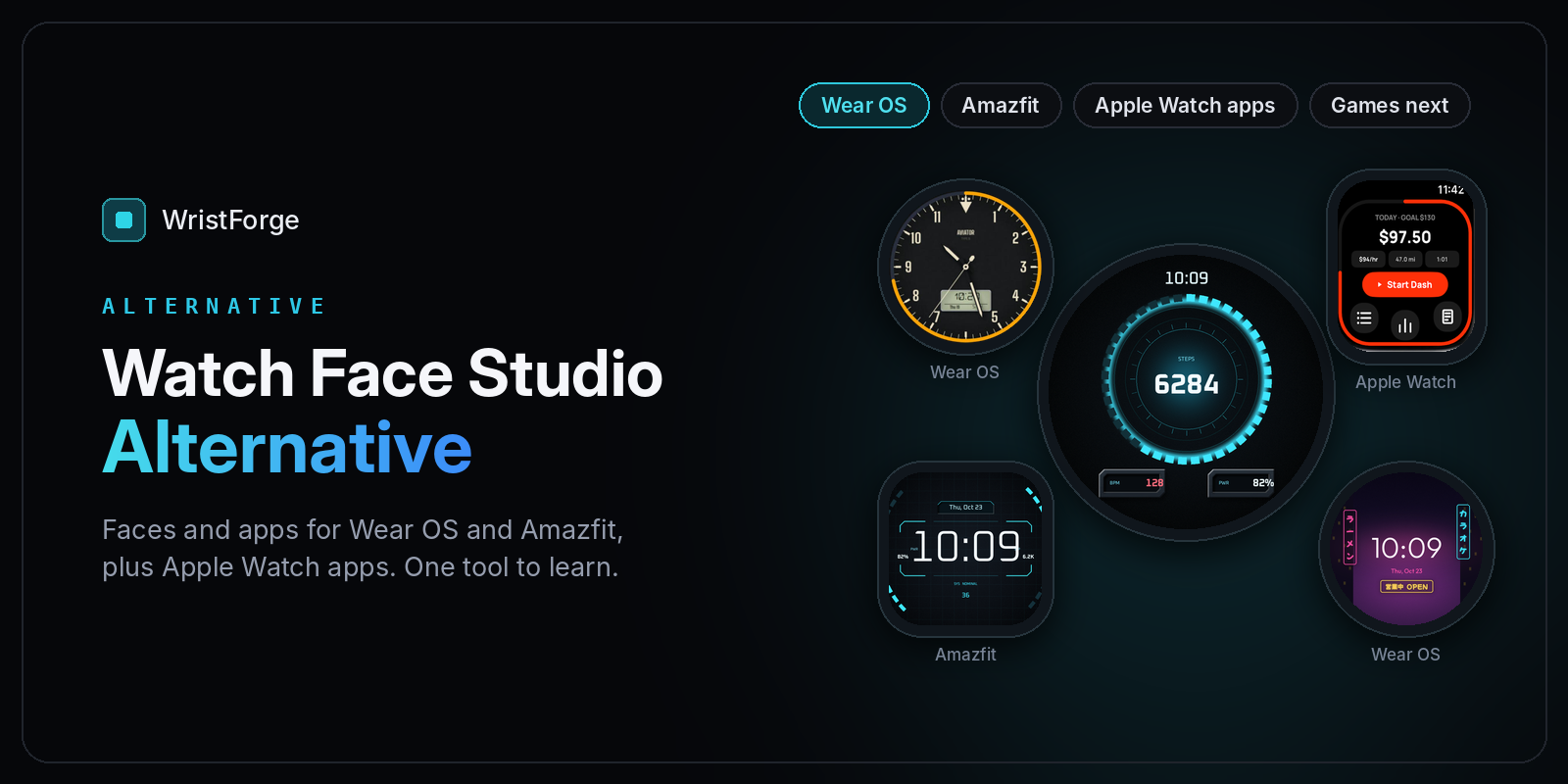
Tired of learning a new tool for every watch? WristForge builds Wear OS and Amazfit faces from one design, plus apps for Wear OS, Apple Watch and Amazfit, and it opens your .wfs files.
Watch Face Studio is a good tool. It's free, Samsung keeps it up to date, and a huge number of Wear OS faces on Google Play were made with it. But it does one thing: Wear OS watch faces.
If you're looking for a Watch Face Studio alternative, there's a good chance you've hit that wall. Maybe a friend has an Amazfit. Maybe you want to sell on more than one store. Maybe you've had an idea for a watch app, not just a face. With most tools, each of those means learning a whole new program.
This post makes the case for learning one tool instead.
Last checked November 2026. Every tool here updates often, so check their latest release notes too.
The problem: one watch, one tool
Here's what it looks like today if you want to reach more than one kind of watch:
- Wear OS faces: Watch Face Studio, Google's Watch Face Designer for Figma, or Watch Face Format by hand in Android Studio.
- Amazfit faces: Zepp's own Watch Face Maker, a separate web tool with its own account and its own way of doing things.
- Watch apps: Android Studio for Wear OS, Xcode for Apple Watch, Zepp's own developer tools for Amazfit, and a lot of code for all three.
Every one of those has its own layout system, its own way of handling time and data, and its own export steps. You end up rebuilding the same design over and over, in tools that don't talk to each other.
WristForge: learn it once
WristForge is a free, no-code editor that builds for more than one kind of watch from the same project.
Faces for Wear OS and Amazfit, from one design
Design your face once. In the Display card, click the Wear OS or Amazfit target and the Scene switches to that watch's screen. Anything you move or resize there only changes that watch's layout, so a square Amazfit version never breaks your round Wear OS one.
- Wear OS: builds real Watch Face Format, the format Google requires on newer watches like the Pixel Watch and Galaxy Watch. Export an .aab for Google Play under your own name.
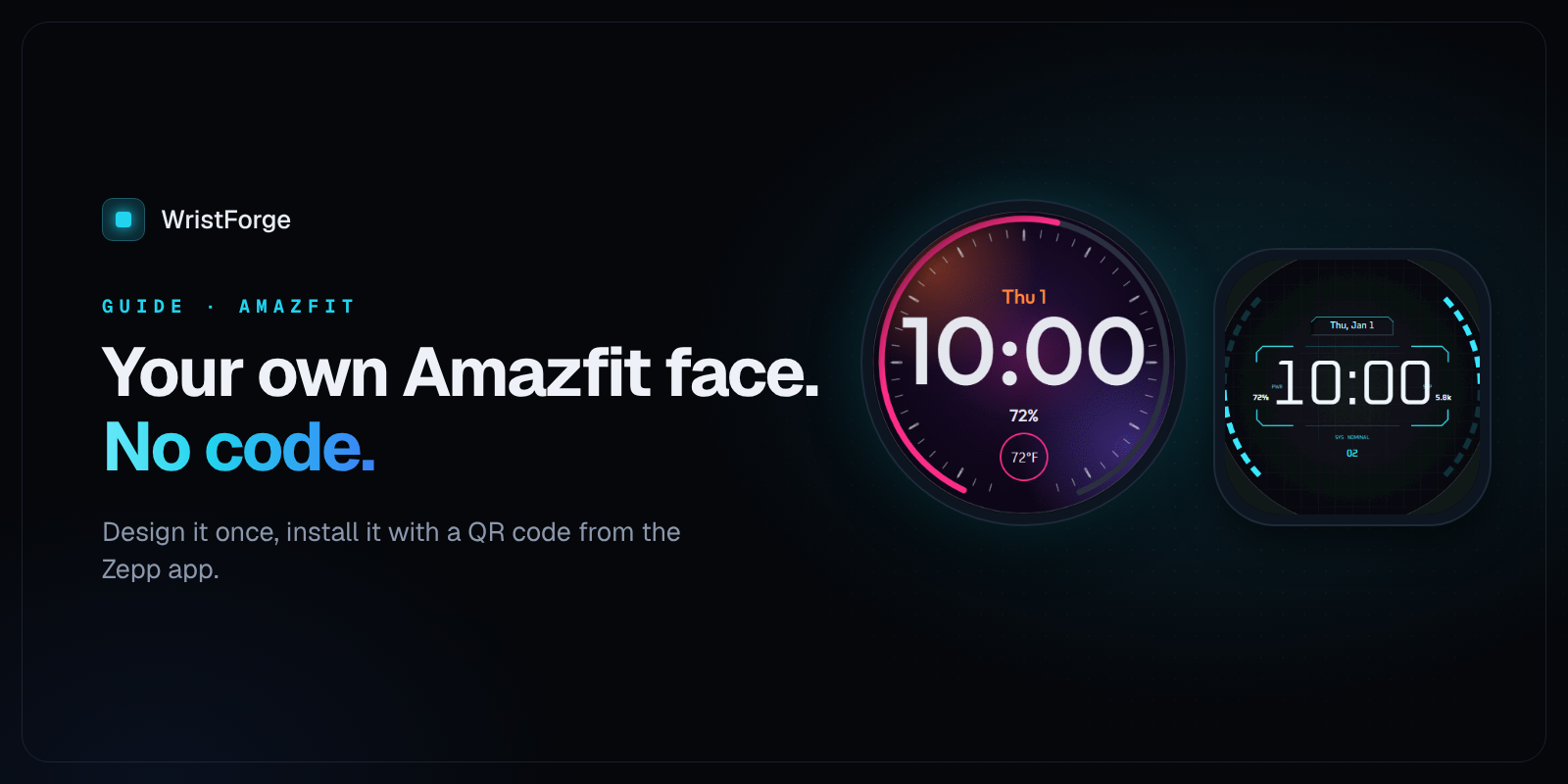
- Amazfit (Zepp OS): builds a real Zepp OS face that installs with a QR code from the Zepp app, and can go on the Zepp Store.
- Garmin: coming next.
That's more stores and more wrists for the same work. The full walkthrough is in How to Make an Amazfit Watch Face Without Coding.
Apps for Wear OS, Apple Watch and Amazfit
The same editor makes watch apps. Lay out screens, add buttons, save data, show charts, send reminders, sell a Pro unlock, and build for Wear OS, Apple Watch and Amazfit from one project. No Kotlin, no Swift, no JavaScript.
A quick note on Apple Watch: Apple doesn't allow custom watch faces from any tool, so on Apple Watch it's apps only. On Wear OS and Amazfit you get both faces and apps.
Here's a real one. Dash Tracker is a watch app for delivery drivers, built start to finish in WristForge:
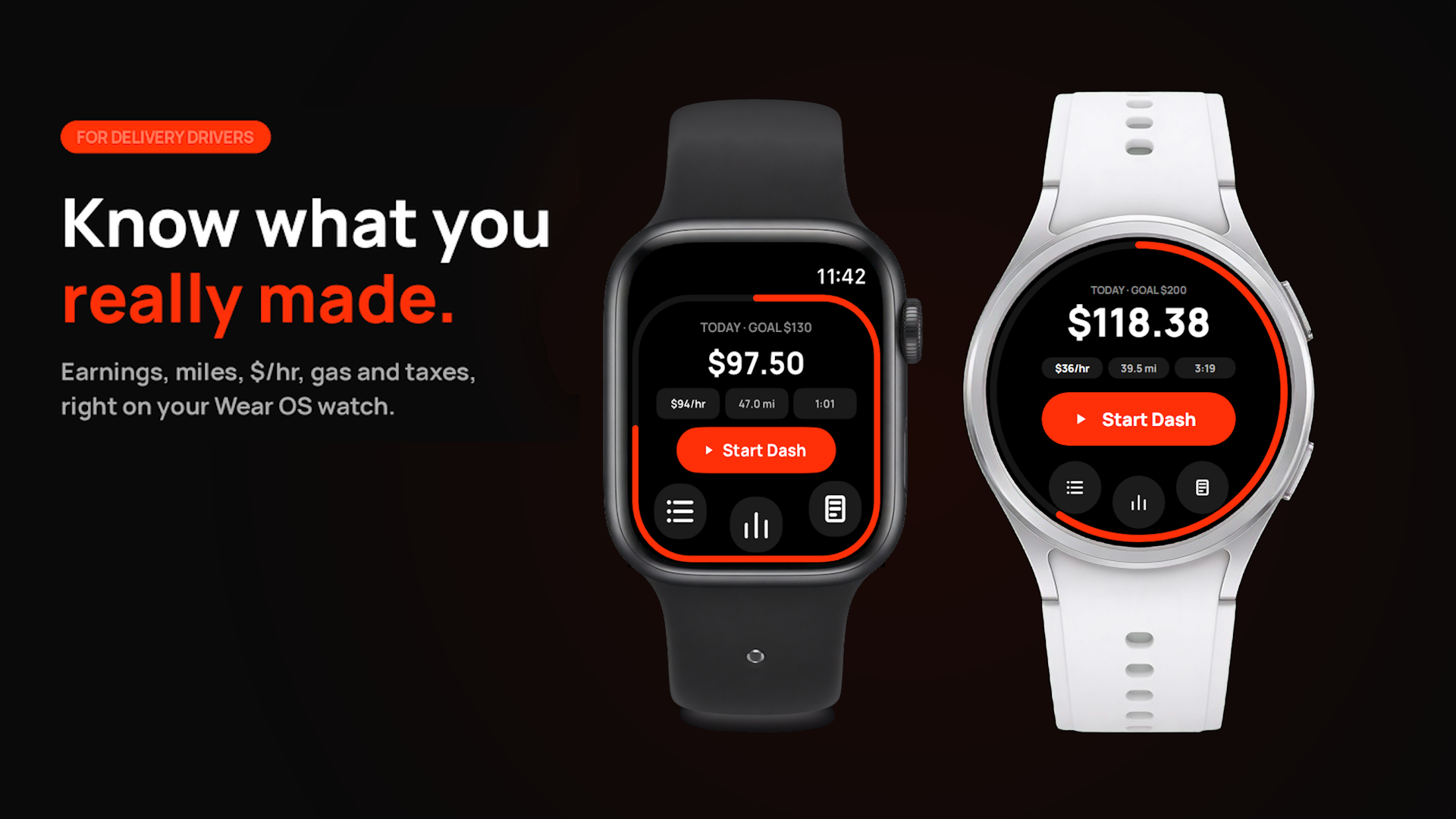
Start a dash from your wrist, punch in your odometer, and at the end enter what you made. The watch works out miles, hours, $/hr and net pay after gas, keeps a history you can scroll and fix, fills a daily goal ring, and reminds you before each quarterly tax payment. It has a free core and a one-time Pro unlock, a watch face complication and a Tile. It's on Google Play for Wear OS now, and the Apple Watch and Amazfit versions come from the same project.
That's the kind of app you can build here: real data entry, saved history, math, charts, notifications and in-app purchases, without writing code.
Games are next
WristForge started as a game engine for watches, and the game side is on its way. When it lands, it's the same editor again: the screens, events and variables you already know from faces and apps. You won't be starting over.
What else you get
A Timeline for animation over the day. One row per layer across 24 hours. Drag bars to show and hide layers, crossfade between them, and keyframe opacity, position, scale, rotation and tint with easing. Day and night faces take a few drags. See How to Make a Watch Face That Changes With the Time of Day.
Generators for your art and sound. The Create menu makes whole watch faces from a sentence ("deep ocean diver face with orange accents"), backgrounds, pixel art, pixel fonts and store images. Apps also get UI kits for round screens, sound effects, music and haptics. Everything lands in your project as normal files you own.
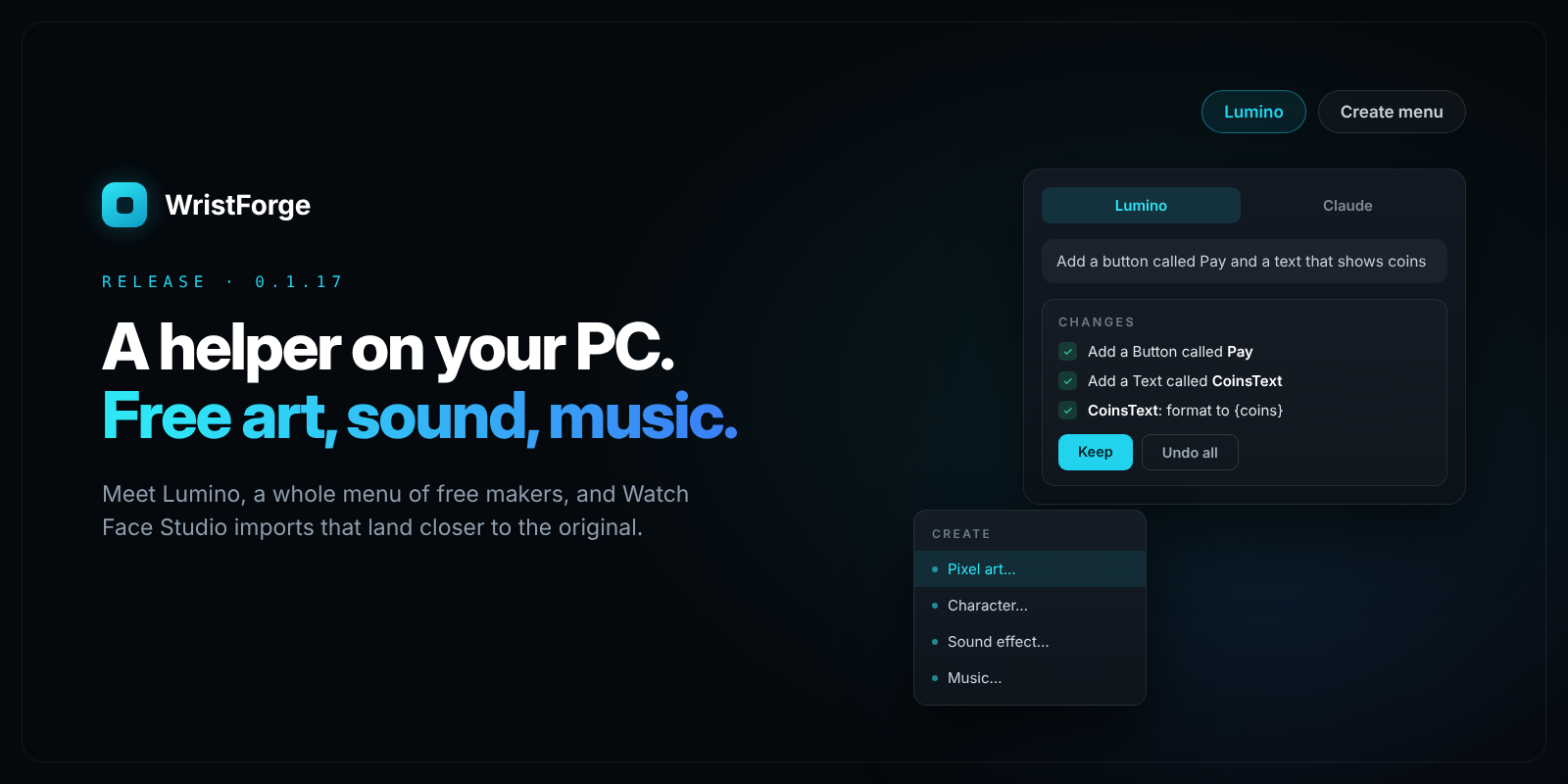
Lumino, a helper that runs on your PC. Ask how to do something and Lumino answers with steps for the project you have open, plus a Show me button that walks you through them. In Build mode, tell it what to change and you review every change before you keep it. It works offline, and your project never leaves your computer.
A free place to publish. Publish faces to Face Hub with no Google Play account and no 20-tester closed test. You can still put the same face on Google Play later.
Bring your Watch Face Studio faces with you
You don't have to start from scratch. WristForge opens your Watch Face Studio projects (.wfs files) directly and rebuilds them layer by layer: images, GIFs, fonts, time and date, hands, readouts, complications, always-on settings and your conditional lines, which become Timeline tracks. Every import writes a short report of anything that needs a touch-up, and your original file is never changed.
Once it's in, switch the target to Amazfit and you've got a second version of a face you already made. The full rundown is in How to Import a Watch Face Studio Project.
Other Watch Face Studio alternatives, honestly
WristForge isn't the only option. Here's how the others fit:
- Watch Face Designer (Google). A free Figma plugin that builds Watch Face Format faces for Wear OS 4 and up, and can publish straight to Google Play. Great if you already design in Figma. Wear OS faces only.
- Watch Face Maker (Zepp). Zepp's own web tool for Amazfit faces. Amazfit only, and a separate account and workflow from anything you use for Wear OS.
- Android Studio with Watch Face Format. Full control if you're happy writing XML. Wear OS only, and not no-code.
- Facer Creator. A large community and marketplace, now with Watch Face Format publishing. Faces only, and inside Facer's own platform.
If you only ever make Wear OS faces and you're happy where you are, any of those can work. If you want faces on more than one kind of watch, or you'd like to make apps for Wear OS, Apple Watch and Amazfit (and soon games) without learning another program, that's what WristForge is for.
For a feature by feature table, see WristForge vs Watch Face Studio.
What it costs
The editor is free, and so is putting faces on your own watch and publishing to Face Hub. Publishing to Google Play or the Zepp Store is on the Faces plan ($29.99 a year). See pricing for the details.
Try it on a face you already have
Download WristForge, import one of your .wfs projects, and click the Amazfit target. In a few minutes you'll know whether it fits the way you work.
WristForge isn't affiliated with Samsung, Google, Zepp Health, Facer or Apple. Comparisons are based on public documentation as of November 2026.