GuideNovember 8, 2026 · 5 min read
WristForge vs Watch Face Studio: Which Watch Face Maker Should You Use?
An honest comparison of Samsung's Watch Face Studio and WristForge for Wear OS watch faces: price, platforms, Google Play export, animation and importing your .wfs files.
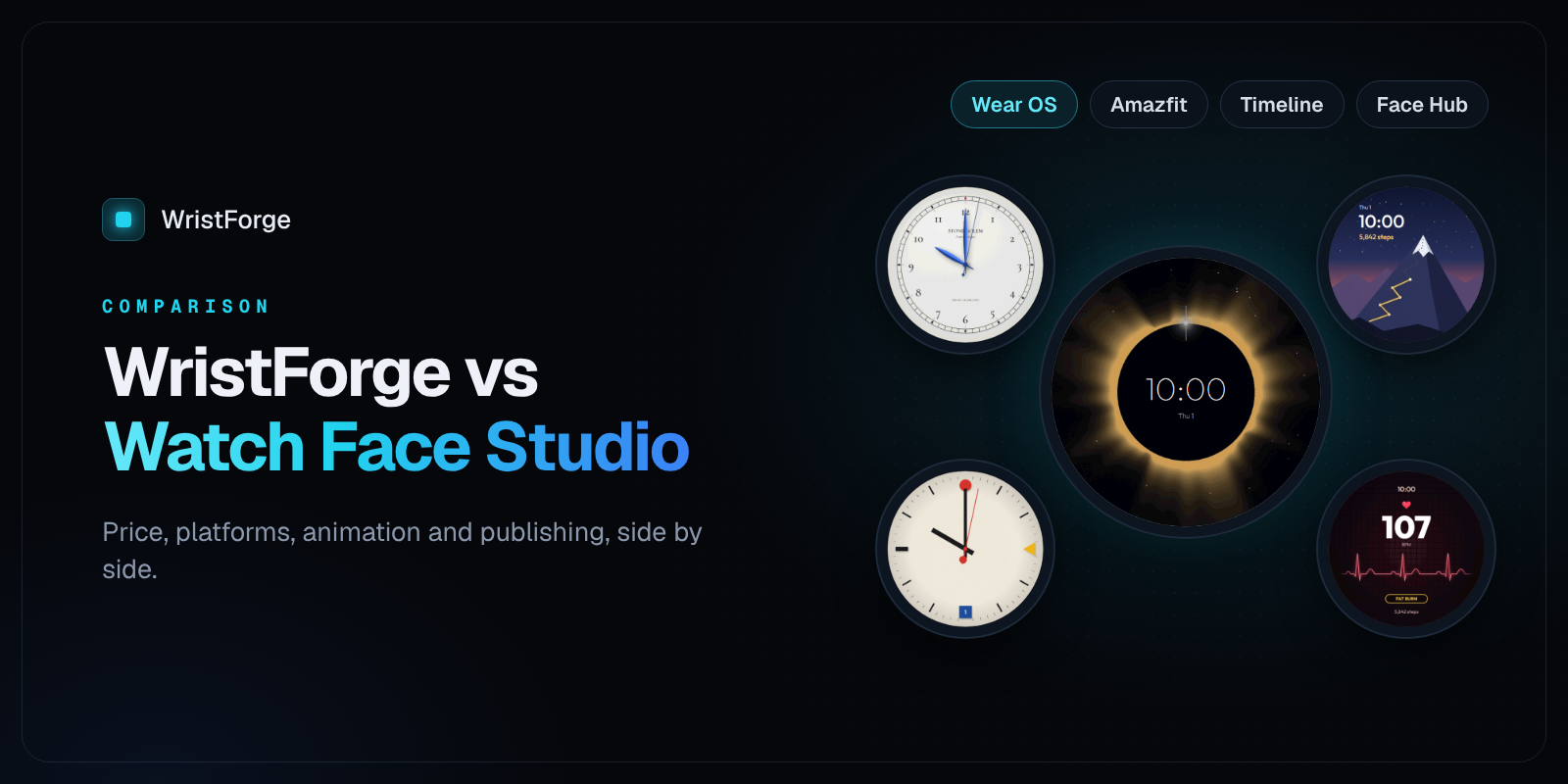
Samsung's Watch Face Studio is the tool most Wear OS watch face designers learned on. It's free, it's solid, and plenty of great faces on Google Play were made with it. So if you're weighing WristForge against it, here's an honest side by side: what each one does well, where they differ, and who should pick which.
Last checked November 2026. Both tools update often, so check the latest release notes too.
The short version
- Pick Watch Face Studio if you only make faces for Wear OS, you're happy with its workflow, and you want a free tool that exports straight to Google Play.
- Pick WristForge if you want one design to build for more than one kind of watch, a keyframe Timeline instead of conditional lines, a free place to publish without a Google Play account, or you also want to make watch apps.
And you don't have to choose up front: WristForge opens your .wfs projects directly, so you can try it on a face you've already made.
Side by side
| Watch Face Studio | WristForge | |
|---|---|---|
| Price | Free | Free editor. Publishing to Google Play or the Zepp Store is on the Faces plan ($29.99 a year). |
| Runs on | Windows and Mac | Windows, Mac and Linux |
| Wear OS (Galaxy Watch, Pixel Watch and others) | Yes, Watch Face Format | Yes, Watch Face Format |
| Amazfit (Zepp OS) | No | Yes, from the same project |
| Garmin | No | Coming next |
| Google Play .aab under your own name | Yes | Yes |
| Publish without a Google Play account | No | Yes, to Face Hub, free |
| Animation over the day | Conditional lines (one condition type per layer) | A keyframe Timeline: show, hide, crossfade, move, scale, rotate and tint with easing |
| Opens .wfs projects | It's the native format | Yes, layer by layer, with a report |
| Watch apps and games | No | Apps for Wear OS and Apple Watch from one project |
Where Watch Face Studio shines
It's free, all the way to Google Play. You can design, sign and upload a face to Google Play without paying for the tool. That's a big deal, and if Google Play on Wear OS is all you need, it's hard to argue with.
It's made by Samsung. It follows Galaxy Watch hardware closely, and its documentation and code labs are good.
Lots of tutorials. Because so many designers use it, there are years of forum threads and videos to learn from.
Where WristForge is different
One project, more than one kind of watch
Watch Face Studio builds for Wear OS. WristForge builds the same project for Wear OS and Amazfit watches running Zepp OS, with Garmin next. Click a target in the Display card and the Scene switches to that watch's screen. Anything you move or resize there only changes that watch's layout, so a square Amazfit version never breaks your round Wear OS one.
For designers, that's more stores and more wrists from the same work. See How to Make an Amazfit Watch Face Without Coding.
A Timeline instead of conditional lines
In Watch Face Studio, a layer's conditional line can depend on one kind of condition at a time. WristForge has a full Timeline: one row per layer across 24 hours. Drag bars to show and hide layers at certain hours, crossfade between them, and keyframe opacity, position, scale, rotation and tint with easing. Day and night faces become a few drags instead of a stack of duplicated layers. More in How to Make a Watch Face That Changes With the Time of Day.
Publish for free without a Google Play account
New personal Google Play developer accounts have to run a closed test with 20 testers for 14 days before a first release. That's a real hurdle for a first face.
With WristForge you can publish to Face Hub for free, with no Google Play account and no testers to find. Your face goes live for Face Hub's users right away, and you can still ship the same face on Google Play under your own name later.
Faces that move and react
Wrist-tilt parallax, masks that crop a photo into any shape, real text outlines and soft shadows, sprite sheet animations, and one-click spin, pulse, blink and bob. No expressions to type.
Apps too
If you ever want to make a watch app, not just a face, it's the same editor. WristForge builds apps for Wear OS and Apple Watch from one project. Watch Face Studio is faces only.
Bringing your Watch Face Studio faces over
WristForge opens .wfs files directly: Import from Watch Face Studio on the start window, pick the file, and your face is rebuilt layer by layer. Images, animated GIFs, fonts, time and date, readouts, shapes, hands, complications, always-on visibility and your conditional line windows (which become Timeline tracks) all come over. Your original .wfs file isn't touched.
Every import writes a plain report of anything that needs a touch-up. The full rundown is in How to Import a Watch Face Studio Project.
So which one?
If you make Wear OS faces for Google Play and you love your Watch Face Studio workflow, keep using it. It's a good tool.
If you want your designs on more watches, an easier way to animate over the day, a free place to publish, or a path into watch apps, download WristForge and import one of your existing faces. It takes a few minutes to see whether it fits.
WristForge isn't affiliated with Samsung. Comparisons are based on public documentation as of November 2026.