ReleaseNovember 19, 2026 · 6 min read
WristForge 0.1.18: Lumino, the Create Menu, and Better Watch Face Studio Imports
WristForge 0.1.18 is out. An assistant that runs on your own computer, a whole menu of free art, sound and music makers, and a Watch Face Studio importer that lands much closer to the original.
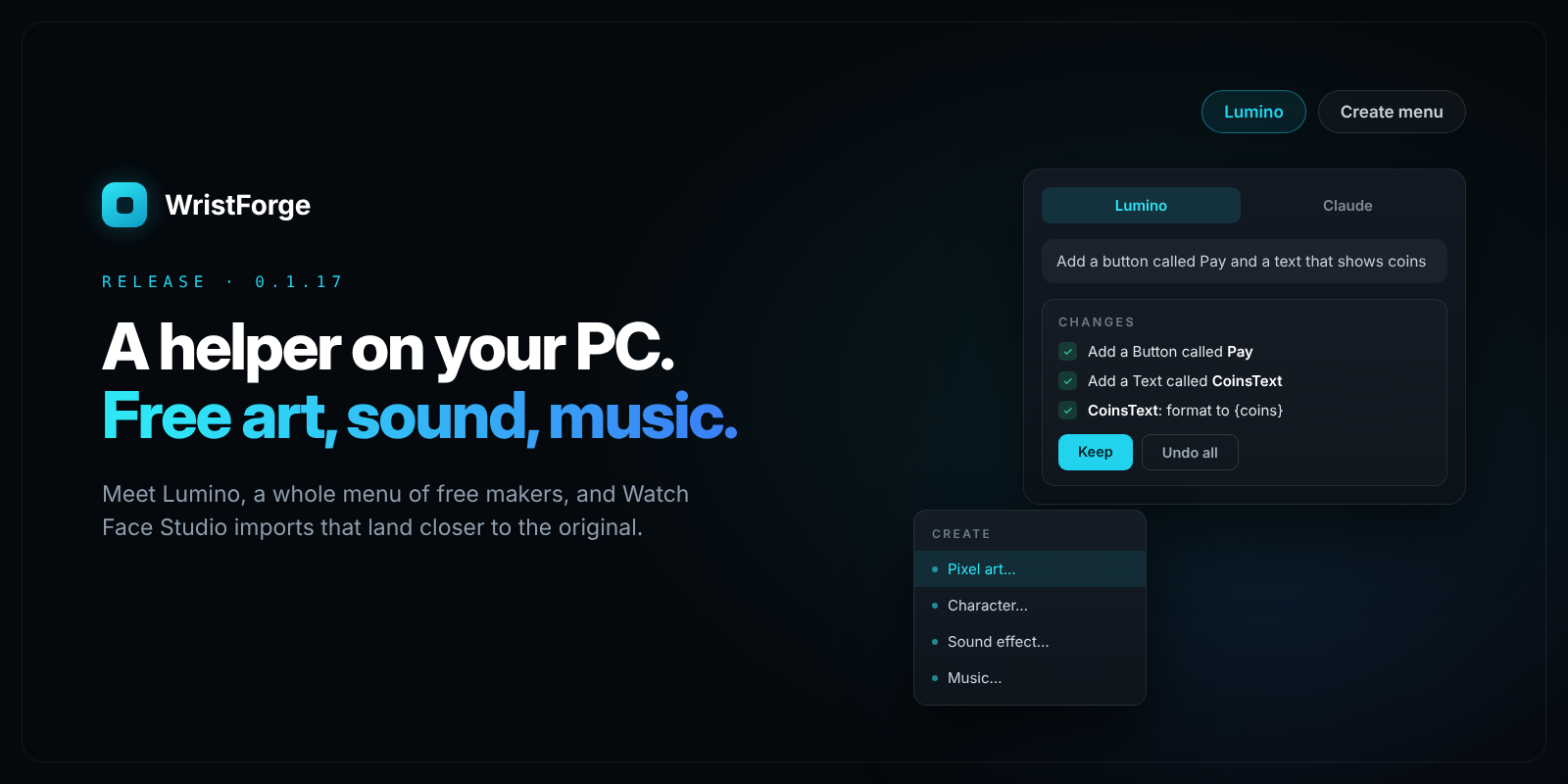
This update is a big one. WristForge now has a helper that runs on your own computer, a whole menu of free asset makers, and a much better Watch Face Studio importer. Here's what's new and how to try each part.
To update, open the WristForge Hub. It will offer the new editor version.
Meet Lumino
Lumino is an assistant built into the editor. Open it from the AI Assistant tab on the right side of the editor.
Lumino runs on your own computer. It works offline, and your project never leaves your PC.
Lumino has two modes:
Ask. Ask it anything about WristForge or the screen you have open. "How do I make a button go to another screen?" "How do I keep a score?" It reads your actual project, so answers use your object names and the real Inspector labels. Many answers come with a Show me button that walks you through the steps in the editor, highlighting each one as you go. Ask is free for every signed-in account.
Build. Tell Lumino what to add or change, in plain words, and it makes the changes for you: adding objects and components, setting fields, renaming and removing things. Nothing happens behind your back. You see every change on a review card first, untick anything you don't want, then press Keep or Undo all. A kept change is one undo step, so Ctrl+Z still takes it back.
Build mode is free while we are testing it.
Here it is wiring up a small water tracker app, one request at a time:
Lumino runs on your own graphics card, and that shapes what he is good at. He is at his best one thing at a time: ask for the list, then ask for the button that fills it. Two things in one sentence and you will often get the first half. We have written up what he handles well and where he runs out of road, which is worth a read before you lean on him.
If you ask for a whole app or game at once, he will say so up front. He offers to hand the request to Claude, our server assistant, which is still in testing with a small group, to split it into steps you can do one at a time, or to try anyway.
A few more things:
- Your last 20 chats are kept, on your PC only.
- Thumbs up and down under every answer help us improve it. Nothing is sent without you saying yes.
The Create menu: free art, sound and music makers
There's a new Create menu in the top bar. Everything in it is free, works offline, and saves straight into your project. These won't replace a great artist or composer, but they give you a solid starting point so you can get something playable on your wrist today.
Art
- Character: build pixel characters from parts (bodies, heads, hair, hats, weapons, capes and more) in several body shapes. It makes every animation (idle, walk, attack, hurt) and every view (side, facing down, facing up, isometric, overhead). Randomize until you like one, then lock the parts you want to keep.
- Pixel art: items, icons, props and seamless tiles, over 100 kinds, with shading and outlines.
- Pixel VFX: 47 animated effects (explosions, lightning, portals, fireballs, confetti, level-ups and more) in 11 elements, or any colour you pick. Save them in 4 or 8 directions, or as a GIF to share.
- VFX Composer: layer effects and particles on a timeline to build your own. Save them under My effects to reuse in any project.
- Background: skies, space, landscape layers that tile left to right, weather layers, patterns, and whole parallax sets.
- Level / map: dungeons, caves, mazes, islands, rivers, buildings and arenas, painted straight into a Tilemap.
- UI kit: a full matching set of buttons, panels, toggles, sliders and bars in 21 styles, made for round screens.
- Pixel font: design a bitmap-style font that stays readable at watch sizes.
- Face parts (watch faces): backgrounds, ticks, numerals and hands in five layouts.
Sound and feel
- Sound effect: start from a preset (coin, jump, laser, explosion, door, level up and more), then randomize, layer and tweak it. Tick Watch speaker to hear it the way a watch's tiny speaker plays it.
- Music: loops, jingles and whole soundtracks in 7 styles (Chiptune, 16-bit, Lo-fi, Orchestral, Folk, Synthwave, Ambient) and 15 moods. Share one main tune gives every piece the same melody, like a real game score.
- Ambience loop: seamless rain, storms, caves, crowds, dungeons, machines and more.
- Character voice: talking blips for dialogue boxes, in moods from grumpy to ghostly.
- Haptic pattern: draw the buzz pattern for your wrist, or make one from a sound. Feel it on my watch plays it on your Wear OS watch right away.
- Record sound: record from your microphone, trim it and save it.
Many of the generators have a Describe it box too. Type "big purple shadow explosion, slow" or "spooky cave exploring" and Lumino picks the settings for you.
Editor sound now works on Mac and Linux as well as Windows, so Preview and the Create tools sound the same everywhere.
Watch Face Studio imports, much closer to the original
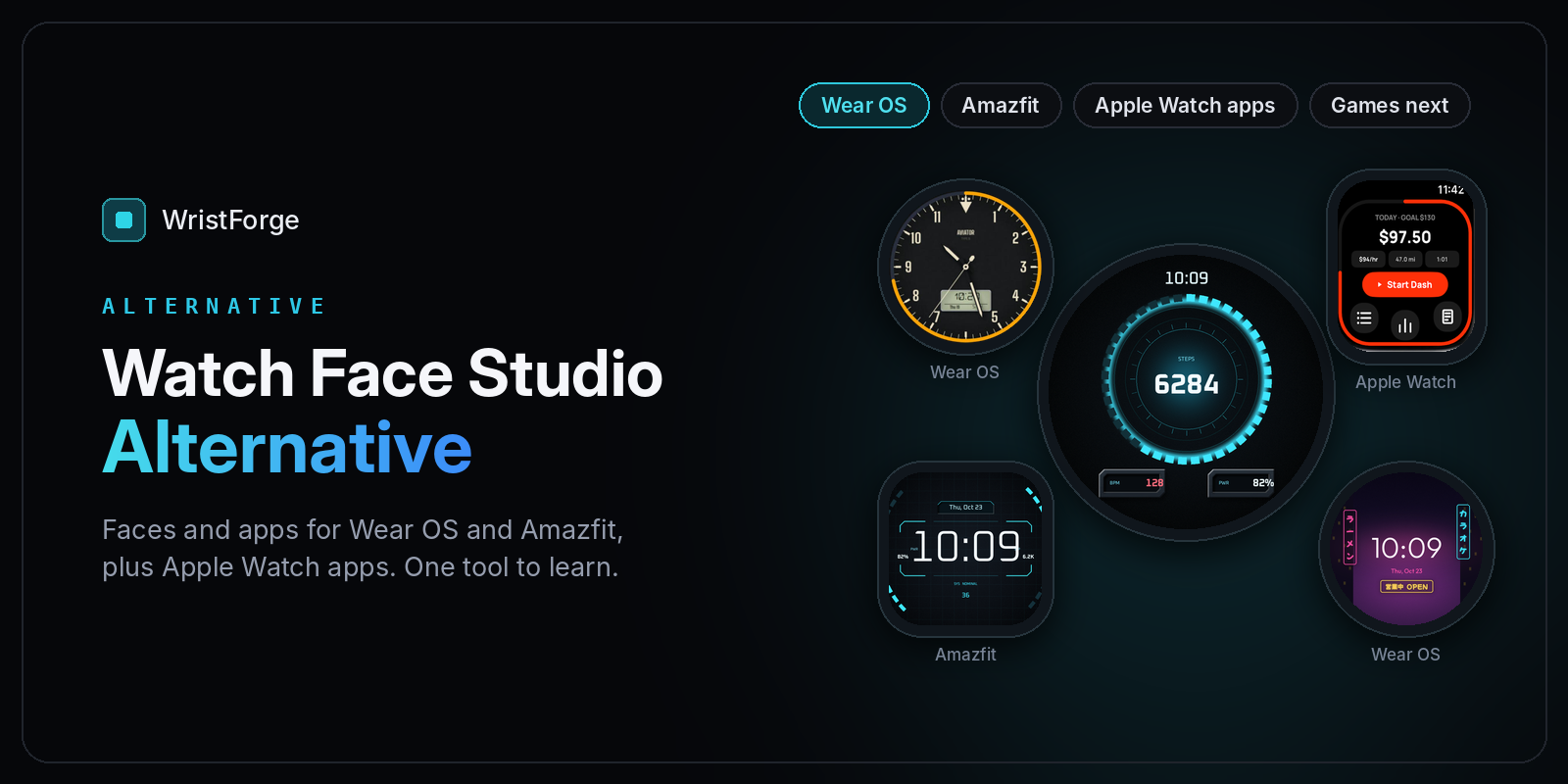
If you've made faces in Samsung's Watch Face Studio, bring your .wfs project in with Import from Watch Face Studio. This update closes a lot of gaps. We tested against dozens of real WFS projects, including WFS's own stock faces.
- Hands: watch hands that sit outside an analog clock now come over. Before, some faces imported with no hands at all.
- Curved text: curved text, and curved step, heart rate, battery and weather readouts, now import curved and in the right place.
- Bitmap fonts: faces that draw their numbers from picture fonts now keep them, on the watch too.
- Gradients: gradient fills on shapes and colour sweeps on progress rings come over.
- Animations: animation layers and moving or fading parts now come over.
- Progress bars: progress bars inside complication slots are carried, and rings that fill counter-clockwise now fill from the right end.
- Colour adjustments: hue, saturation and lightness changes on images are kept.
- Hidden layers: a layer hidden in WFS stays hidden.
- Blinking clocks: a blinking clock now blinks just the colon, the way WFS does.
- Dates and times: more date and time styles match, including the year on its own, a one-letter weekday and "8 AM".
- Import report: anything that can't come over yet is named in the import report, so nothing goes missing quietly.
Better for every watch face
- Complication previews: Preview now fills complication slots with sample readings ("5,842", "72 BPM", "72%") instead of placeholder words, so you can judge a face by looking at it. You can pick what each slot shows.
- Hidden objects: an object you switch off with the eye in the Hierarchy is hidden in Preview too, matching what ends up on the watch.
Wear OS builds and Google Play
- Start screen: every Wear OS build now starts on black with your app icon, the way Google Play's review asks.
- Before you submit: the window checks more of Google's Wear OS rules before you upload, such as backgrounds that aren't black, tap targets that are too small, text that's too small, and faces with too many complications. It also lists what Play Console needs in your store listing.
Smaller things
- Help menu: new links to the Community, Suggest a Feature and Report a Bug. Report a Bug fills in your editor version and computer for you.
- Fixed: dragging several assets onto a folder now moves all of them, not just the first.
- Fixed: Ctrl+D on an Always Active object now keeps the copy Always Active.
Tell us what you think
Try Lumino and the Create menu and let us know what works and what doesn't. Head to the Community to share what you made, vote on ideas, or report a bug. The full list of changes is in the Patch Notes.