GuideNovember 7, 2026 · 3 min read
How to Sell Watch Faces in 2026: Google Play, Platforms and Face Hub
The three ways to sell a Wear OS watch face, what each costs and pays, what sells, and how to earn from one design in more than one store.
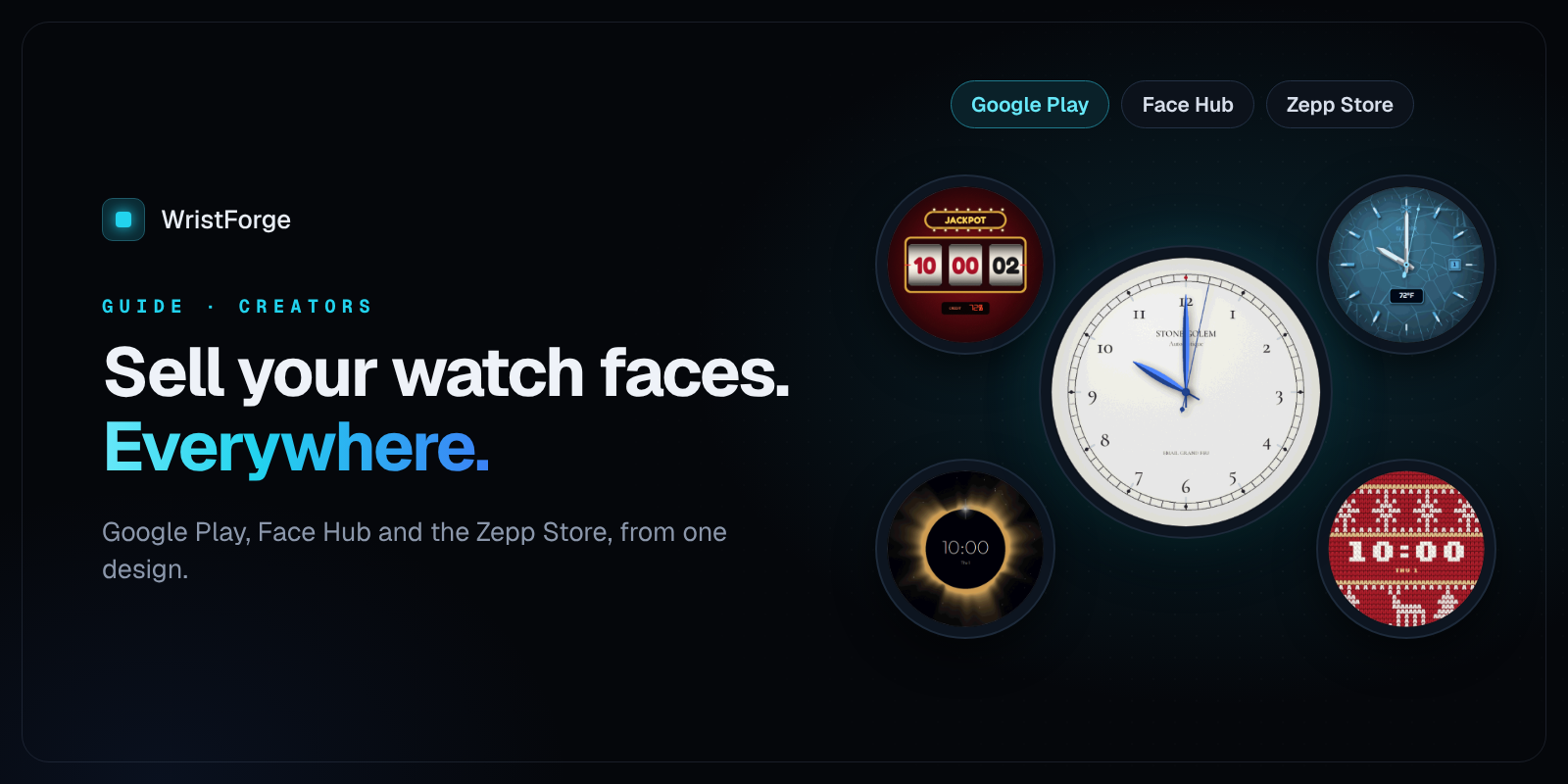
Making a watch face is fun. Getting paid for one is better. This guide covers the ways to sell a Wear OS watch face in 2026, what each one costs you, and how to get the most out of the same design.
Last checked November 2026.
The three ways to sell a watch face
1. Your own app on Google Play
You publish the face as its own app, on your own Google Play developer account, at the price you choose.
- You keep: the listing, the reviews, the customers, and your price. Google takes its standard service fee.
- It costs: Google's one-time developer account fee. New personal accounts must also run a closed test with 20 testers for 14 days before the first release.
- Good for: designers who want a real business with their name on it.
2. A watch face platform
Apps like Facer and WatchMaker have big catalogs and built-in audiences. You publish inside their platform.
- You keep: a share of what the platform pays out. You don't control the listing, and some platforms set the prices for you.
- Good for: reaching people already browsing those apps.
3. Face Hub
Face Hub is our Wear OS watch face app, with over 100 faces, no ads, and installs straight from the watch.
- Publishing is free. No Google Play account, no testers to find. Click Publish to Face Hub in the WristForge editor, add a name, description, category and price, and it's live.
- You set the price: from 50 to 500 coins.
- On any paid WristForge plan you earn 70 percent of every paid unlock, in coins. Coins work across everything in WristForge (faces, games and courses) but have no cash value. A creator program with more ways to earn is in the works but not open yet.
- Good for: getting your first faces in front of people fast, with zero setup.
The smart move: do more than one
The same design can earn in more than one place. With WristForge, one project builds:
- a Google Play .aab under your own name,
- a Face Hub release,
- and an Amazfit face for the Zepp Store,
each with one click, and each with its own layout tweaks if a screen needs it. Garmin is next. More stores, more wrists, same work.
What sells
From watching our own catalog and the stores:
- Readable first. Faces you can read at a glance beat busy ones. Big numbers do well.
- Customization. Let people pick colors and styles. It makes a face feel like theirs, and it's a reason to pay.
- Something alive. A small animation, a sky that changes through the day, layers that shift as you tilt your wrist.
- A designed always-on mode. Buyers notice when the dimmed version looks good too.
- Seasonal faces. Halloween, winter and the holidays bring people looking for something new.
- Free faces as a door. A few free faces get people to your paid ones.
What it costs to start with WristForge
- Designing, testing on your own watch and publishing to Face Hub: free.
- Building for Google Play and the Zepp Store, and earning from Face Hub sales: the Faces plan, $29.99 a year.
Get started
- Download WristForge, free for Windows, Mac and Linux.
- Follow How to Make a Wear OS Watch Face Without Coding.
- Publish to Face Hub, then add Google Play when you're ready: How to Publish a Watch Face on Google Play.
Already have faces in Watch Face Studio? Bring them over instead of starting from scratch.