GuideNovember 7, 2026 · 3 min read
Looking for a Facer Alternative? Make Wear OS Faces Under Your Own Name
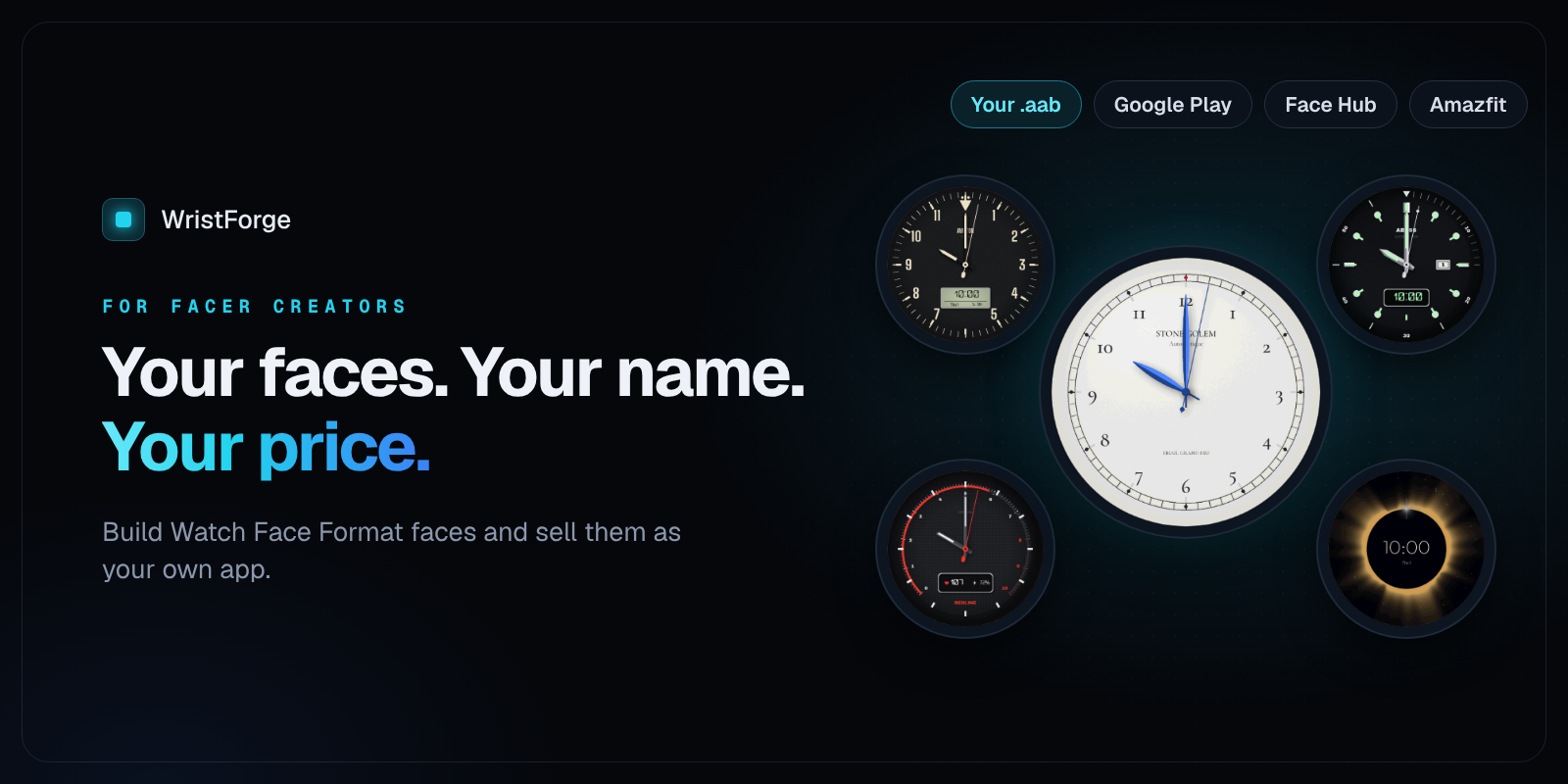
For Facer creators: build Watch Face Format faces, publish them on Google Play under your own name at your own price, and reach Amazfit watches from the same design.
If you make faces on Facer, the last couple of years have been rough. When newer Wear OS watches started requiring Google's Watch Face Format, faces stopped working the old way on watches like the Pixel Watch 3 and Galaxy Watch 7, and a lot of creators started asking the same question on Facer's own forum: what's the alternative?
This post is for those creators. It covers what changed, what Facer looks like now, and how WristForge works if you want your faces under your own name, on more watches, at your own price.
Last checked November 2026. Facer has been changing quickly, so check their latest news too.
What changed, and why creators started looking
Newer Wear OS watches, like the Pixel Watch 3 and Galaxy Watch 7, only run watch faces built in Watch Face Format (WFF). Facer's original faces weren't built that way, so for a long stretch Facer's catalog and Premium didn't work on those watches, and creators watched their audience shrink.
Facer has since added WFF publishing to Facer Creator (announced July 2025), so that part is improving. But the move also showed creators how much depends on one platform: where your faces can run, how they're priced and who can find them.
What creators asked for
From Facer's own community forum:
- Better support for newer watches, after "a great community reduced to ashes by Google and Samsung's policy."
- New tags and features that, in one creator's words, were requested "for years."
- More control over pricing. In Facer's Partner Program, Facer sets the prices of premium faces.
How WristForge is different
WristForge is a free desktop editor for Windows, Mac and Linux. You design by placing layers on a canvas, and it builds real Watch Face Format faces. Here's what that means for a Facer creator.
Your face, your app, your price
WristForge builds your face as a Google Play ready .aab file. You publish it on your own Google Play developer account, under your own name, at the price you choose, and you keep the store listing and the customers. (Publishing to Google Play and the Zepp Store is on the Faces plan, $29.99 a year. Designing and testing on your own watch is free.)
More watches from one design
The same project builds for Wear OS (Galaxy Watch, Pixel Watch and others) and Amazfit watches running Zepp OS, with Garmin next. Change a layout for one watch and the others stay as they were. More stores means more places to earn from the same face.
A free place to start: Face Hub
Don't have a Google Play account yet? Publish to Face Hub for free. It's our Wear OS watch face app with over 100 faces, no ads, and installs straight from the watch. Your face goes live right away, and you can still put it on Google Play later.
Built for Watch Face Format from day one
Nothing to convert or re-enable. Every WristForge face is Watch Face Format, so it runs on current Wear OS watches, including always-on mode, complications and color styles the wearer picks.
Animation without expressions
A Timeline shows the whole day, one row per layer. Drag bars to show and hide layers at certain hours, crossfade between them, and keyframe position, scale, rotation, opacity and tint. Add wrist-tilt parallax, masks, text outlines and shadows, and sprite animations, all without typing a tag.
What Facer still does well
To be fair: Facer has a huge catalog, a big audience of people browsing for faces, and Apple Watch support for its users. If reaching Facer's existing audience matters most to you, it can make sense to keep publishing there too. Many creators do both.
Getting started
- Download WristForge. It's free.
- Start from a template (Analog, Digital, Fitness, Hybrid, Big & Bold) or a blank face.
- Rebuild one of your favorite Facer designs. Most designers are surprised how quickly it goes when there's no tag syntax to fight.
- Put it on your own watch, then publish to Face Hub or Google Play.
New to it? How to Make a Wear OS Watch Face Without Coding walks through a whole face, and How to Publish a Watch Face on Google Play covers the store side.
WristForge isn't affiliated with Facer. This post is based on public information and Facer's own community forum as of November 2026.