GuideNovember 7, 2026 · 3 min read
WristForge vs WatchMaker: Making Watch Faces for Today's Wear OS
How WatchMaker and WristForge compare for designers: phone vs desktop editing, Watch Face Format, Lua, publishing your own Google Play app and Amazfit support.
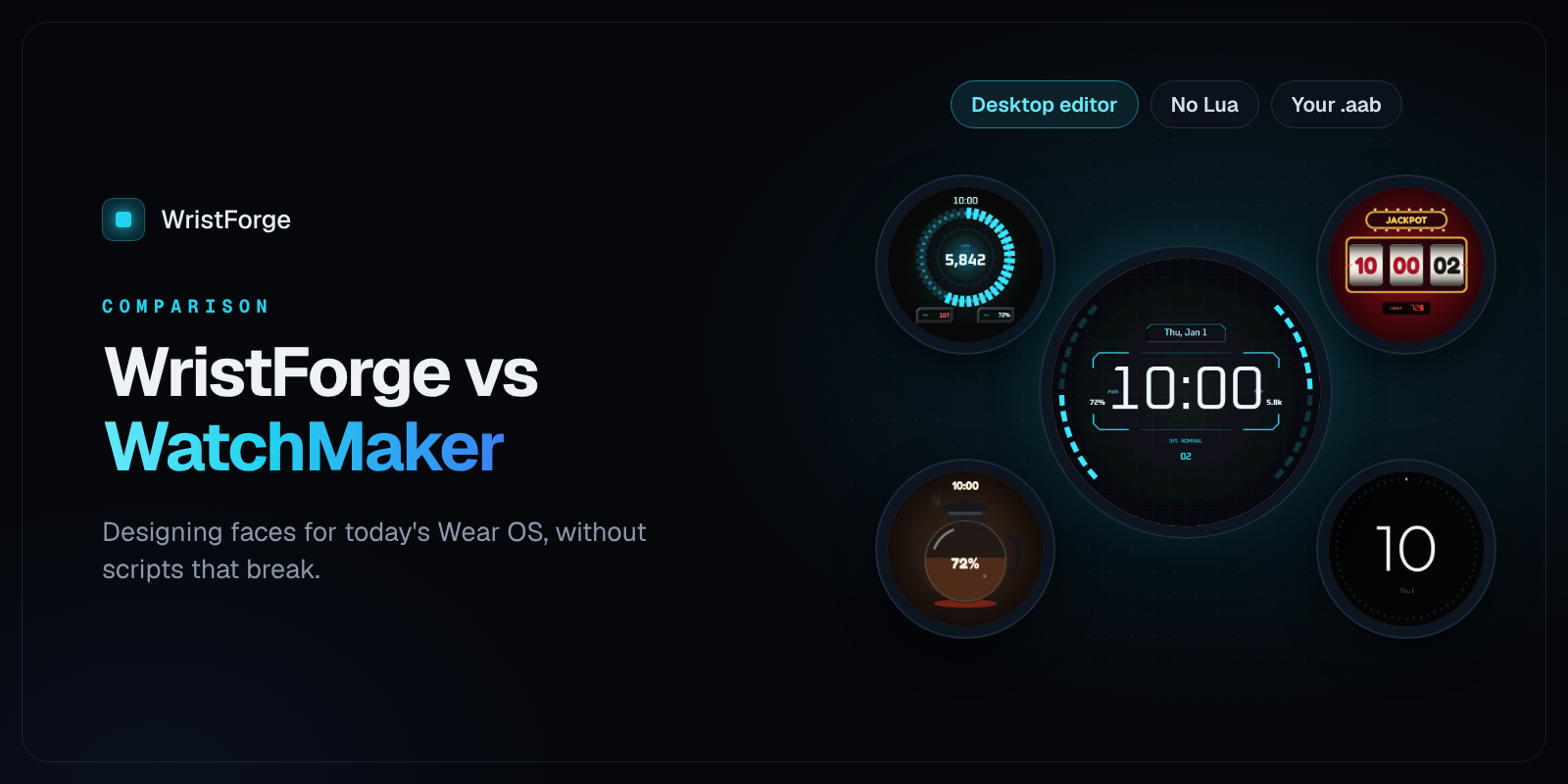
WatchMaker has been around for over a decade, and a lot of people learned to make watch faces in its phone editor. If you're one of them and wondering what else is out there, here's an honest look at how WatchMaker and WristForge compare, and who each one suits.
Last checked November 2026. Both apps change often, so check their latest notes too.
The short version
- Stay with WatchMaker if you mostly want to browse and wear faces from a huge catalog, or you like designing on your phone and sharing inside the WatchMaker community.
- Try WristForge if you want to design on a computer, publish your face as your own app on Google Play, reach Amazfit watches too, or animate across the day without scripts. Cross-platform apps for Apple, WearOS and Zepp/Amazfit(Beta).
Side by side
| WatchMaker | WristForge | |
|---|---|---|
| What it is | A watch face app with a catalog and a phone editor | A desktop editor for faces and watch apps, plus Face Hub for wearing faces |
| Where you design | On your phone | On Windows, Mac or Linux |
| Wear OS (Galaxy Watch, Pixel Watch and others) | Yes, with Wear OS 6 support added in 2025 | Yes, Watch Face Format from day one |
| Amazfit (Zepp OS) | No | Yes, from the same project |
| Your face as your own Google Play app | We couldn't find a way to do this | Yes, a Google Play ready .aab under your own name |
| Scripting | Lua, but scripts don't run on the watch under Watch Face Format | No scripts needed. Timeline, tilt effects and data bindings are built in |
| Watch apps | No | Yes, for Wear OS and Apple Watch |
Where WatchMaker shines
The catalog. WatchMaker says it has well over 100,000 faces. If you mostly want to wear faces, that's a lot to choose from.
Design on the go. The editor lives on your phone, so you can tweak a face from the couch.
A long history. Years of tutorials, community faces and forum threads.
Where WristForge is different
Built for Watch Face Format
Newer Wear OS watches only run faces built in Google's Watch Face Format. That change hit WatchMaker hard: for a while faces were blocked on the Pixel Watch 3 and Galaxy Watch 7, and after Samsung's One UI 8 update users reported missing faces, broken tap actions and Lua scripts that stopped working. WatchMaker has since added Wear OS 6 support, but scripts still can't run on the watch, because Watch Face Format doesn't allow them.
WristForge was built for Watch Face Format from the start, so what you see in the editor is what runs on the watch. No scripts to break.
Animation without Lua
A lot of WatchMaker magic came from Lua. In WristForge the same kinds of effects are built in:
- A Timeline for the whole day: show, hide, crossfade, move, scale, rotate and tint layers by the hour, with easing
- Wrist-tilt parallax, so layers shift as you move
- Sprite sheet animations and one-click spin, pulse, blink and bob
- Readouts and gauges for battery, steps, heart rate, weather and moon phase
Your face, your app
WristForge builds your face as a Google Play ready .aab. You publish it on your own developer account, under your own name, at your own price. Or publish it to Face Hub for free with no Google Play account at all.
More watches
The same project also builds for Amazfit watches running Zepp OS, with Garmin next. Change the layout for one watch without touching the others.
Getting started
- Download WristForge. It's free for Windows, Mac and Linux.
- Start from a template or a blank face.
- Rebuild a favorite design of yours and put it on your own watch.
New to it? How to Make a Wear OS Watch Face Without Coding walks through a whole face.
WristForge isn't affiliated with WatchMaker. Comparisons are based on public information as of November 2026.