GuideNovember 7, 2026 · 3 min read
WristForge vs Google's Watch Face Designer for Figma
Google's Figma plugin builds Wear OS faces from your designs. Here's how it compares with WristForge for animation, live data, multiple watches and publishing.
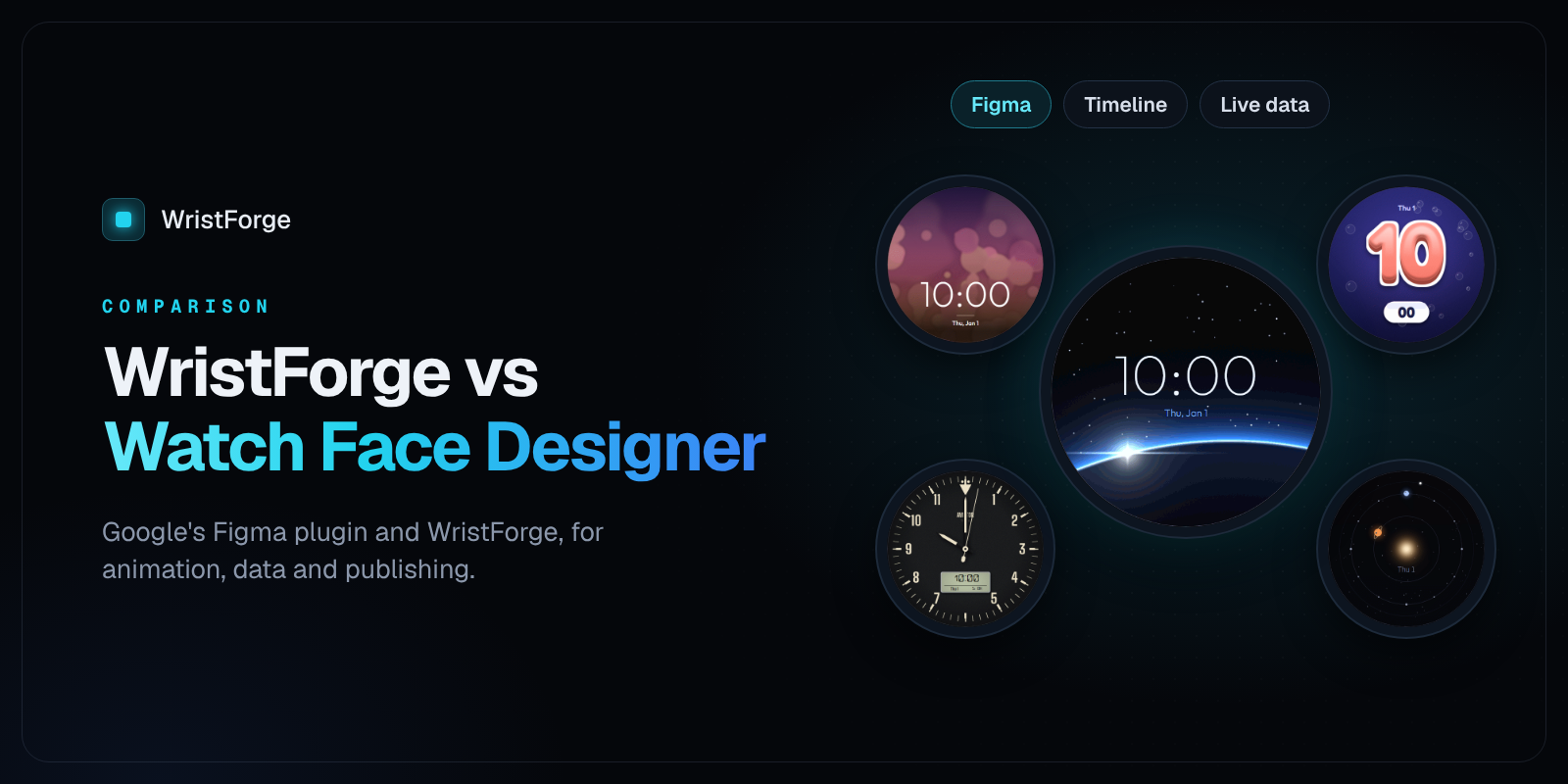
In August 2025 Google released Watch Face Designer, a Figma plugin for building Wear OS watch faces. If you already design in Figma, it's an easy way in. Here's how it compares with WristForge, and when you might use one, the other, or both.
Last checked November 2026. Google calls the plugin an initial version, so check its docs for updates.
The short version
- Use Watch Face Designer if you live in Figma, you want a clean static face (time, complications, color themes, photos), and you only need Wear OS.
- Use WristForge if you want animation and time-of-day changes without moving to Android Studio, more than one kind of watch, a free place to publish, or watch apps too.
Side by side
| Watch Face Designer | WristForge | |
|---|---|---|
| What it is | A plugin inside Figma | A desktop editor for Windows, Mac and Linux |
| Watches | Wear OS | Wear OS and Amazfit, with Garmin next |
| Time, complications, color themes, photos | Yes | Yes |
| Steps, heart rate, battery, weather as part of the design | Through complications | Built-in readouts and gauges, plus complications |
| Animation and time-of-day changes | Not in the plugin. Google suggests exporting to Android Studio for these | Timeline with crossfades and keyframes, tilt effects, sprite animations |
| Google Play .aab | Yes | Yes |
| Install on your watch | APK over adb, or one-click deploy on Mac | From the editor's Build window |
| Publish without a Google Play account | No | Yes, to Face Hub, free |
| Watch apps | No | Yes, Wear OS and Apple Watch |
Where Watch Face Designer shines
It's in Figma. If your design work already lives there, you don't have to learn a new canvas. Your fonts and color styles come along.
It's from Google. The output follows Google's Watch Face Format closely, and the export options are generous: a Google Play bundle, an Android Studio project, an APK, raw resources, or even a Watch Face Studio project.
A live preview with a time slider. Quick to see how a face looks through the day.
Where WristForge is different
Motion and time of day, without code
Google's docs point you to Android Studio for animations and other features the plugin doesn't support. In WristForge they're part of the editor:
- A Timeline with one row per layer across 24 hours: show, hide, crossfade, move, scale, rotate and tint, with easing
- Wrist-tilt parallax, masks, text outlines and shadows
- Sprite sheet animations and one-click spin, pulse, blink and bob
Live data, designed in
Battery, steps, heart rate, weather and forecast, moon phase and notification count are objects you place and style, with progress arcs, rings, bars and segmented gauges to show them. Complications are there too, for data from the wearer's other apps.
More than Wear OS
The same project builds for Amazfit watches running Zepp OS, with Garmin next. Change one watch's layout and the others stay as they were.
Publish free on Face Hub
New personal Google Play accounts need a 20-tester, 14-day closed test before the first release. With WristForge you can publish to Face Hub for free right away, and add Google Play under your own name whenever you're ready.
Using both
There's no rule that says pick one. Many designers sketch in Figma first. You can export your art layers as PNGs from Figma and drop them into WristForge to add the motion, data and multi-watch builds.
Get started
Download WristForge, free for Windows, Mac and Linux, and try it with a face you've already designed.
Figma is a trademark of Figma, Inc. Watch Face Designer is made by Google. WristForge isn't affiliated with either. Comparisons are based on Google's public documentation as of November 2026.