For watch face creators
Your faces, on more wrists. Without the Play hoops.
Design in WristForge, then publish to Face Hub for free, or ship your own Google Play listing, or both. Bring your Watch Face Studio projects with you.
Publish without Google Play
Submit a face to Face Hub from the site. No developer account, no one-time Google fee, no 12-tester closed test before anyone can install it.
Keep your Play listing too
Build a signed APK for free, or a Google Play bundle with Pro, and ship it on your own account under your own name. Face Hub is an extra audience, never a lock-in.
Don't start over
Open your own Watch Face Studio project and pick up where you left off. The package name comes with it, so you can even update an existing Play listing with your original key.
Build what you couldn't
A keyframe Timeline, wrist-tilt parallax, masks, real text outlines, baked soft shadows and wearer-picked colours, all without typing an expression.
Switching
What changes when you switch.
Facer and Watch Face Studio are good tools, and for a simple face either is fine. This is what WristForge adds on top.
From Watch Face Studio
- Your .wfs projects open in WristForge, layer for layer, with a report of anything that needs a touch-up.
- Conditional Lines become Timeline windows, where you can also fade, swap art and keyframe motion instead of only showing and hiding.
- Outlines are one setting, not eight copies of the same text to keep in sync.
From Facer
- Time-of-day changes are bars you drag on a Timeline, not ternaries typed into an opacity field.
- Motion is keyframes with easing on every segment, not trigonometry in a rotation field.
- What you build is yours: build an APK or a Play bundle of your own face whenever you want.
On Face Hub now
Built in WristForge, worn every day.
A few of the faces already live in Face Hub.
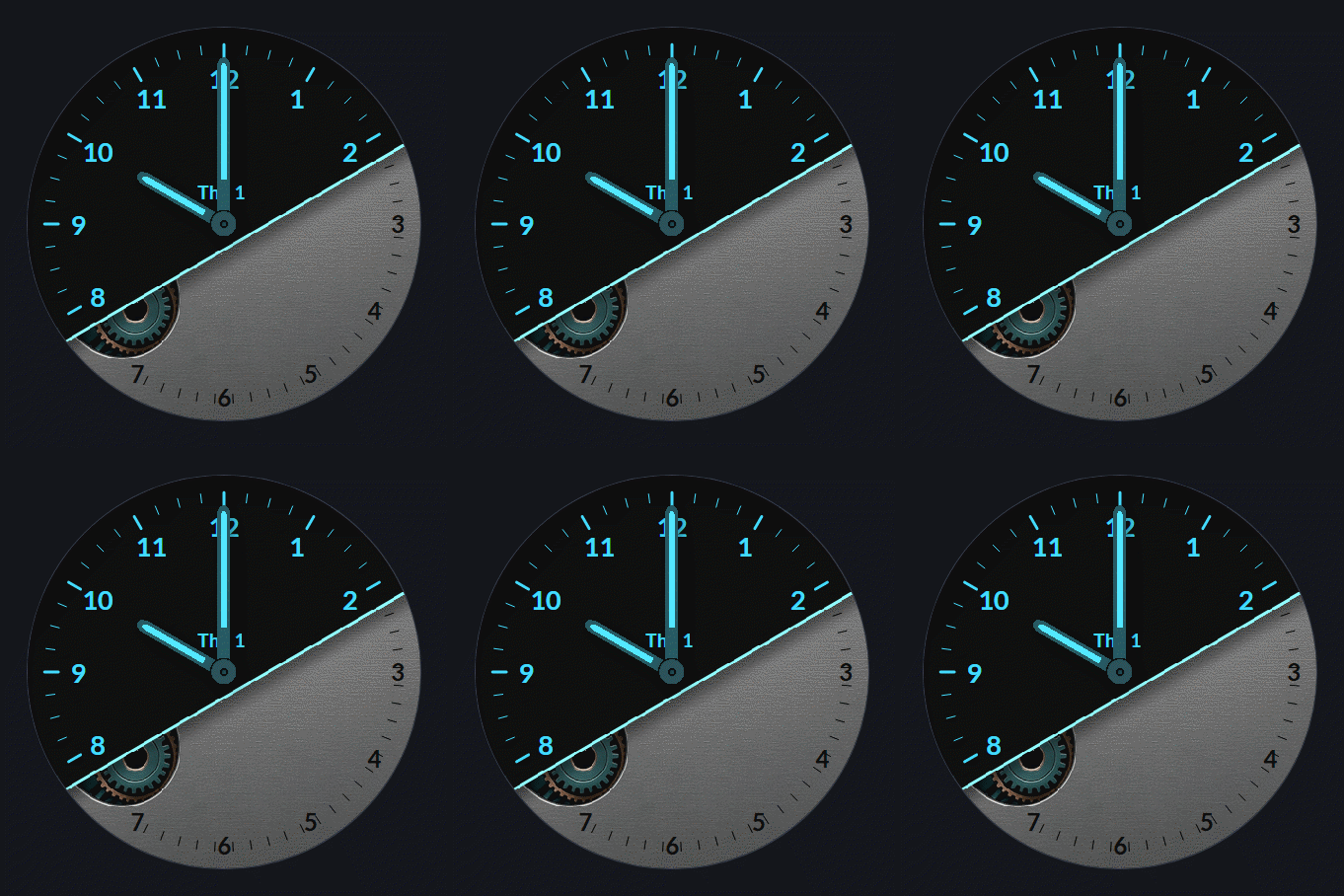
Industry
by WristForge
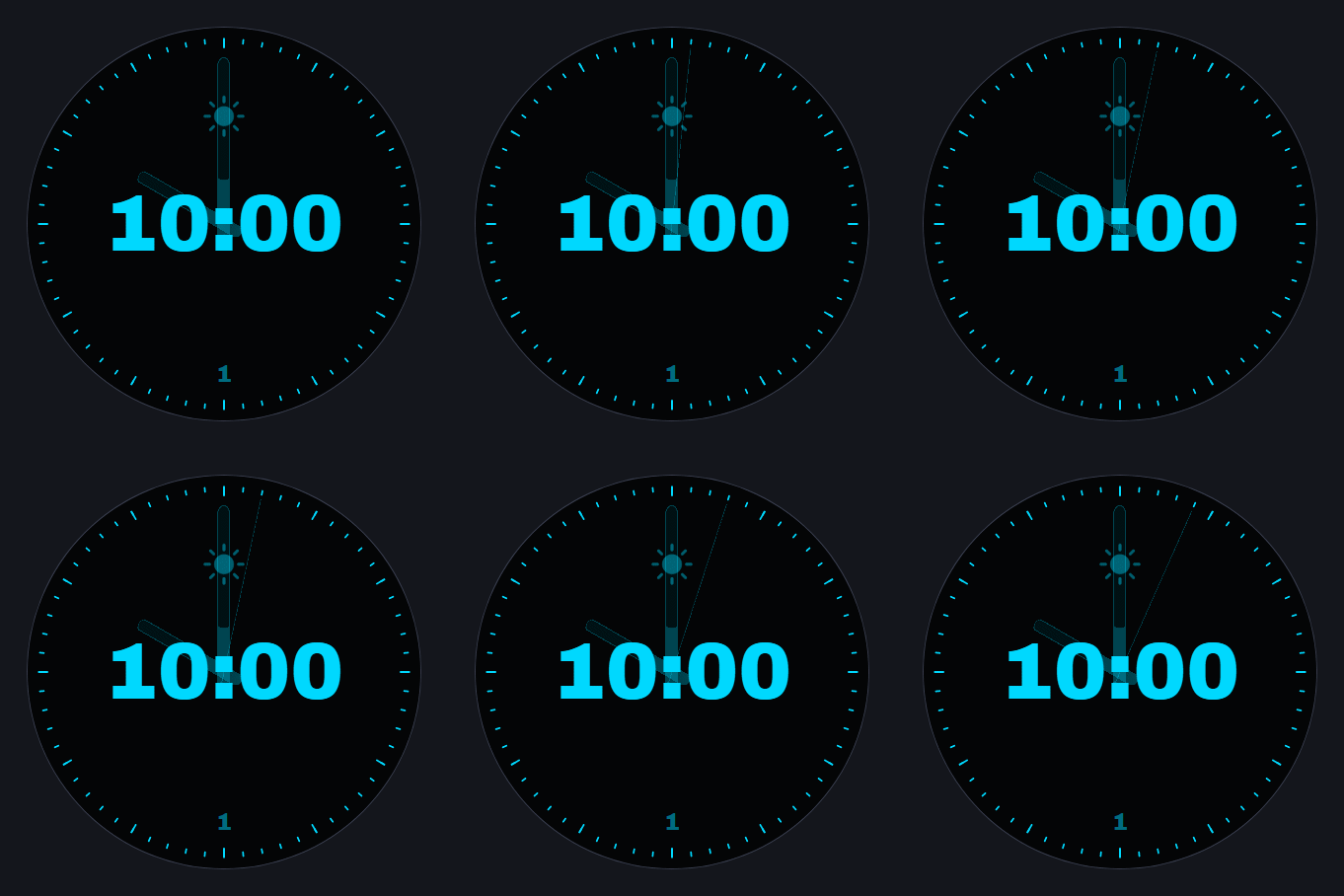
Hybrid 10:08
by WristForge
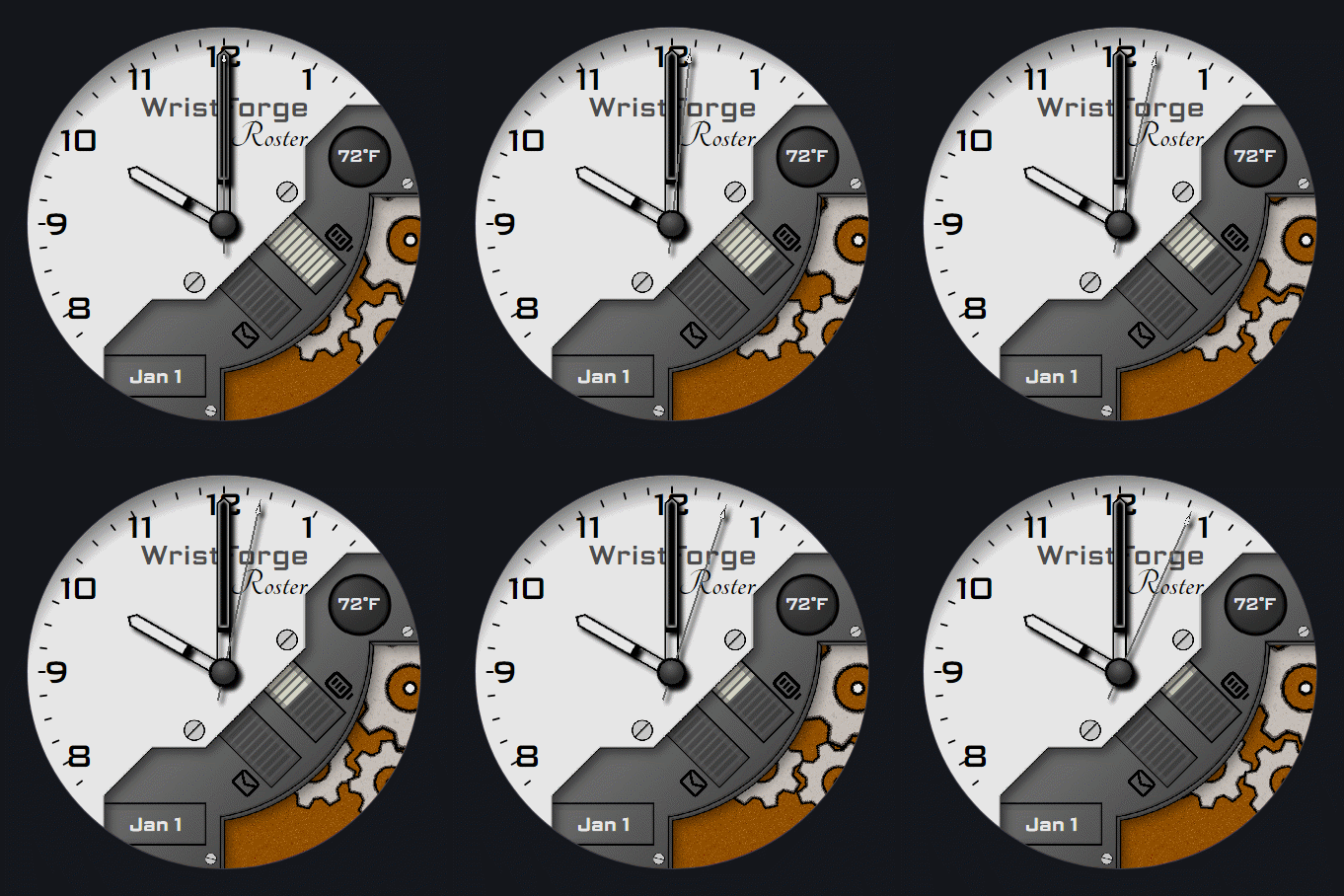
Roster Lite
by WristForge
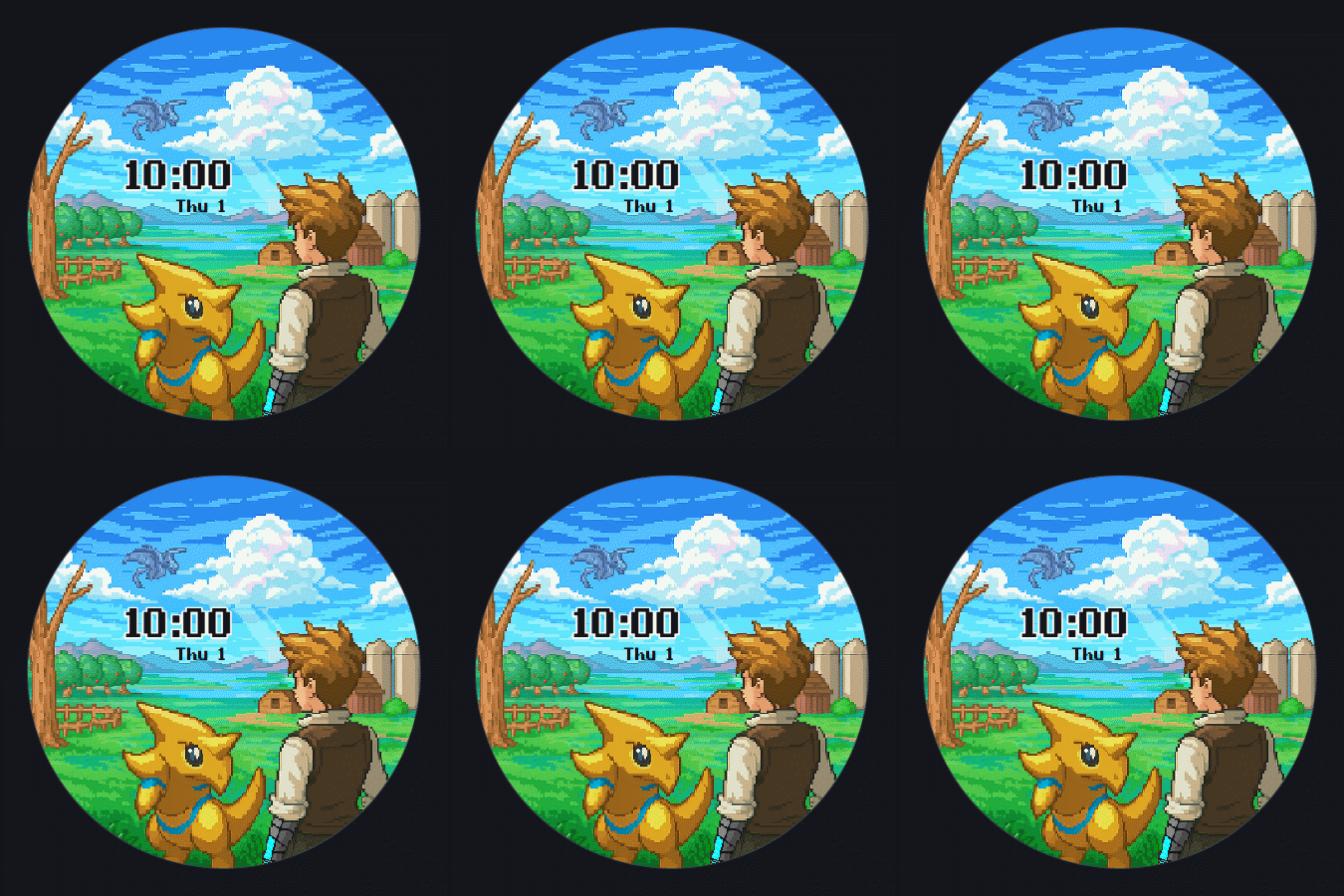
Chronomon Farm Life
by Epicwolffe
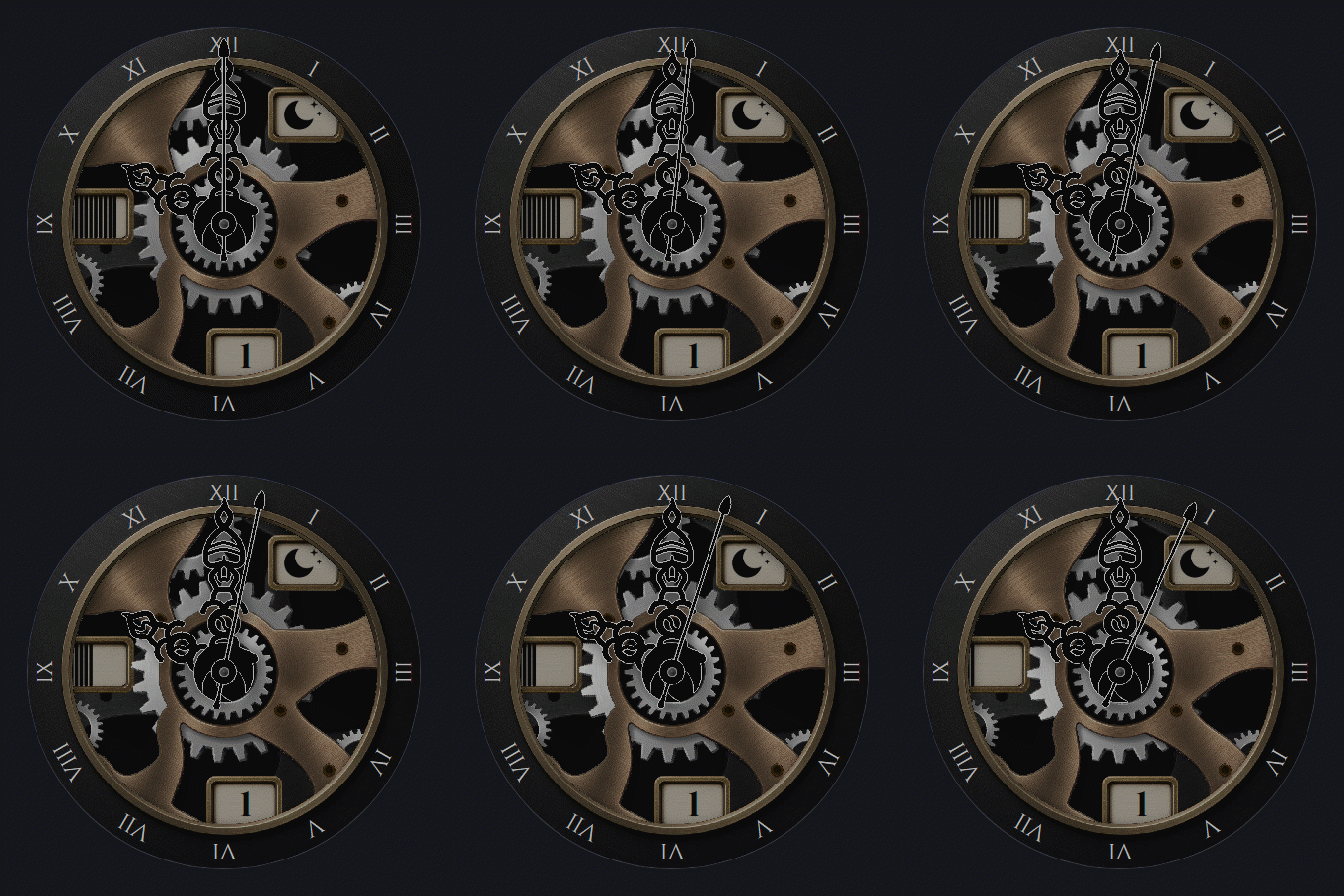
Reliquary Fancy
by WristForge
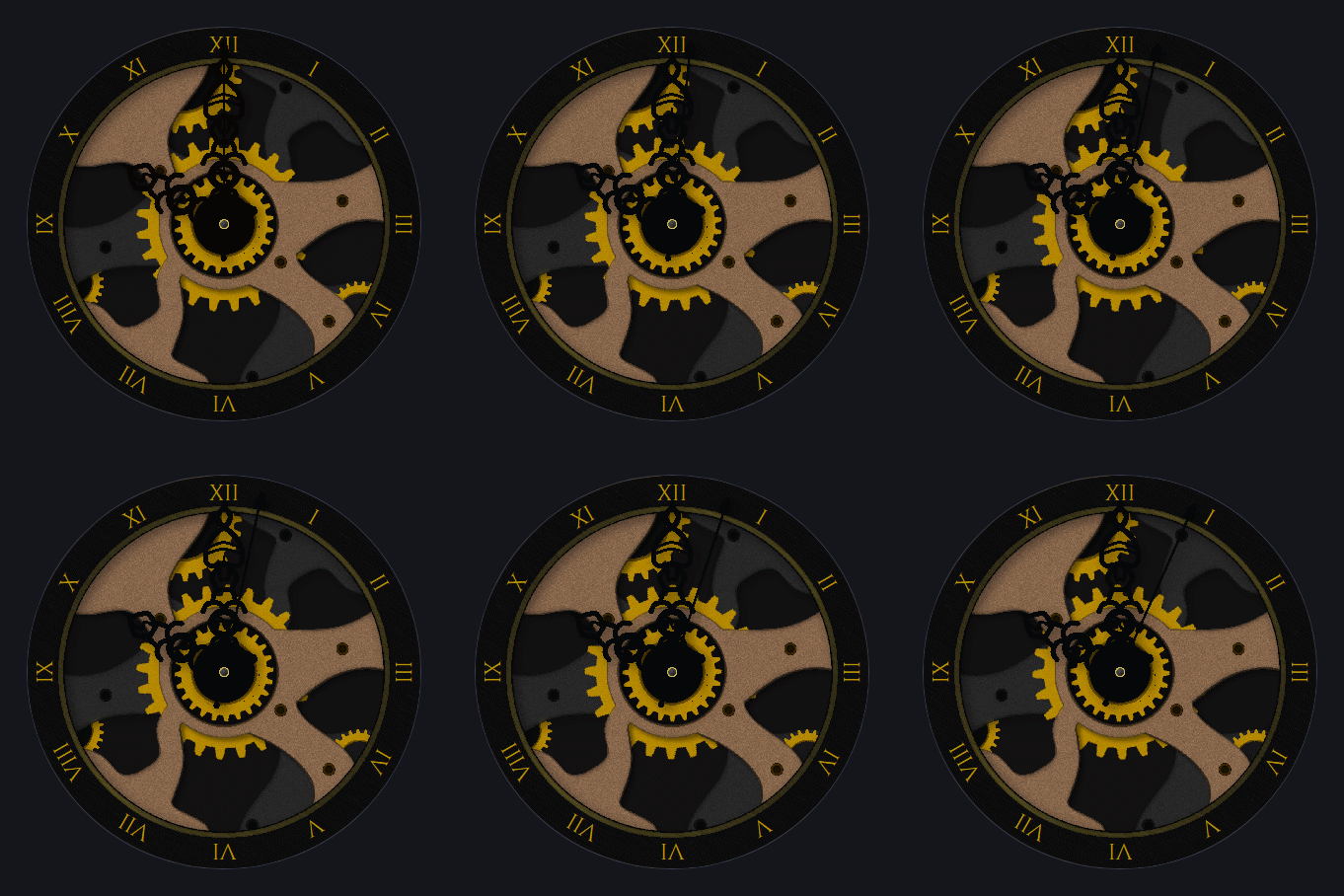
Reliquary Basic
by WristForge
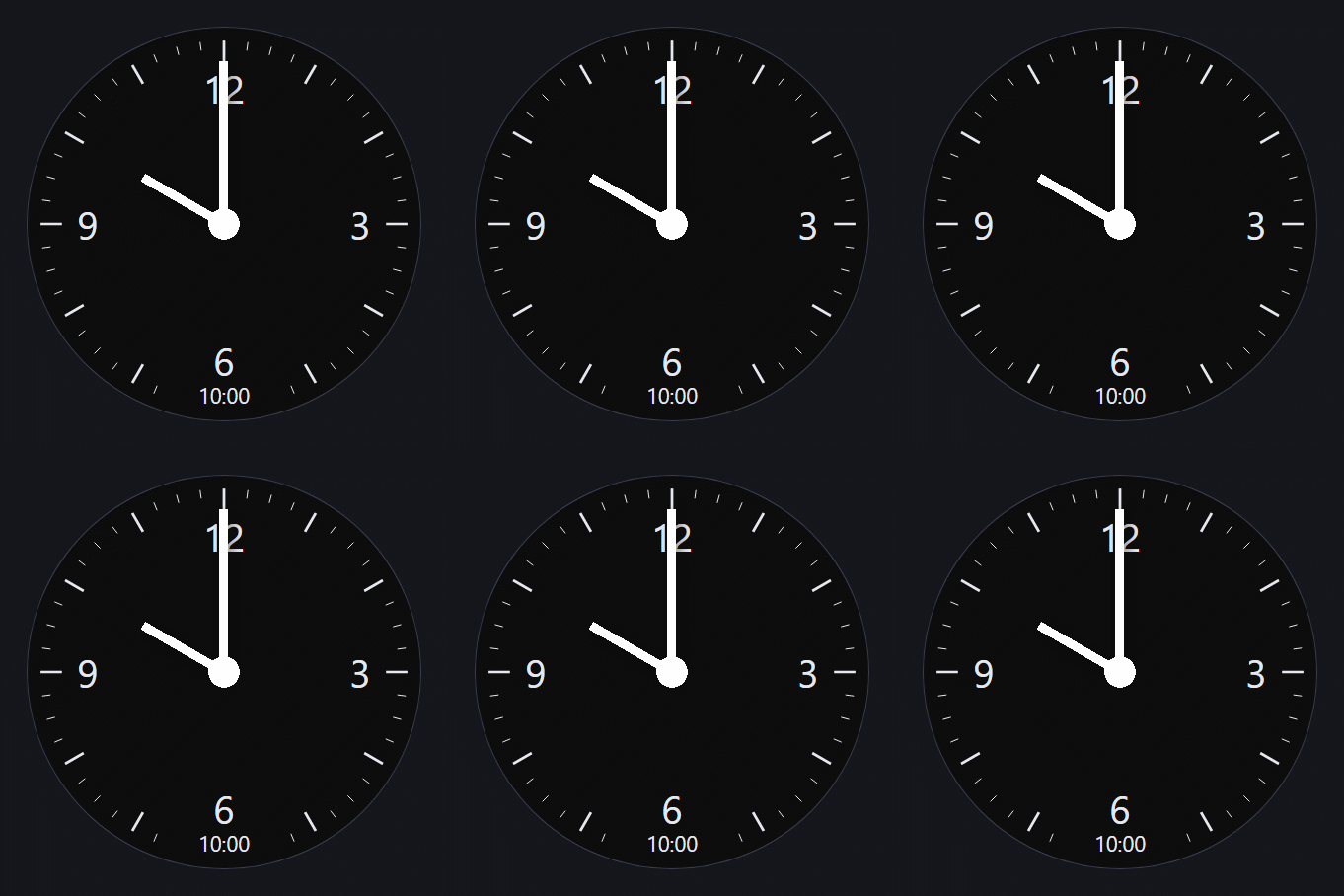
Twin
by WristForge
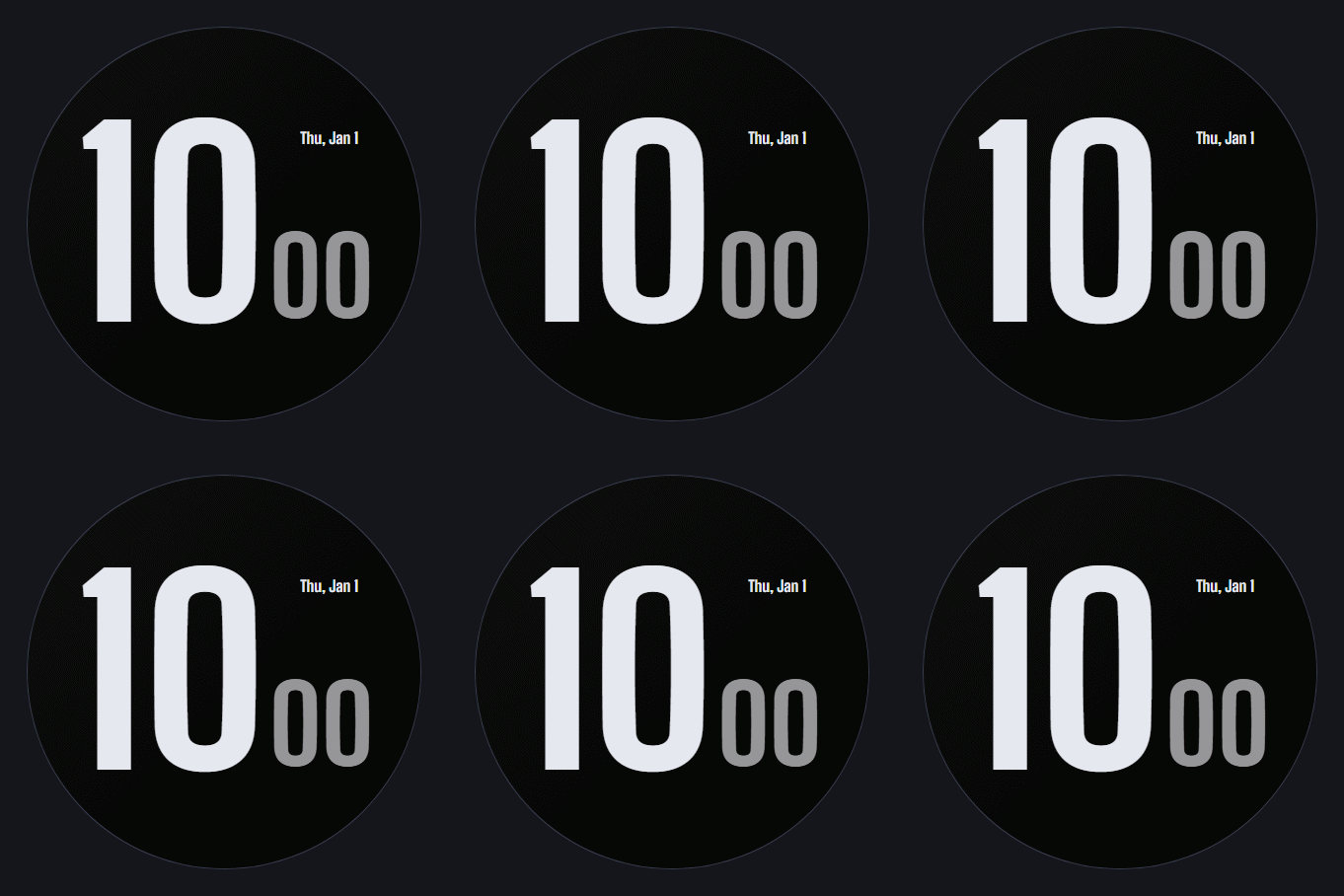
Block
by WristForge
Publishing
From your editor to someone else's wrist.
- 01
Build
Design the face in the editor. Templates and guides get you to a first face quickly.
- 02
Test on your wrist
Send it to your own watch through the Face Hub app and live with it for a day.
- 03
Submit
Upload it from your creator page with previews, a description and its category.
- 04
Review
We check every new face before it goes live, mostly for other people's art and brands.
- 05
Live on Face Hub
Wearers find it, install it and like it. Send updates from the editor whenever you improve it.
Creator questions.
Does publishing to Face Hub cost anything?
No. The editor is free and so is publishing to Face Hub. Pro is only needed to build a Google Play bundle for your own listing.
Who owns the faces I publish?
You do. Publishing gives Face Hub permission to list and install your face; the design and the art stay yours.
Can I publish the same face on Google Play as well?
Yes. Face Hub is not exclusive. Plenty of creators will want both.
What gets a face rejected?
Art you do not have the rights to, other companies' logos and brands, or a copy of someone else's face. Original work goes through.
Which watches can install my faces?
Face Hub installs faces with Google's Watch Face Push, which needs a watch on Wear OS 6 or newer. Faces you ship on Google Play yourself run on Wear OS 4 and newer.
Start building your next face.
The beta is invite-only for now. Join the list and we will send an invite as soon as a spot opens.