Hybrid watch face
Solstice
by WristForge
200 coinsGet it with Face Hub
Open Face Hub on your watch or phone and search for “Solstice”. Needs Wear OS 6 or newer.
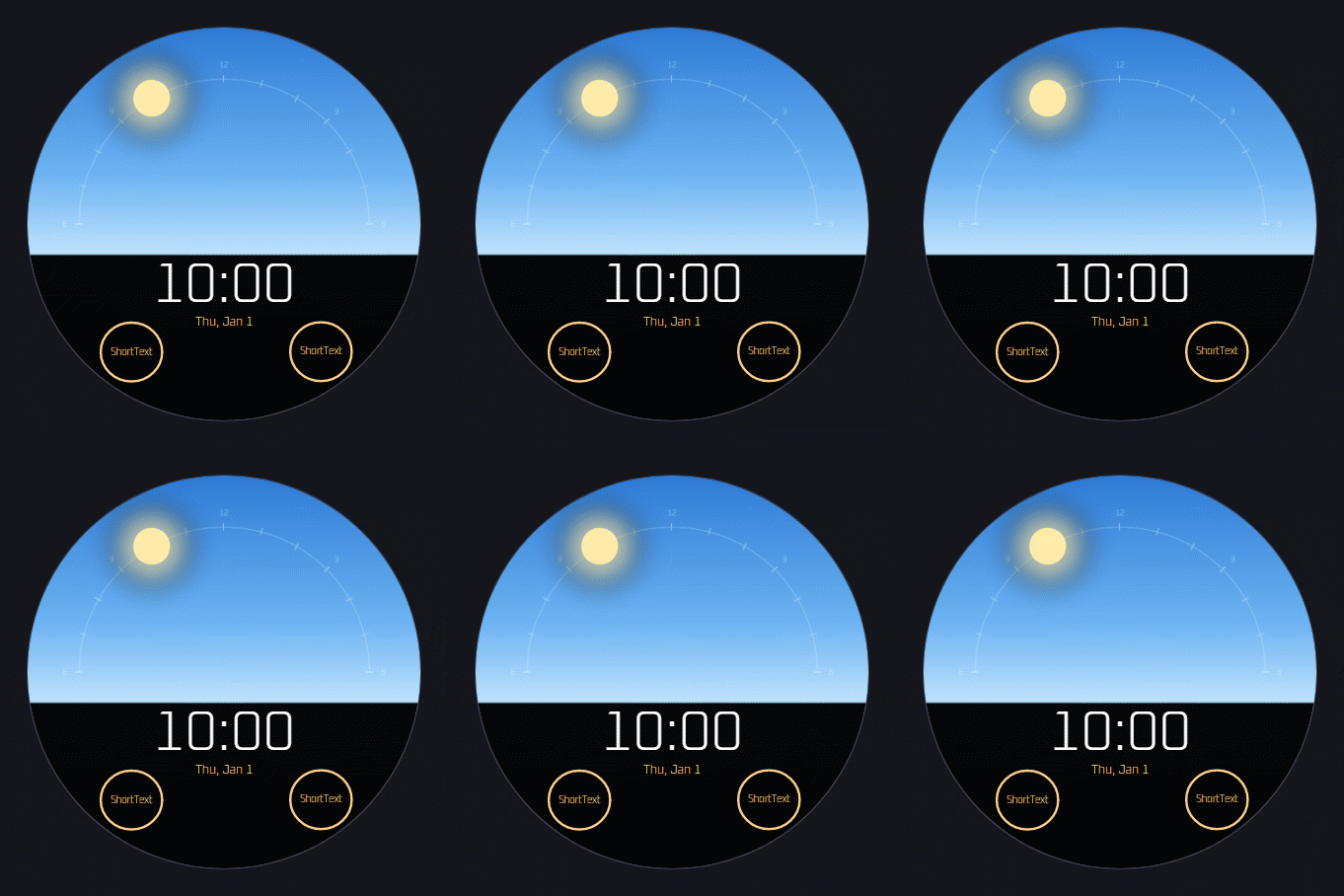
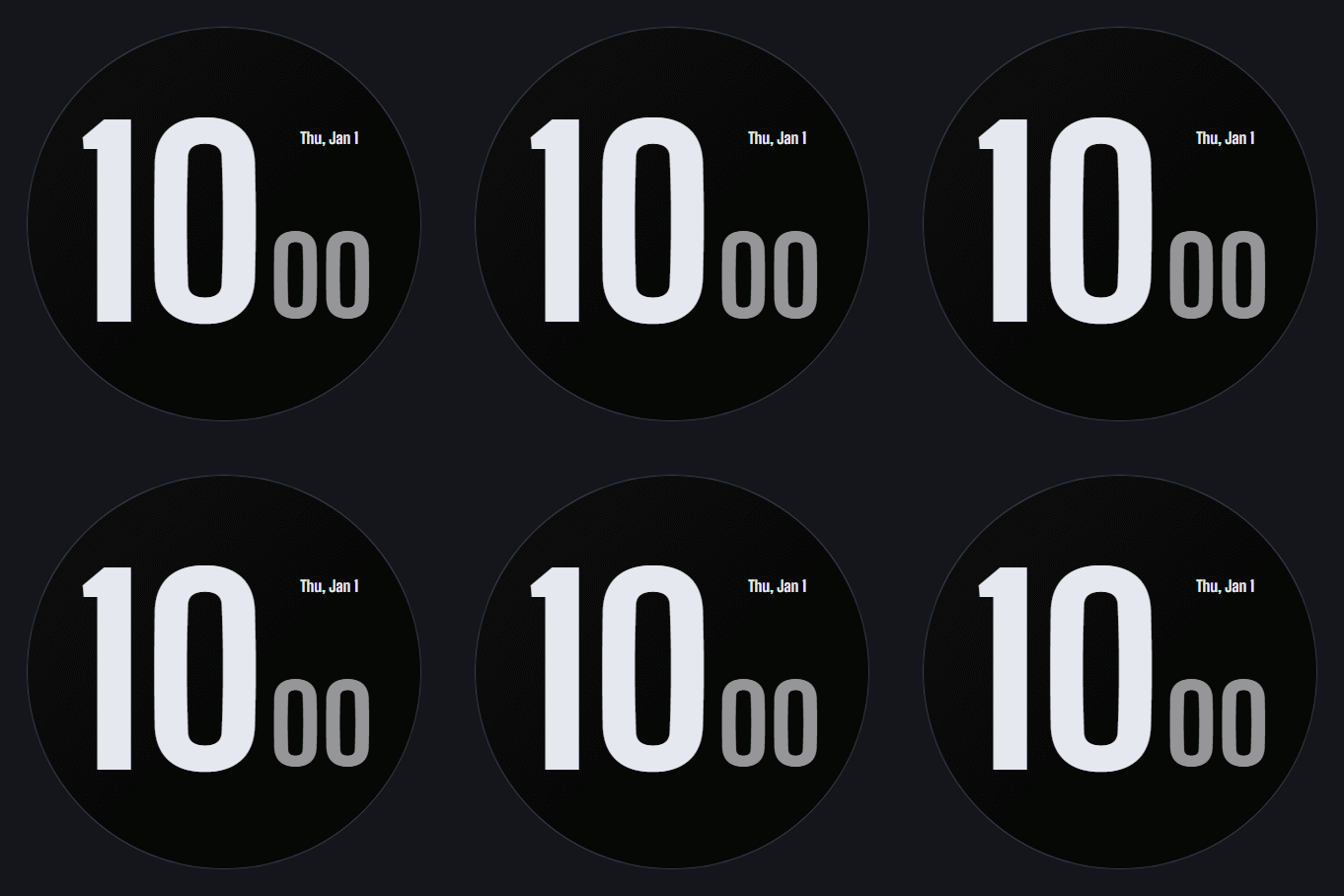
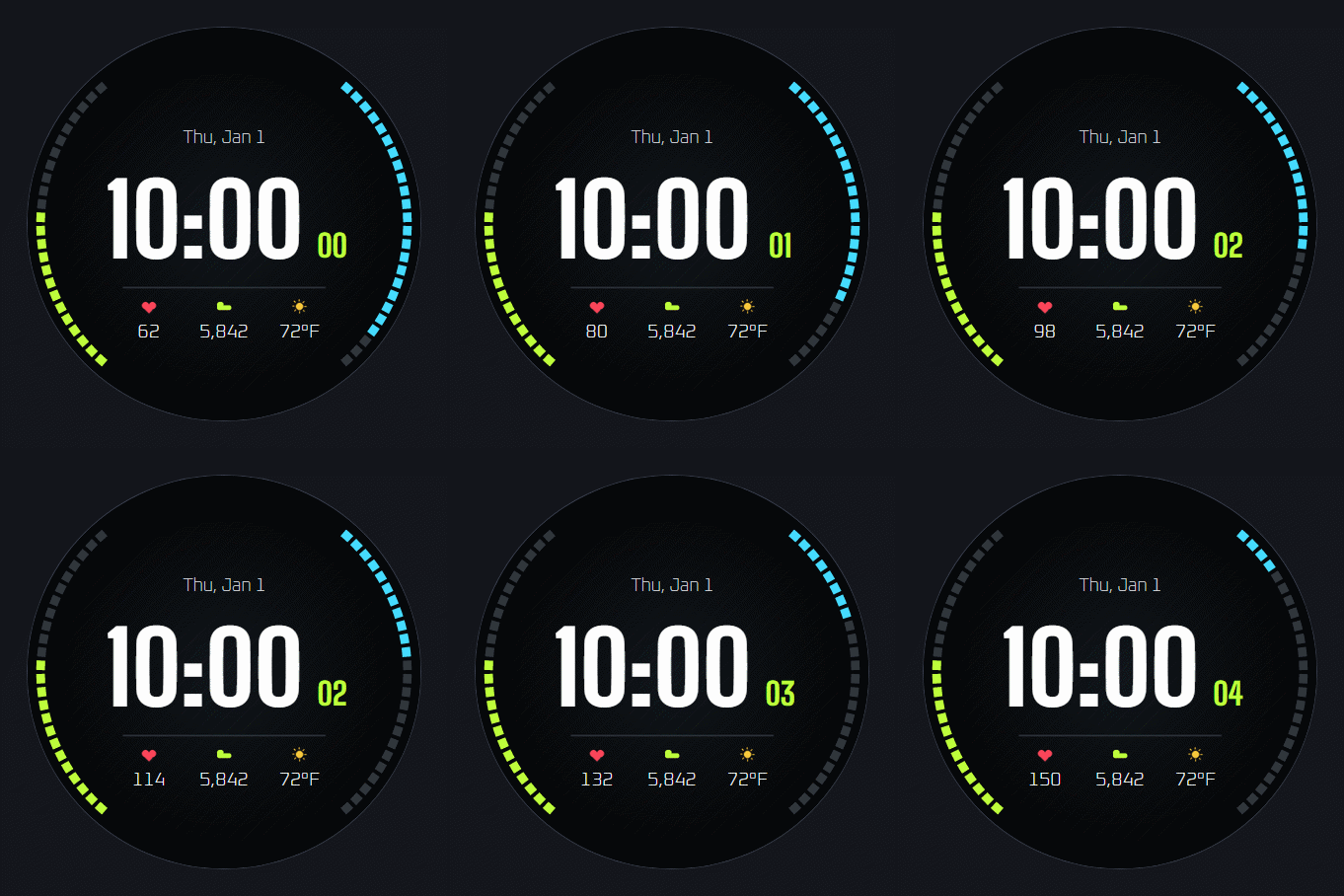
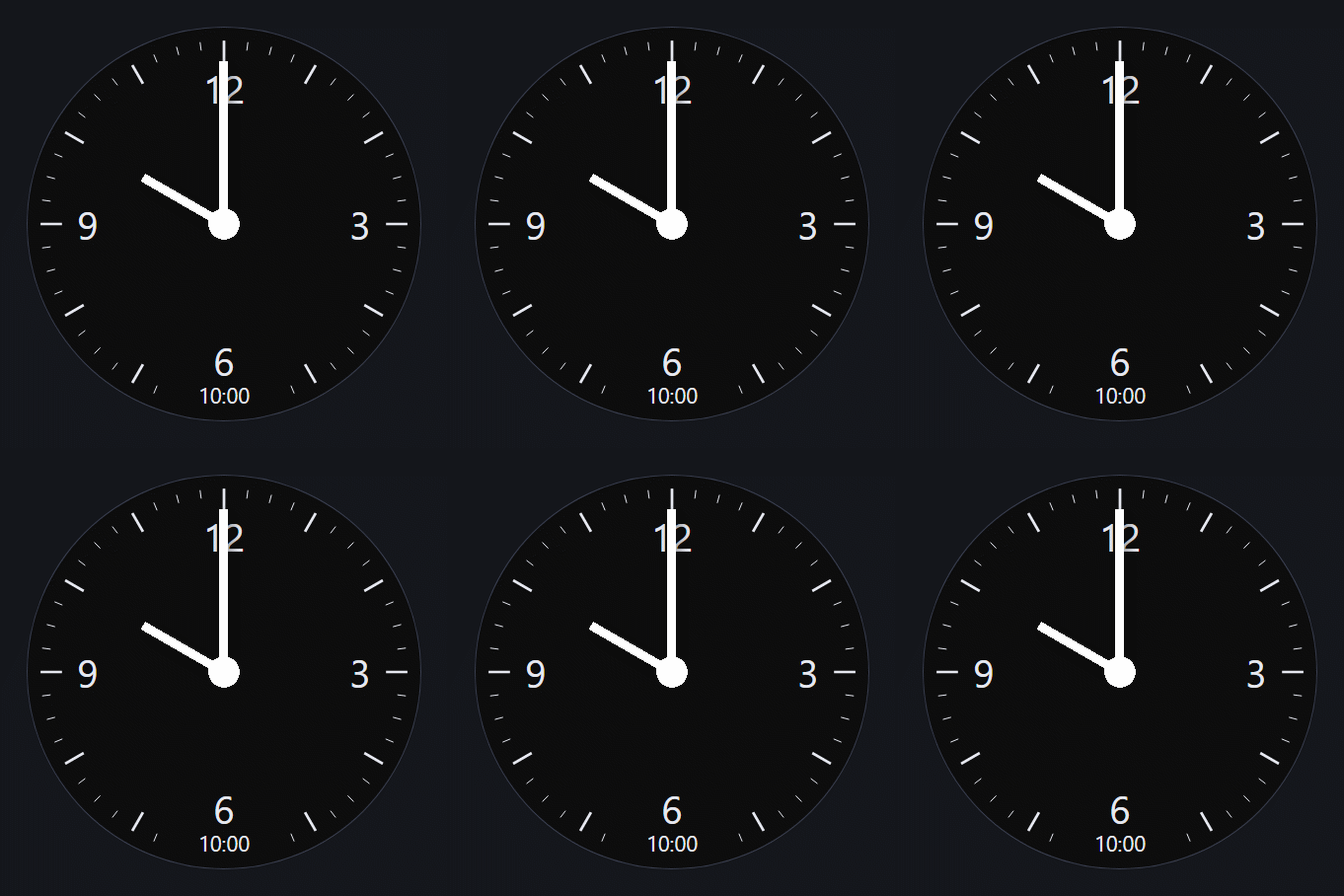
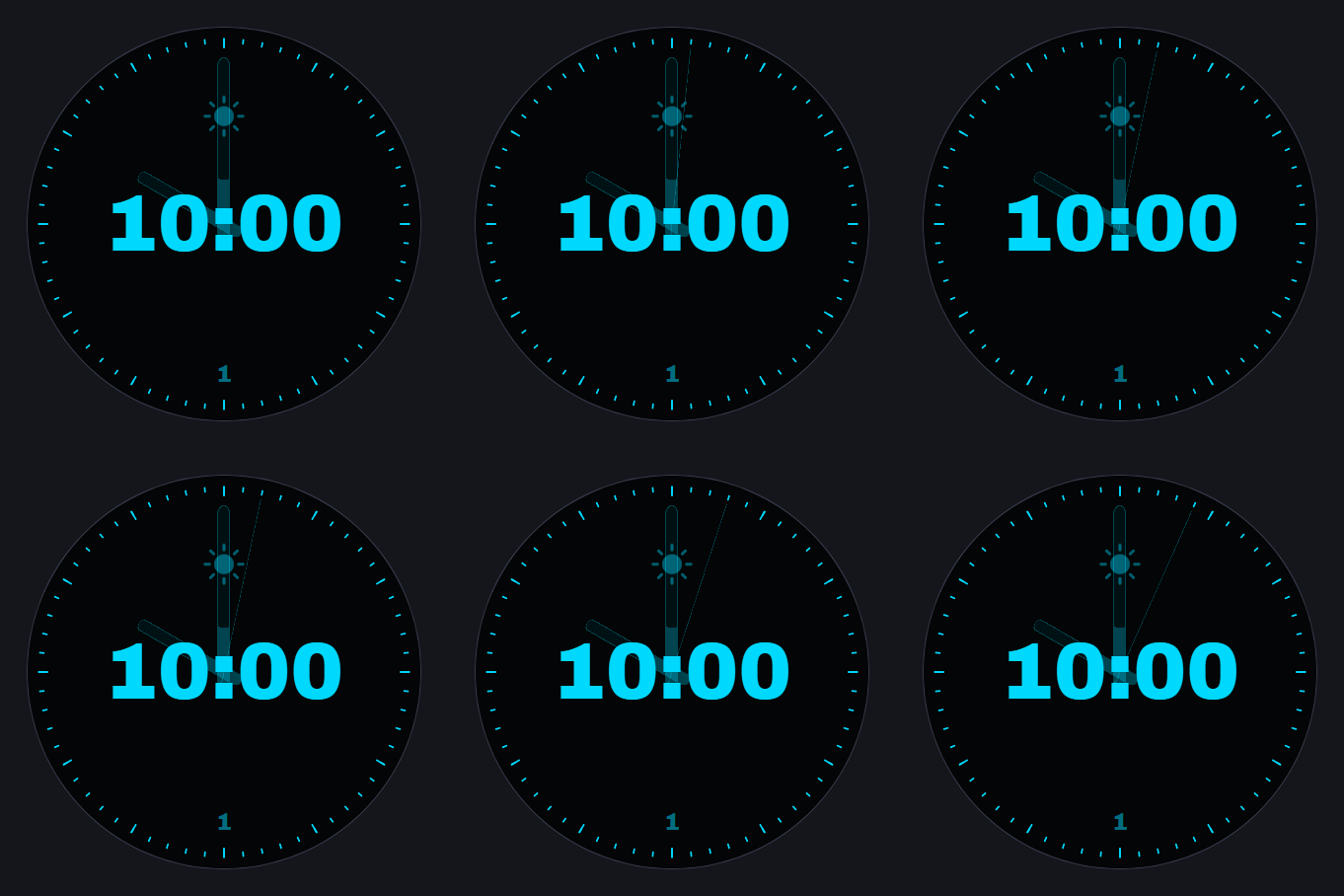
The sky follows your day. The sun rises on the left, arcs overhead and sets on the right, then the moon takes over under the stars. The sky fades through dawn, day, dusk and night, with big time, date and two complications below the horizon. Four accent colors.
What's on this face
- Display
- Digital time, Date display
- Complications
- 2 slots
- Customization
- Customizable colors
- Ambient
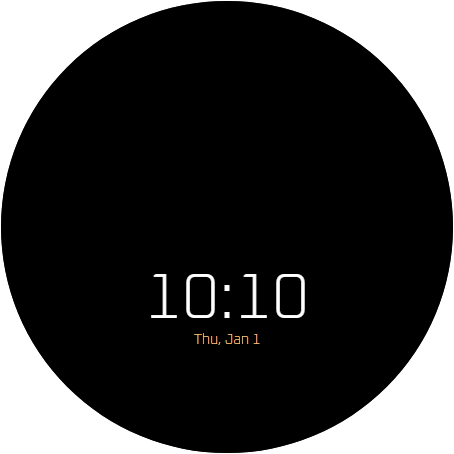
- Custom always-on treatment
Browse similar
How to install
- Install Face Hub from Google Play on your watch (or phone, it installs to both).
- Find Solstice in the catalog and tap Get.
- It is on your wrist a few seconds later. Long-press the face to customize it.
Made in WristForge
Every face here was built in a free visual editor. Make your own.
Layers, live watch data and a real Timeline, built for Wear OS and Amazfit. No code. Publish to Face Hub, or ship it on Google Play or the Zepp Store yourself.