Digital watch face
Gingham
by WristForge
Open Face Hub on your watch or phone and search for “Gingham”. Needs Wear OS 6 or newer.
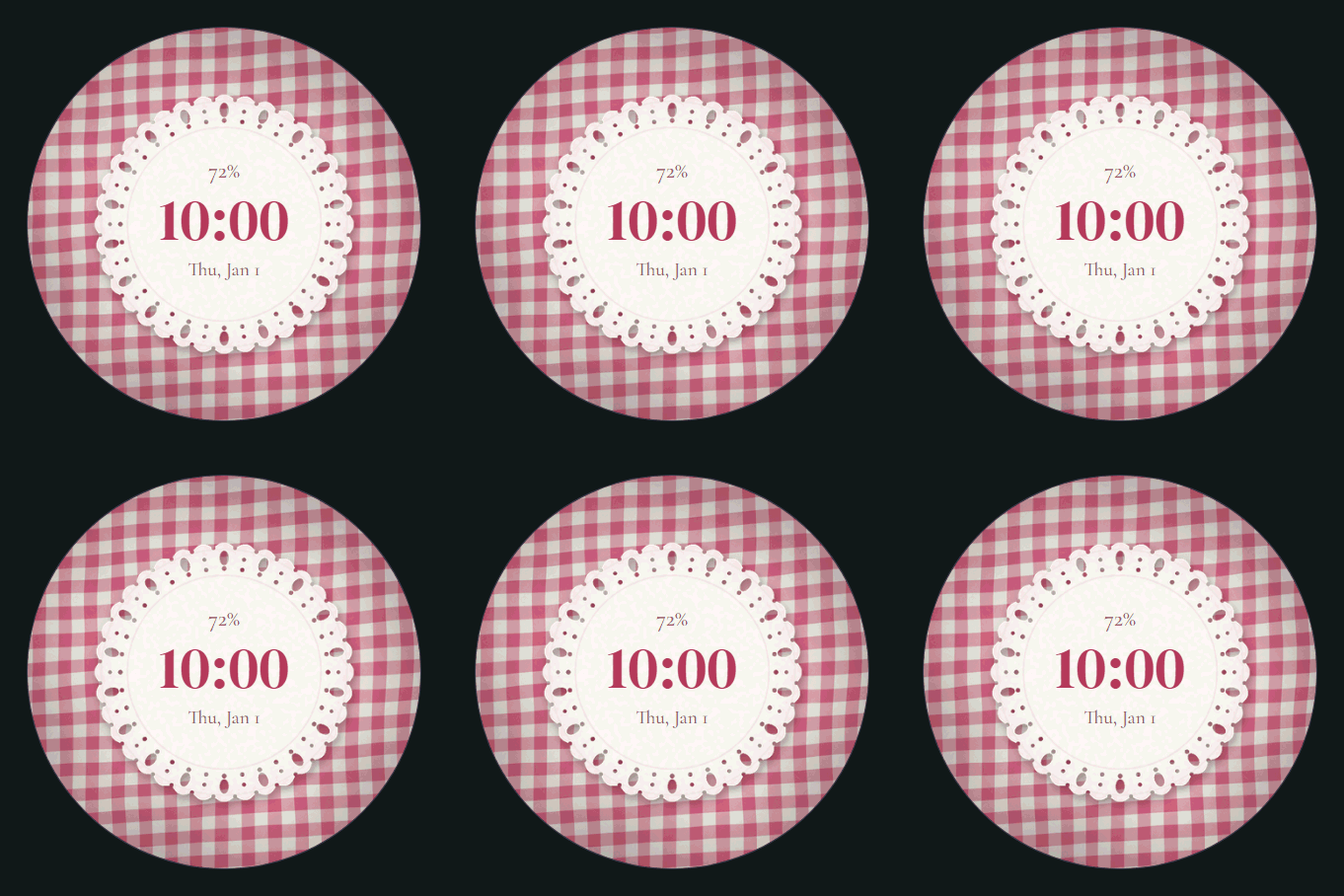
Cottagecore picnic vibes: a pink gingham cloth with a white lace doily, and the time, date and battery written on the lace.
What's on this face
- Display
- Digital time, Date display
- Readouts
- Battery
- Ambient
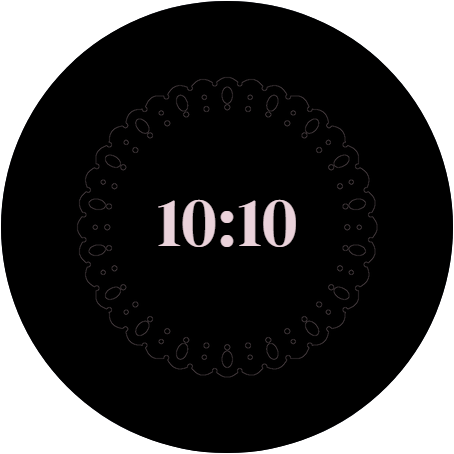
- Custom always-on treatment
How to install
- Install Face Hub from Google Play on your watch (or phone, it installs to both).
- Find Gingham in the catalog and tap Get.
- It is on your wrist a few seconds later. Long-press the face to customize it.
You might also like
All watch faces
Block
by WristForge
Free
8 installs · 2 likes
Pocket
by WristForge
Free
7 installs · 1 likes
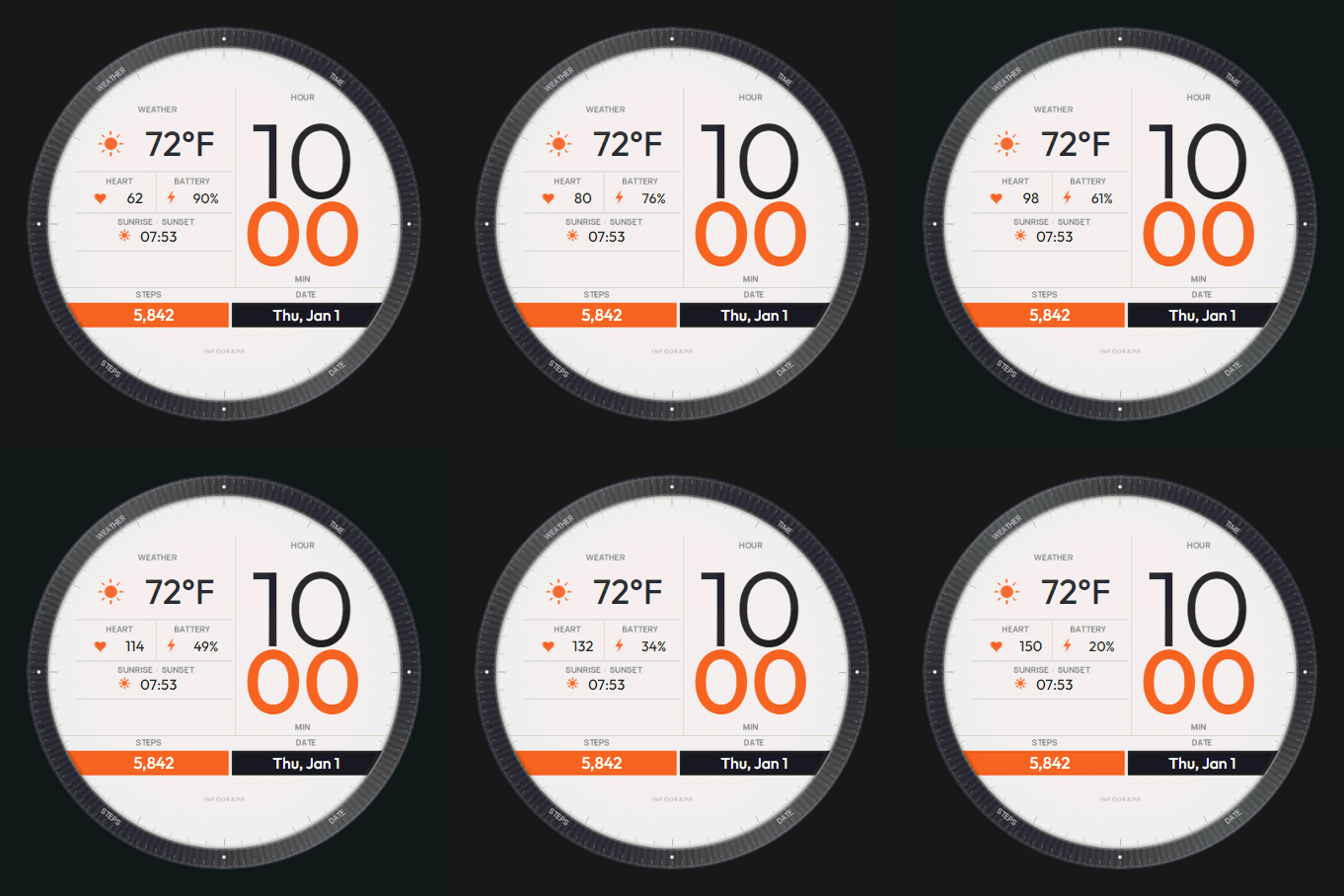
Infograph
by WristForge
Free
2 installs · 1 likes
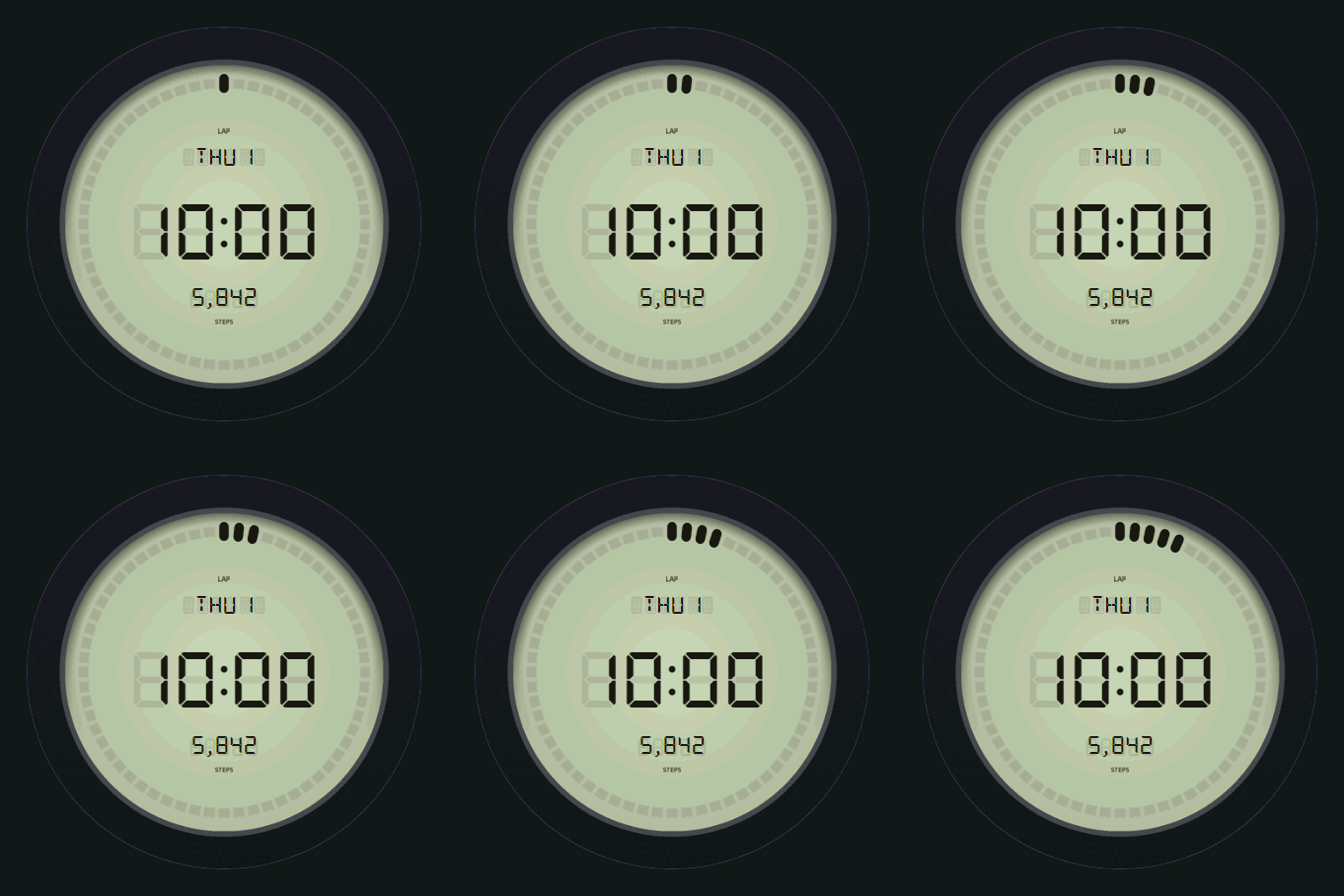
Split
by WristForge
Free
2 installs · 1 likes
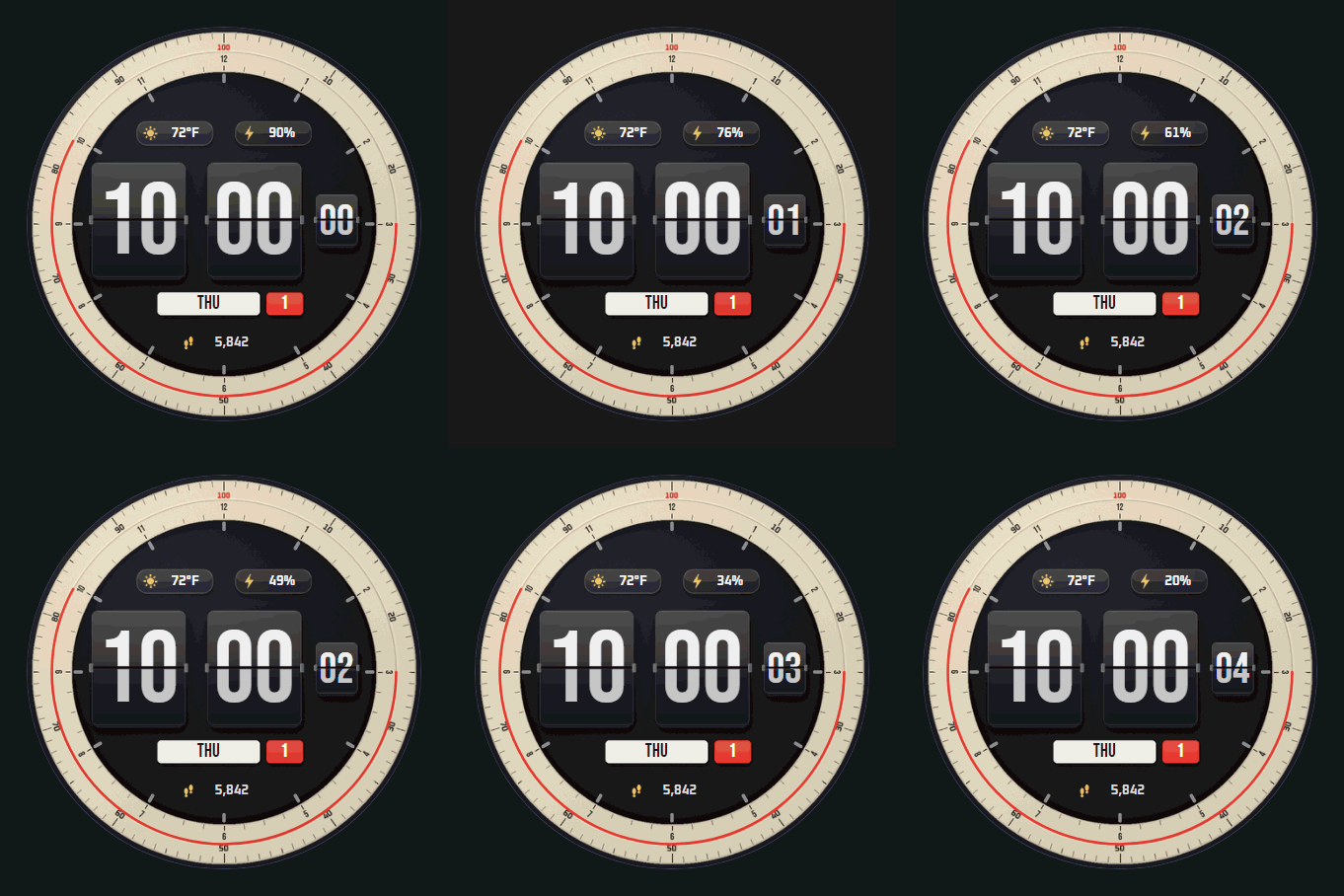
Slide Rule
by WristForge
Free
1 installs · 1 likes
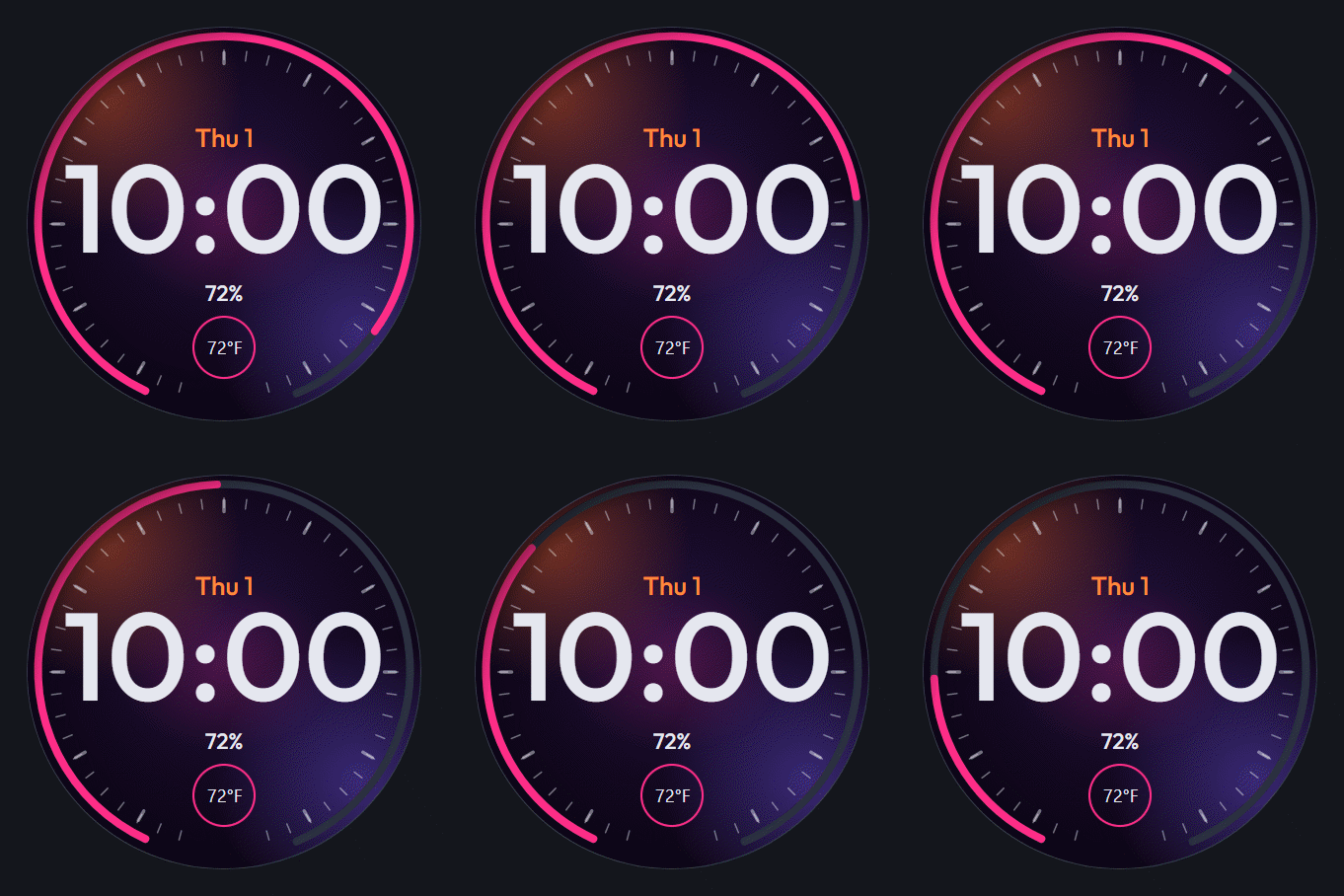
Sunset Pulse
by WristForge
Free
2 installs · 1 likes
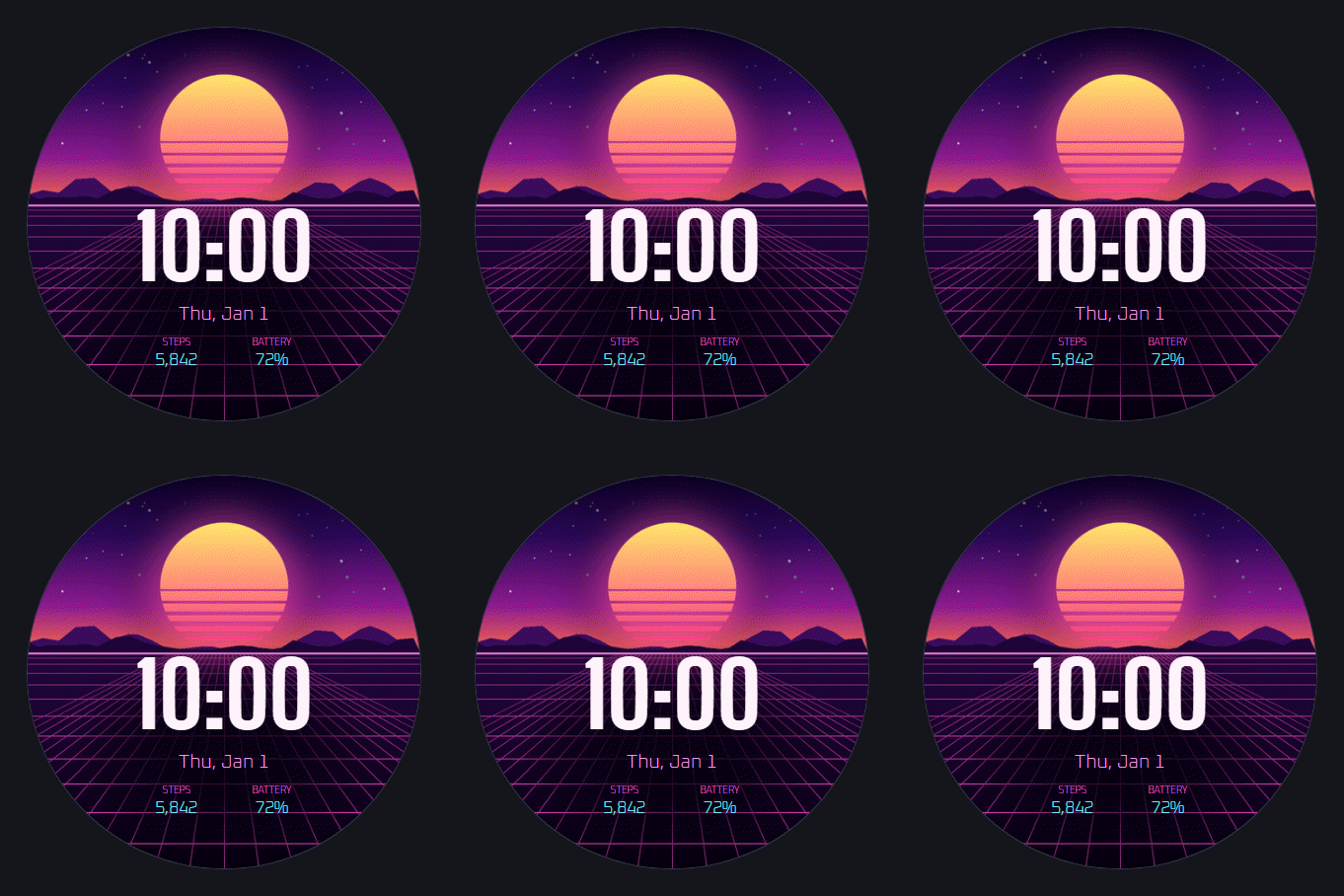
Sunset Grid
by WristForge
Free
1 installs · 1 likes
Made in WristForge
Every face here was built in a free visual editor. Make your own.
Layers, live watch data and a real Timeline, built for Wear OS, Amazfit and Garmin. No code. Publish to Face Hub, or ship it on Google Play or the Zepp Store yourself.