Minimal watch face
Gas Giant
by WristForge
25 coinsGet it with Face Hub
Open Face Hub on your watch or phone and search for “Gas Giant”. Needs Wear OS 6 or newer.
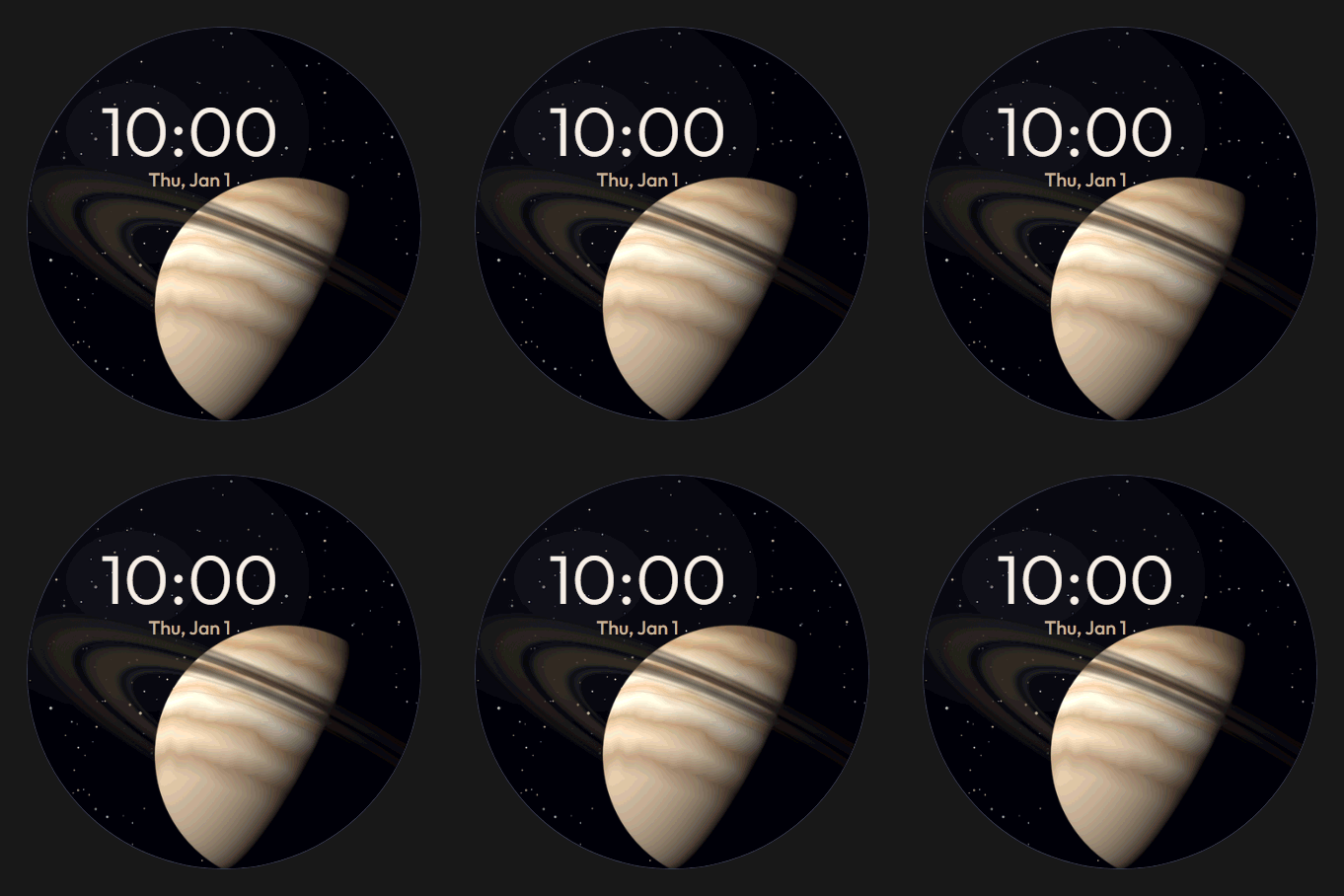
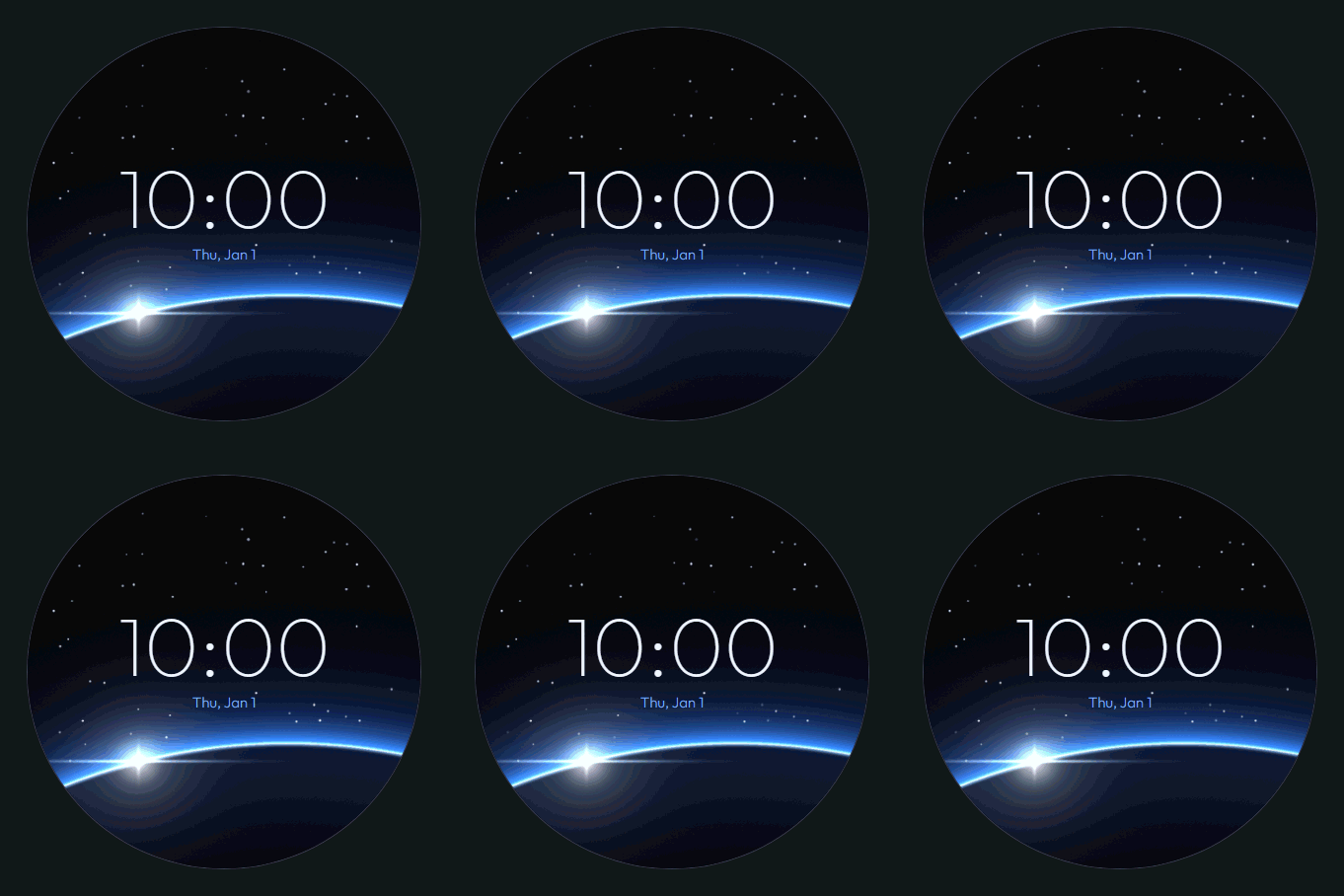
A ringed gas giant rendered in 3D, lit from the side so its banded clouds fall into night, hanging low under a field of stars. Big, clean time and date in the dark sky above it.
What's on this face
- Display
- Digital time, Date display
- Ambient
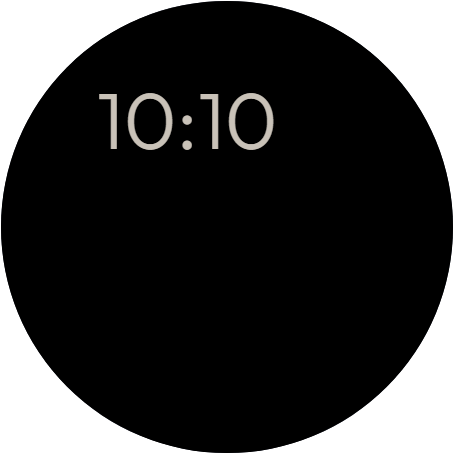
- Custom always-on treatment
How to install
- Install Face Hub from Google Play on your watch (or phone, it installs to both).
- Find Gas Giant in the catalog and tap Get.
- It is on your wrist a few seconds later. Long-press the face to customize it.
Made in WristForge
Every face here was built in a free visual editor. Make your own.
Layers, live watch data and a real Timeline, built for Wear OS, Amazfit and Garmin. No code. Publish to Face Hub, or ship it on Google Play or the Zepp Store yourself.