Digital watch face
Flip
by WristForge
Open Face Hub on your watch or phone and search for “Flip”. Needs Wear OS 6 or newer.
- Likes
- 1
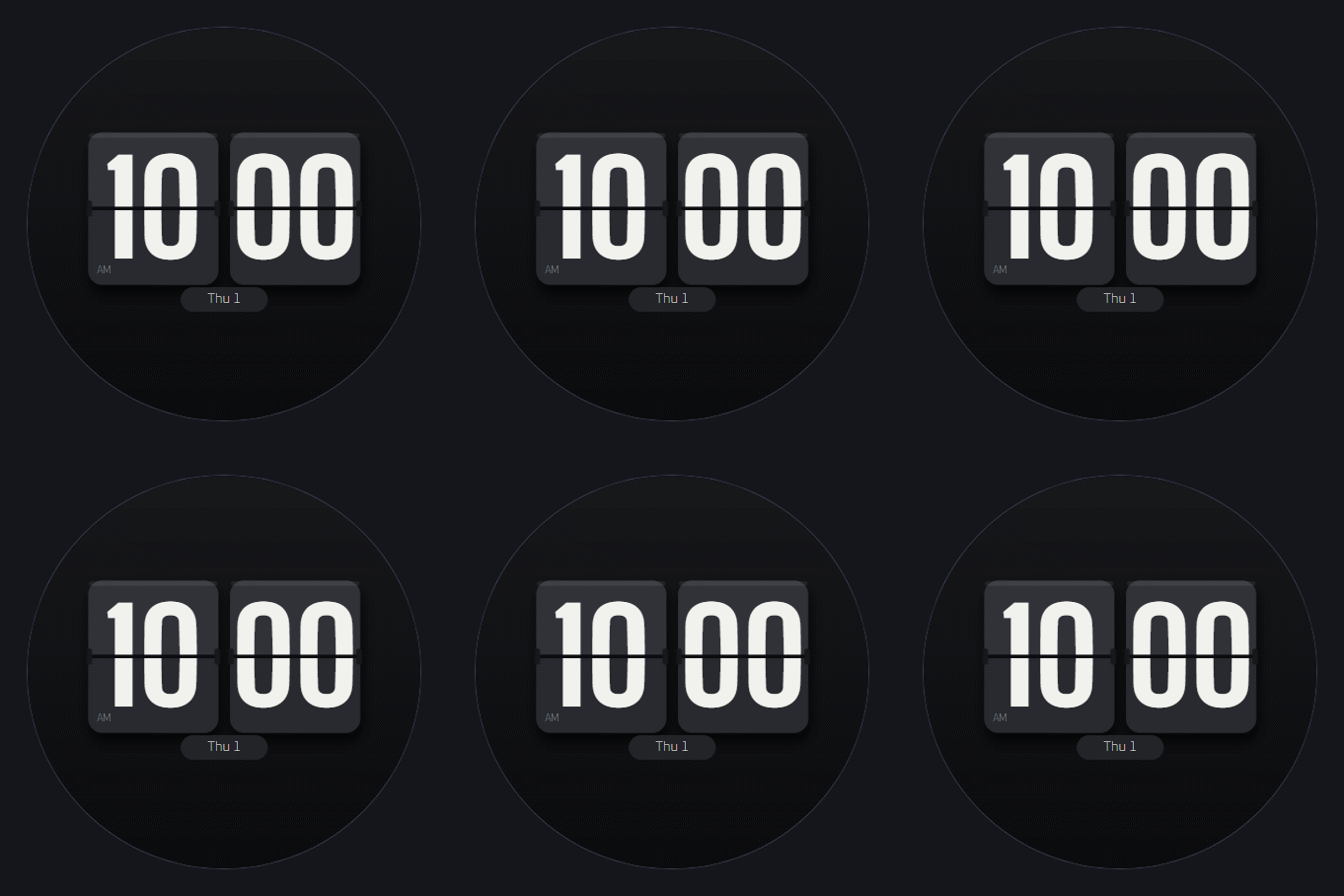
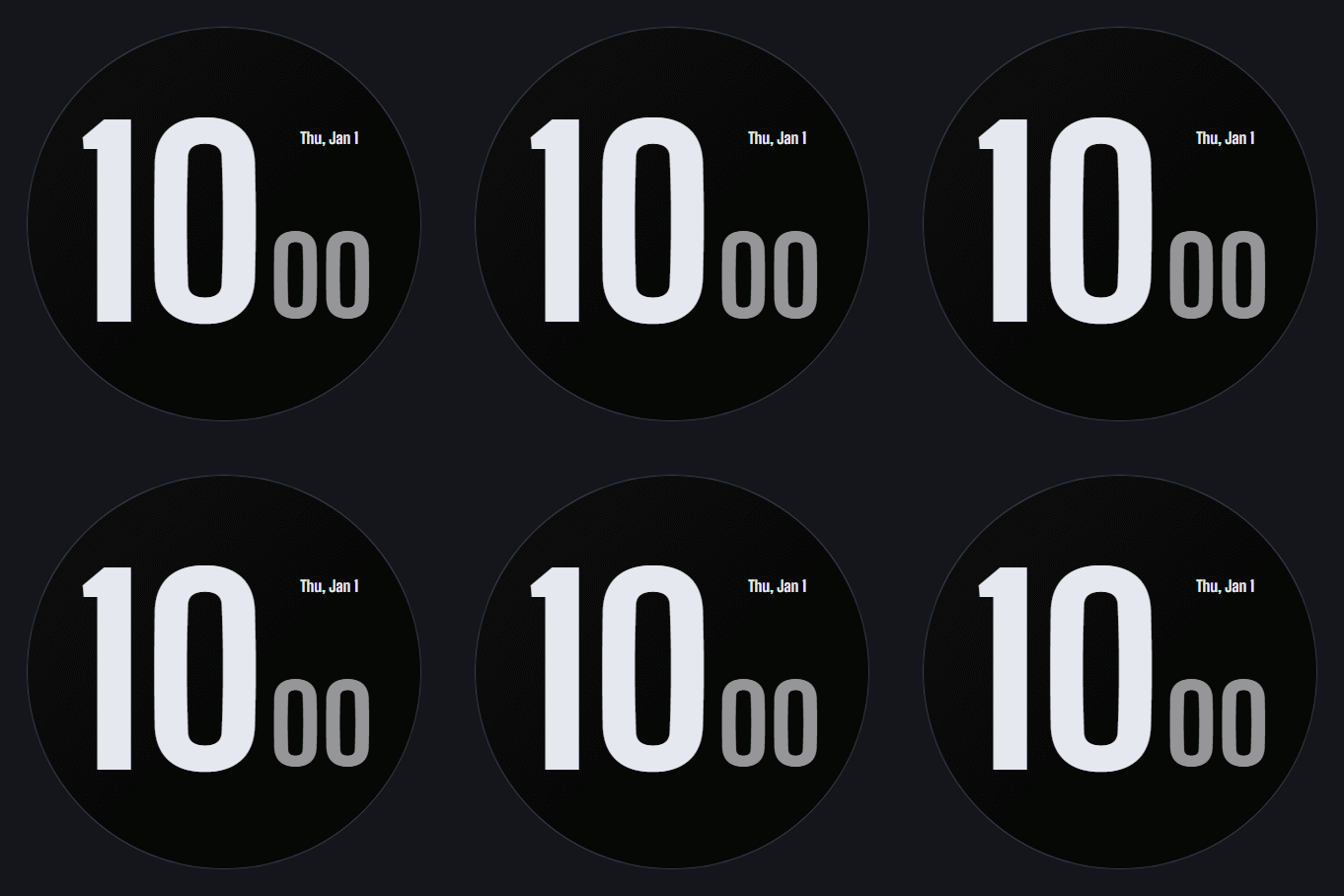
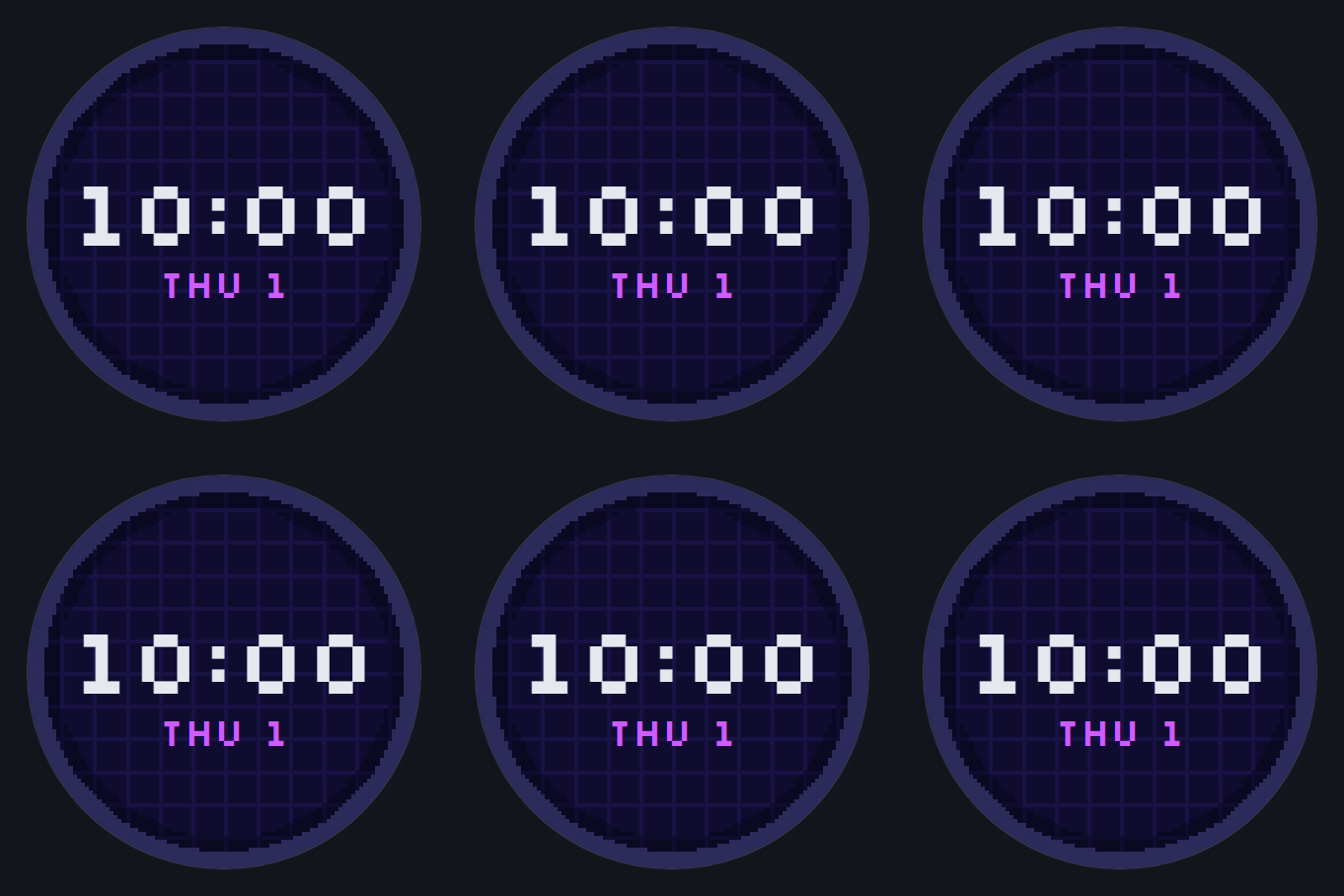
A classic split-flap clock. Big white numbers on dark tiles with the hinge line through the middle, plus the date underneath.
What's on this face
- Display
- Digital time, Date display
- Ambient
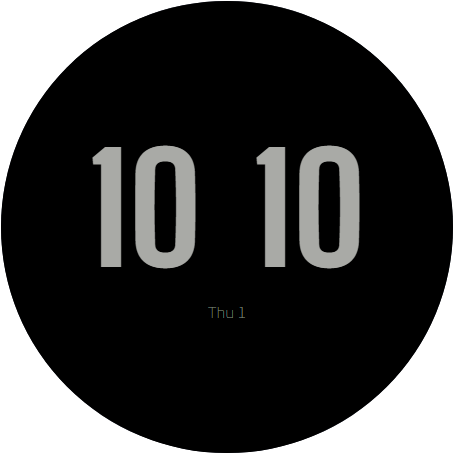
- Custom always-on treatment
How to install
- Install Face Hub from Google Play on your watch (or phone, it installs to both).
- Find Flip in the catalog and tap Get.
- It is on your wrist a few seconds later. Long-press the face to customize it.
You might also like
All watch faces
Made in WristForge
Every face here was built in a free visual editor. Make your own.
Layers, live watch data and a real Timeline, built for Wear OS and Amazfit. No code. Publish to Face Hub, or ship it on Google Play or the Zepp Store yourself.