Fitness watch face
Drop Zone
by WristForge
150 coinsGet it with Face Hub
Open Face Hub on your watch or phone and search for “Drop Zone”. Needs Wear OS 6 or newer.
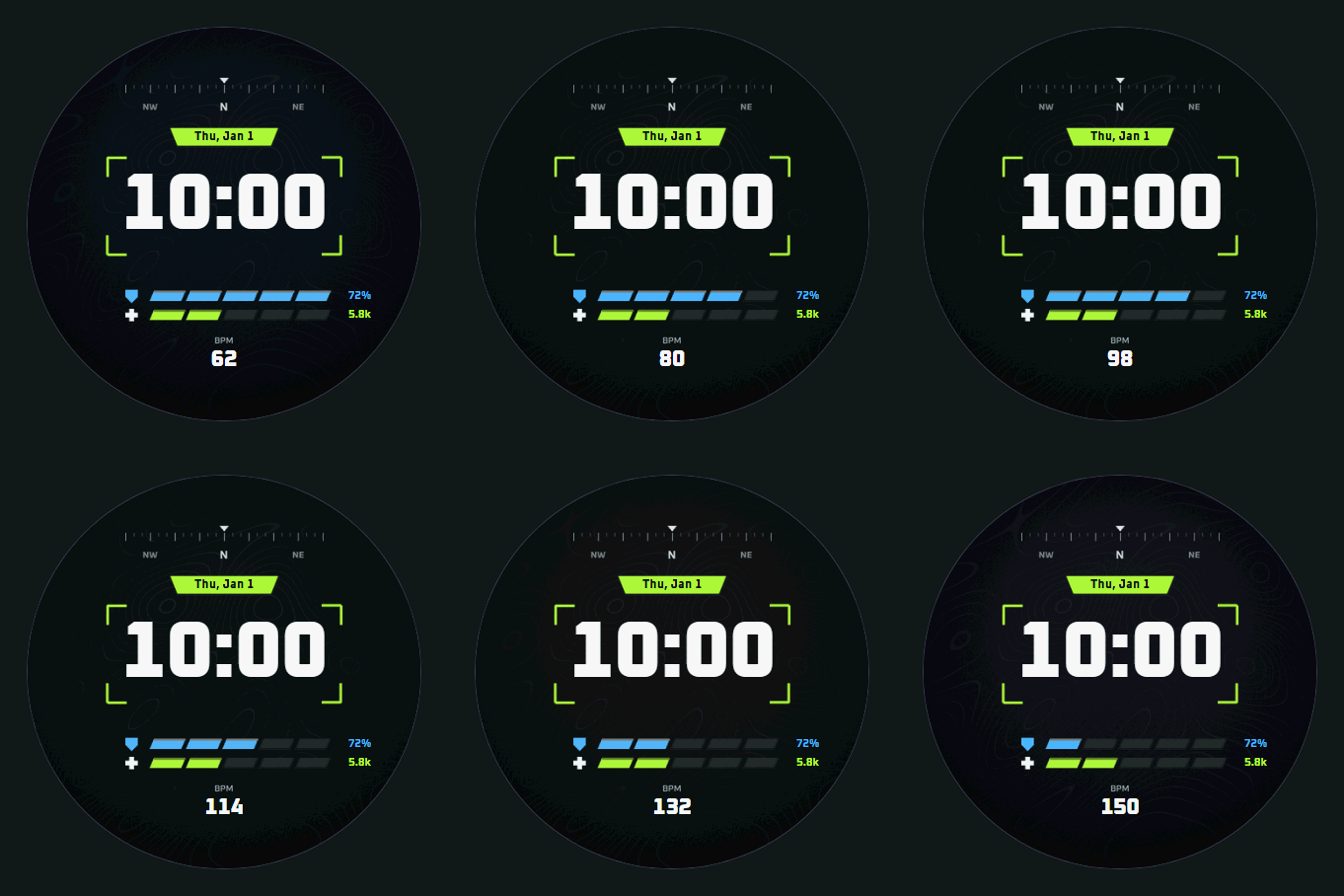
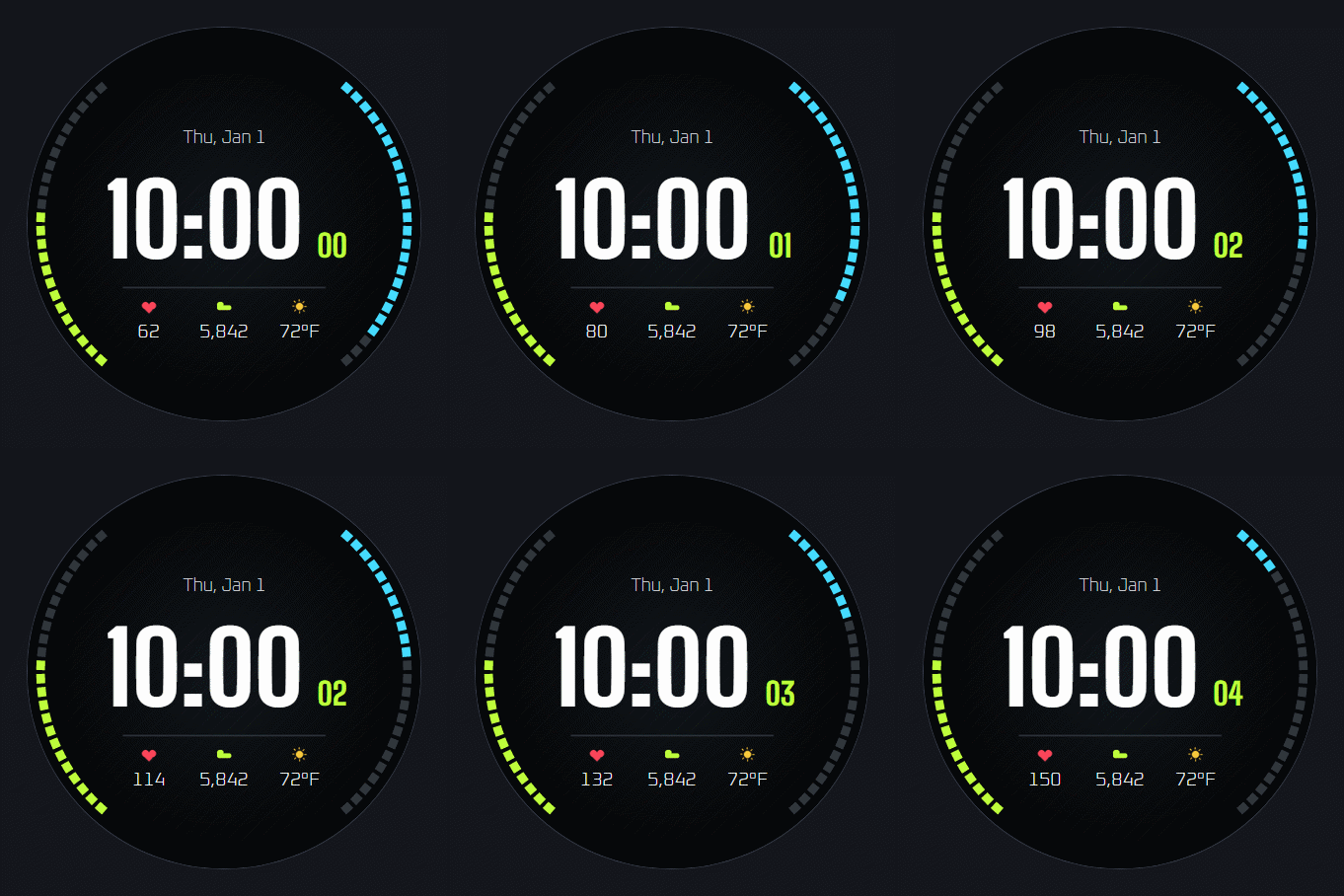
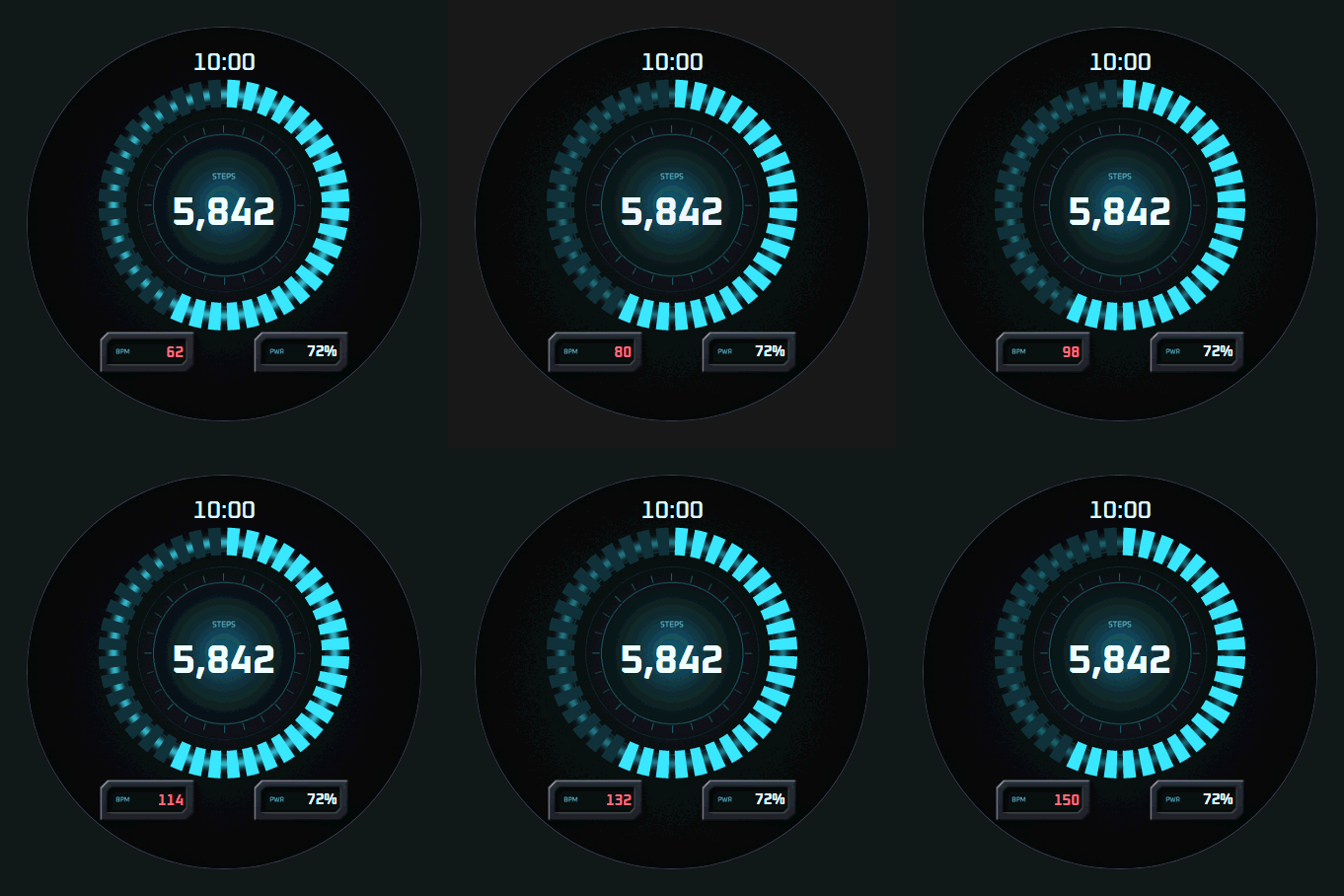
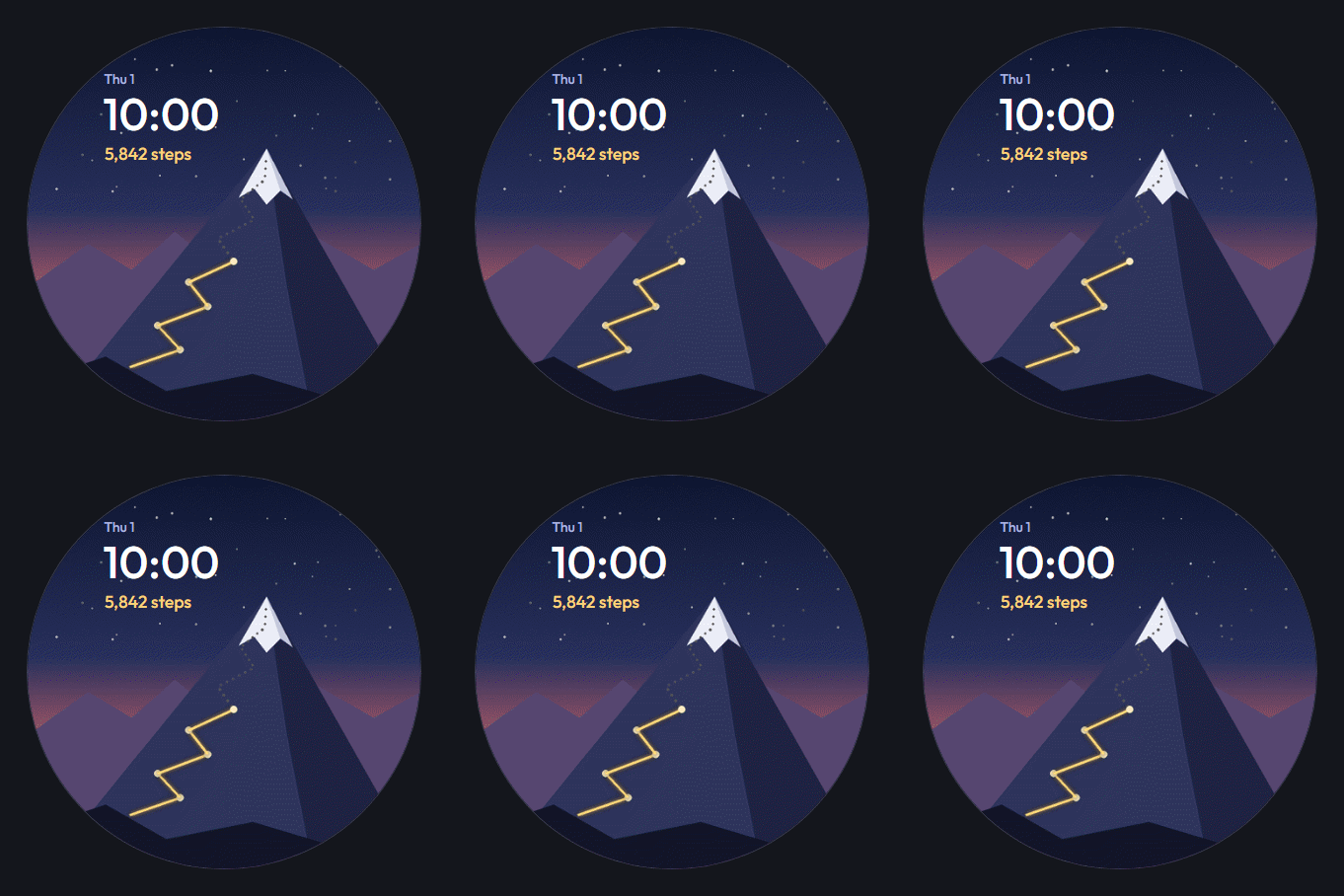
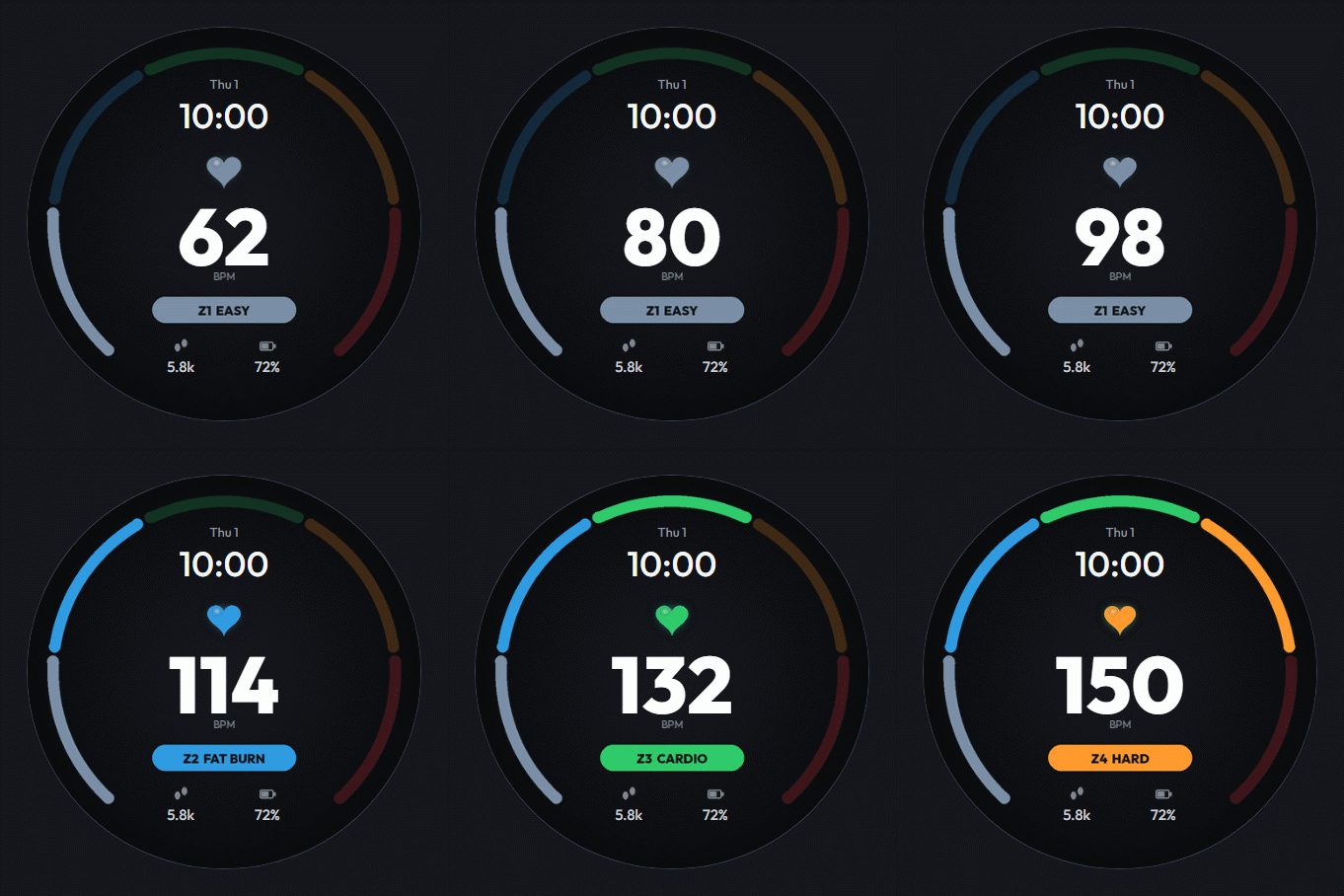
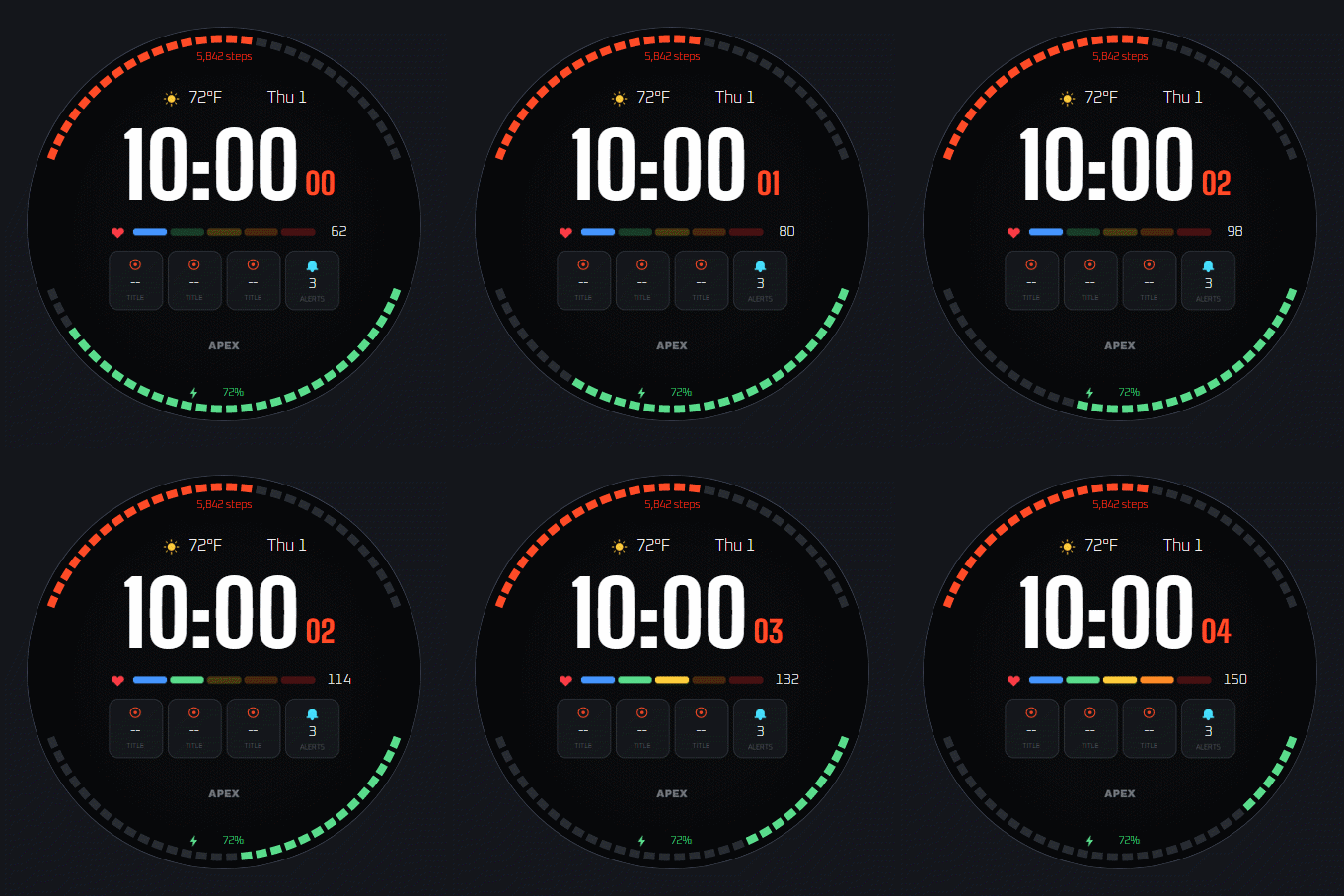
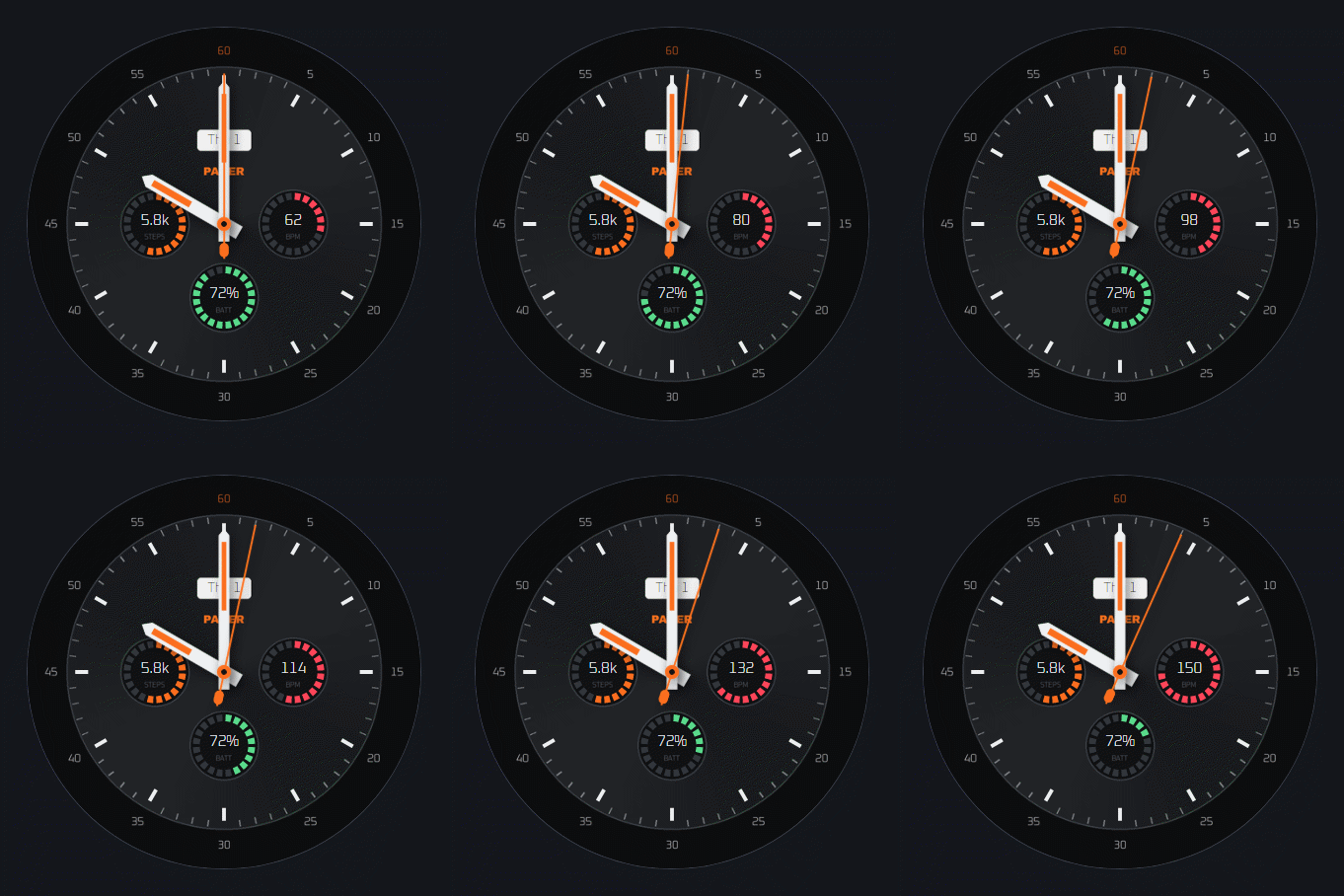
A battle royale HUD for your real day. Your shield is the battery and your health bar fills as you walk toward your step goal, with heart rate underneath. Six accent colors to match your squad.
What's on this face
- Display
- Digital time, Date display
- Readouts
- Battery, Heart rate, Step count
- Customization
- Customizable colors
- Ambient
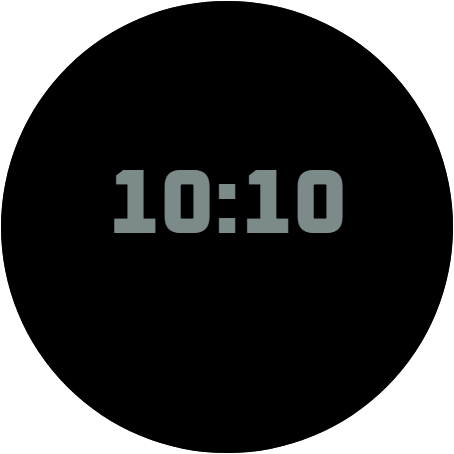
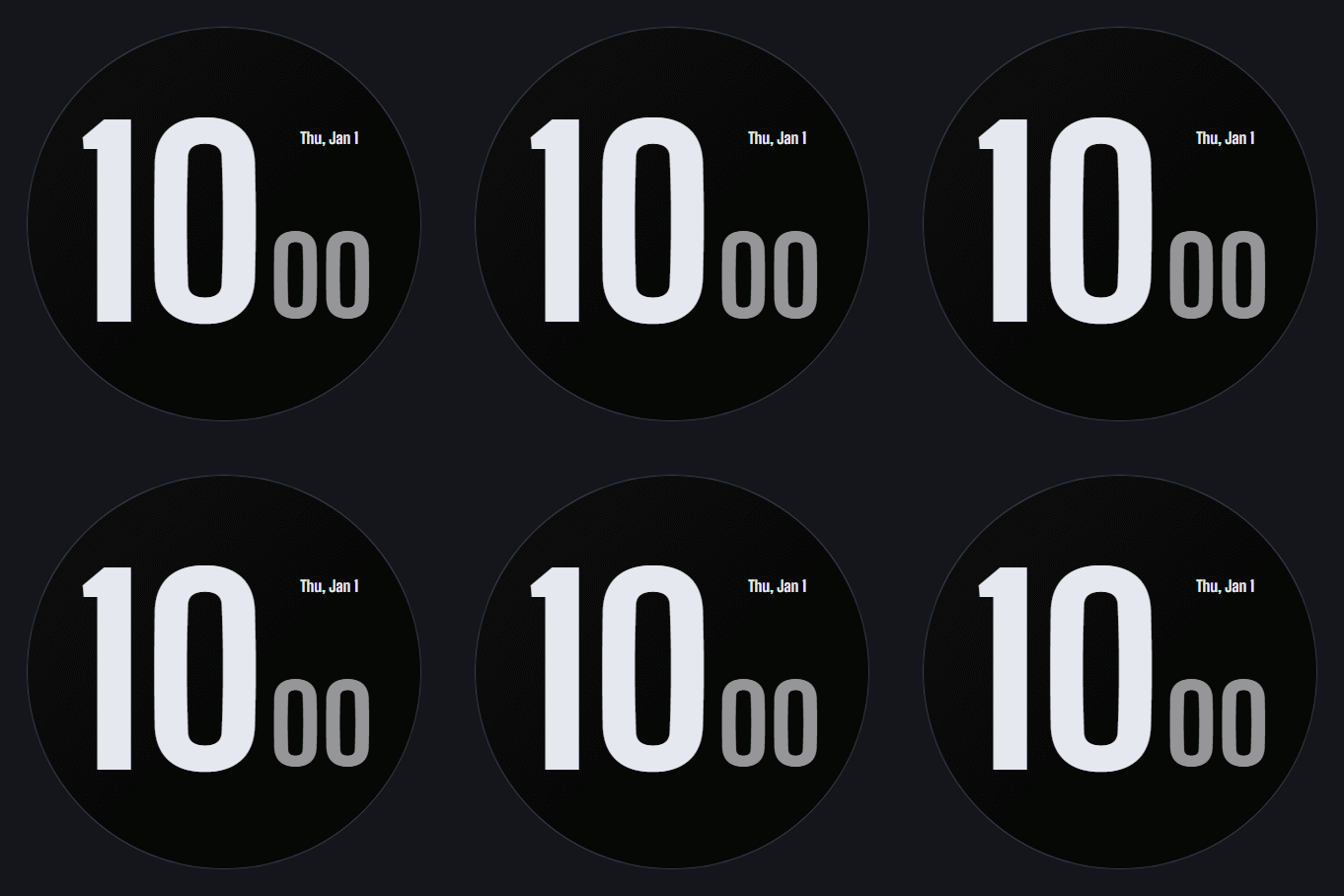
- Custom always-on treatment
Browse similar
How to install
- Install Face Hub from Google Play on your watch (or phone, it installs to both).
- Find Drop Zone in the catalog and tap Get.
- It is on your wrist a few seconds later. Long-press the face to customize it.
Made in WristForge
Every face here was built in a free visual editor. Make your own.
Layers, live watch data and a real Timeline, built for Wear OS and Amazfit. No code. Publish to Face Hub, or ship it on Google Play or the Zepp Store yourself.