Digital watch face
Birthstone
by WristForge
Open Face Hub on your watch or phone and search for “Birthstone”. Needs Wear OS 6 or newer.
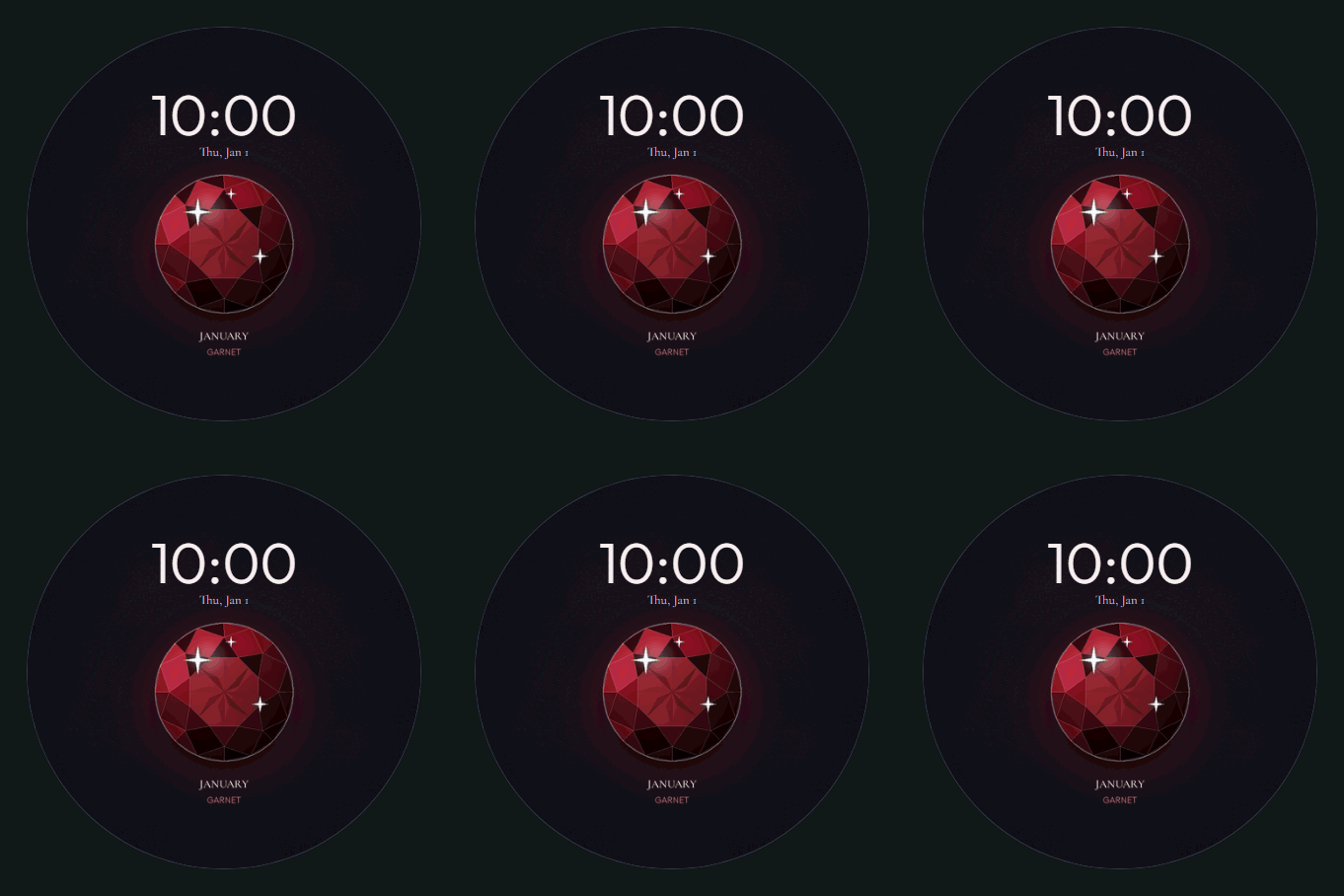
A faceted gem sparkles on black velvet, and it changes every month to that month's birthstone, from garnet in January to tanzanite in December. The month and the stone are named underneath.
What's on this face
- Display
- Digital time, Date display
- Ambient
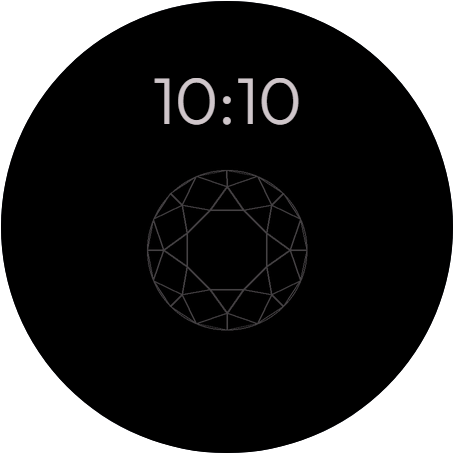
- Custom always-on treatment
How to install
- Install Face Hub from Google Play on your watch (or phone, it installs to both).
- Find Birthstone in the catalog and tap Get.
- It is on your wrist a few seconds later. Long-press the face to customize it.
You might also like
All watch faces
Block
by WristForge
Free
8 installs · 2 likes
Pocket
by WristForge
Free
7 installs · 1 likes
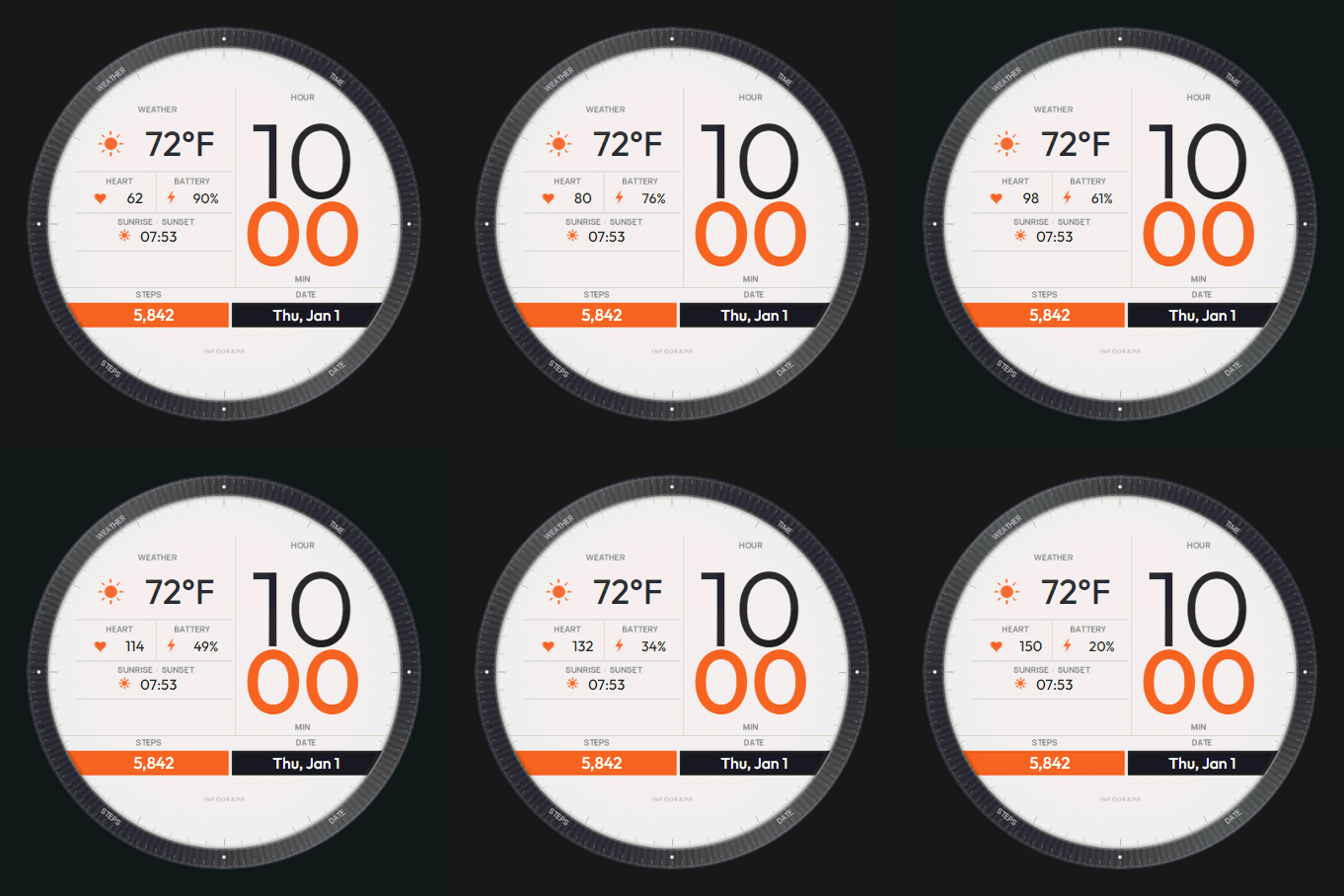
Infograph
by WristForge
Free
2 installs · 1 likes
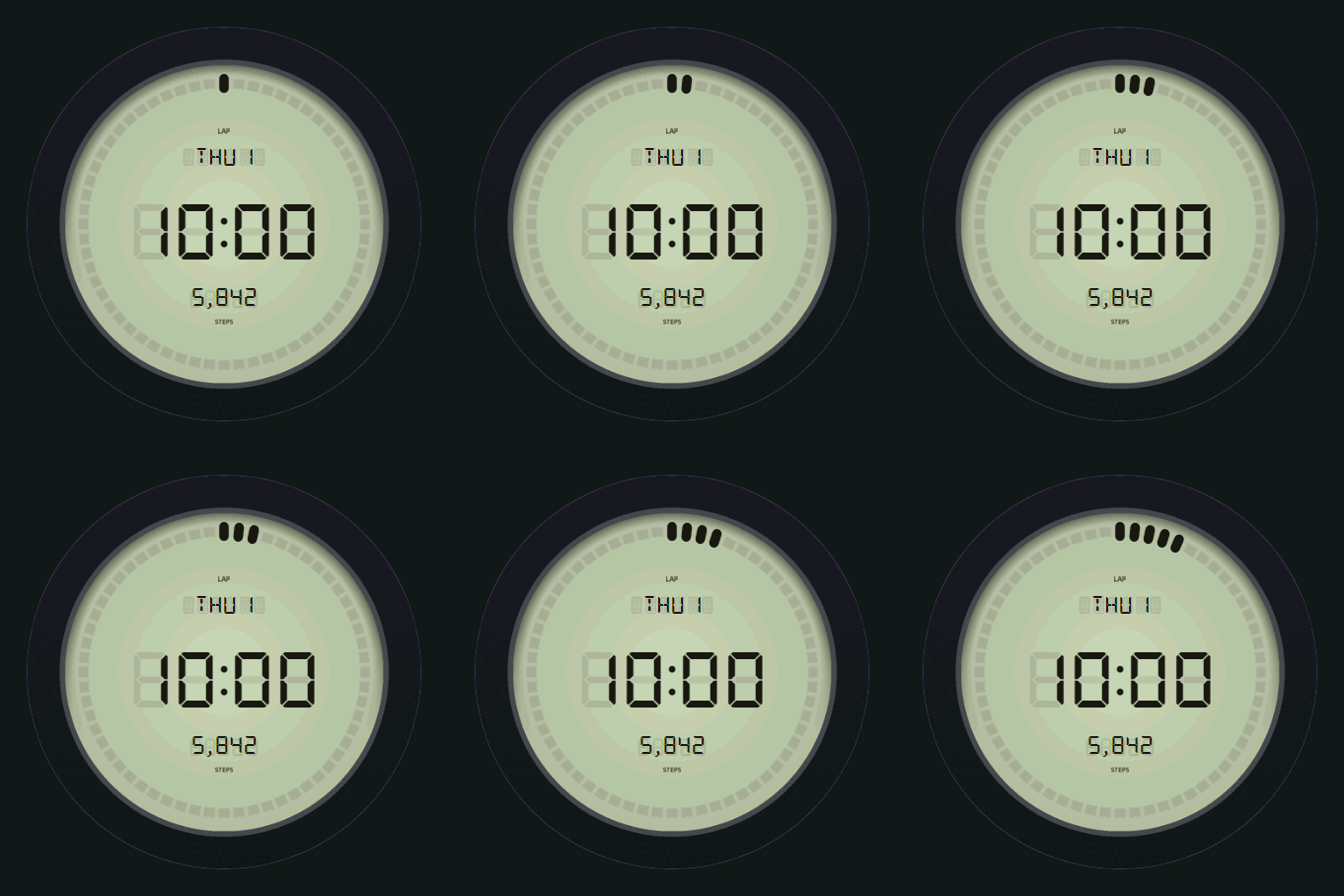
Split
by WristForge
Free
2 installs · 1 likes
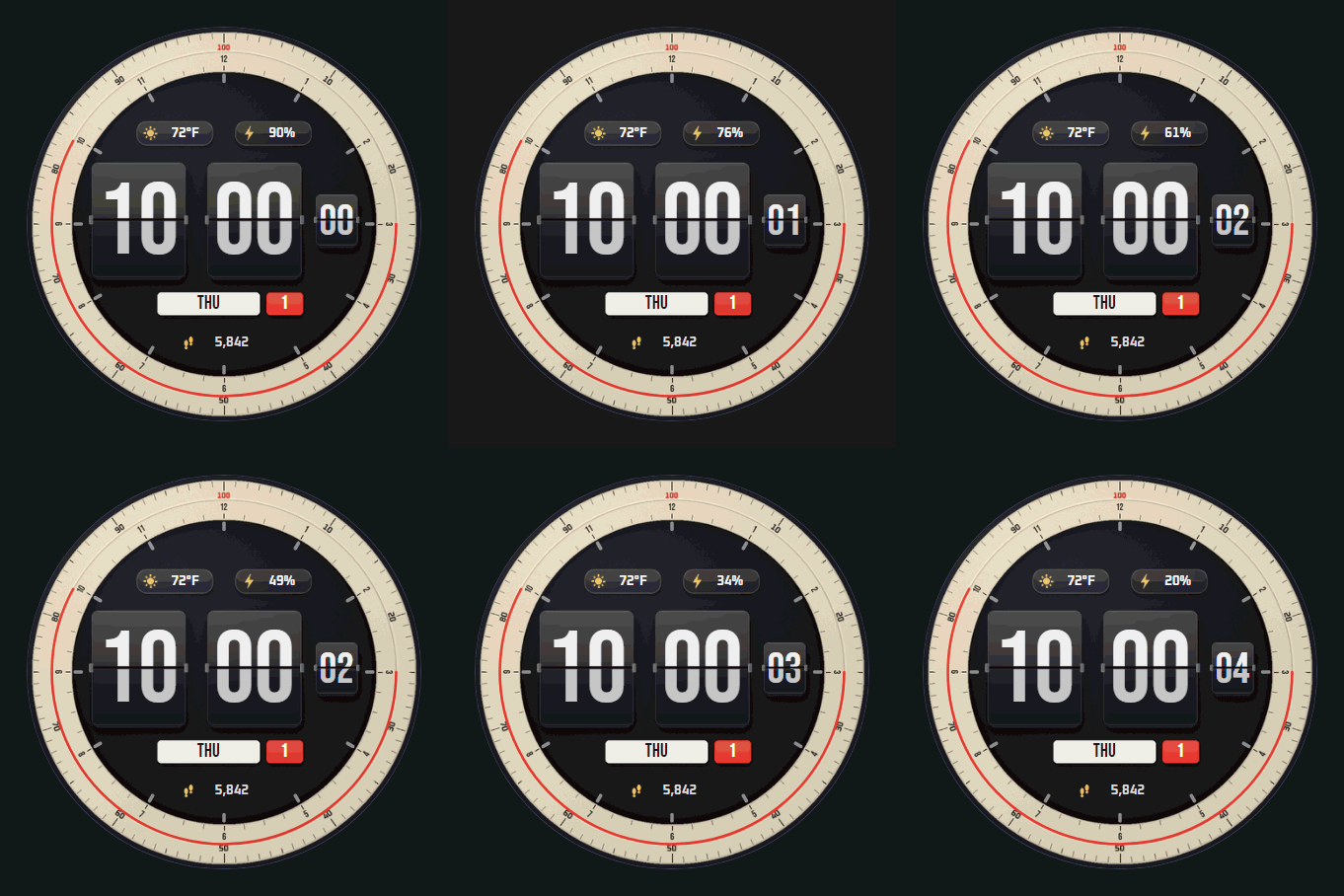
Slide Rule
by WristForge
Free
1 installs · 1 likes
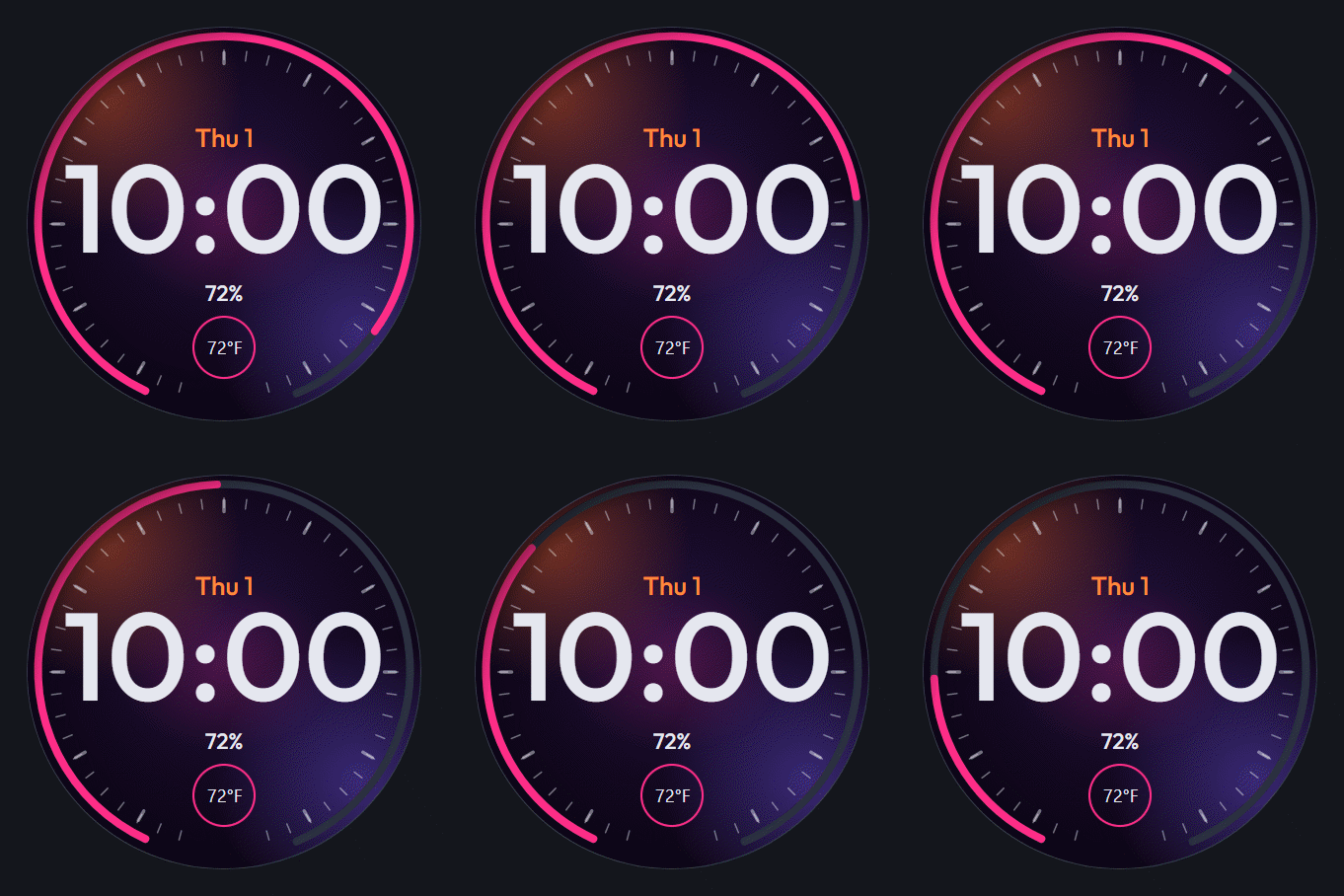
Sunset Pulse
by WristForge
Free
2 installs · 1 likes
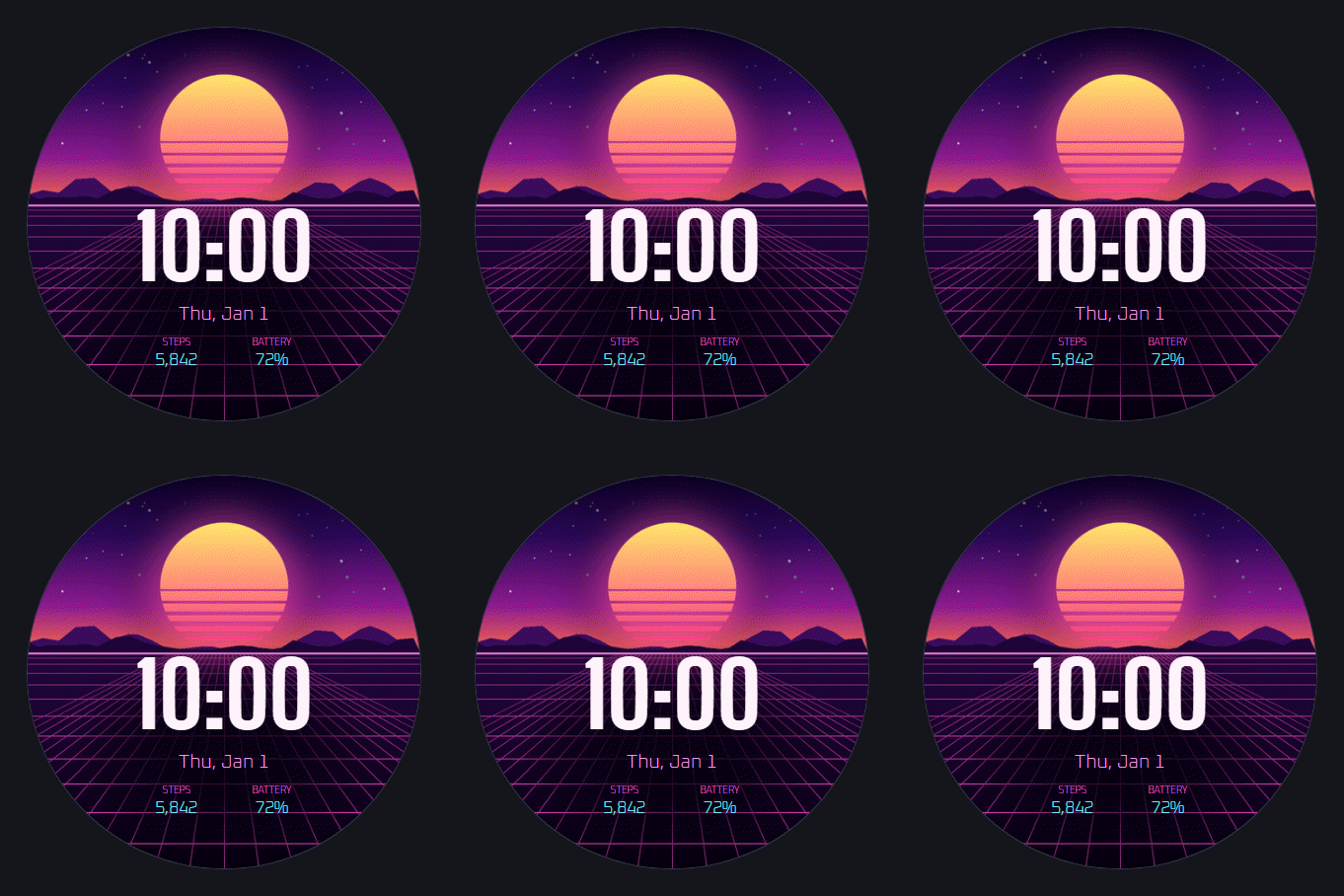
Sunset Grid
by WristForge
Free
1 installs · 1 likes
Made in WristForge
Every face here was built in a free visual editor. Make your own.
Layers, live watch data and a real Timeline, built for Wear OS, Amazfit and Garmin. No code. Publish to Face Hub, or ship it on Google Play or the Zepp Store yourself.